35
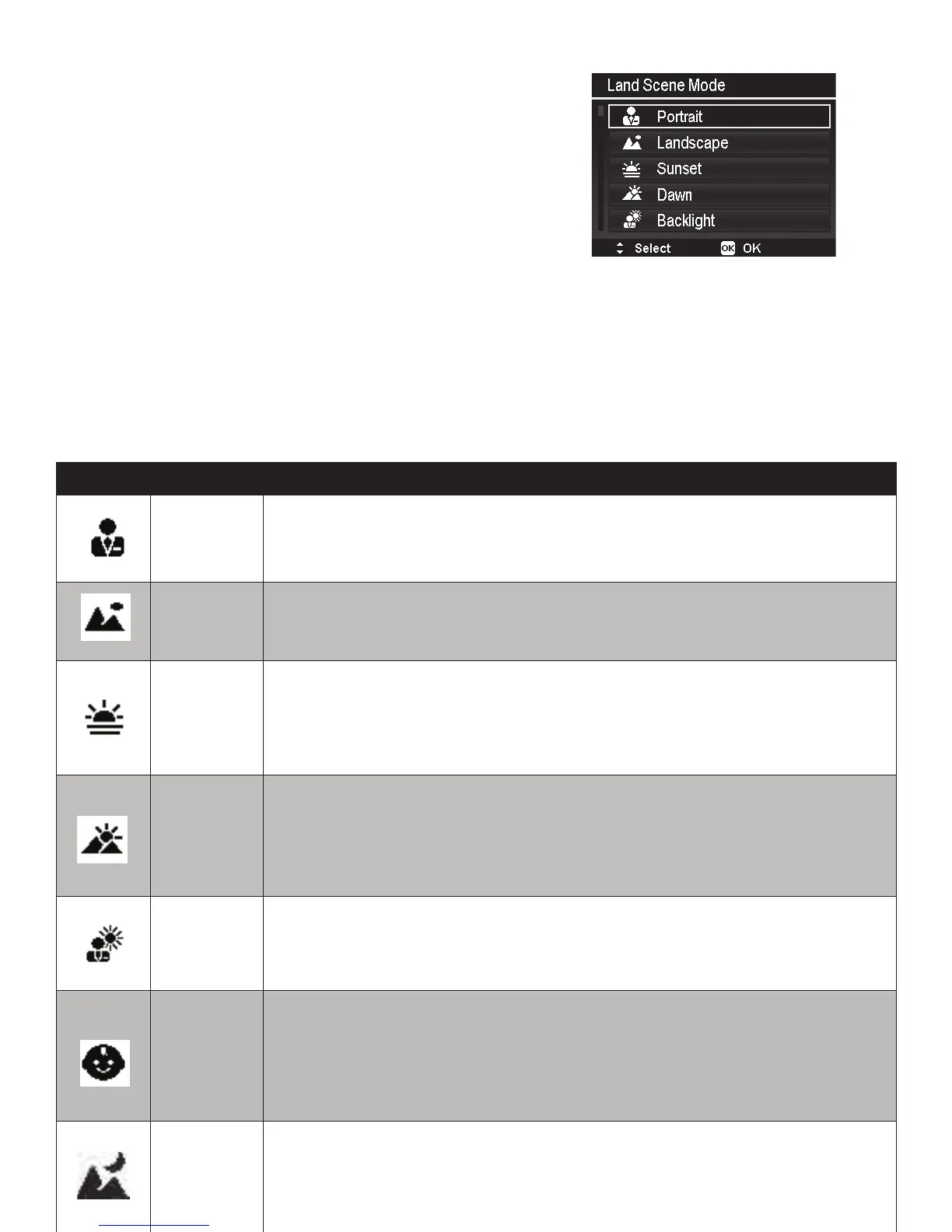
Setting the Land Scene Mode - SCN
Selectamong25commonlandscenemodes.Each
scenemodeautomaticallyadjuststhecamera
settingsforaspecicshootingcondition.
Theselectedscenewillbesavedwhenpoweringoff
thecameraorreturningtotheSCNmodelateron.
1. TurntheModedialtoiconSCNtoenterlast
usedScenemode(Default:Portrait).Push
Menubuttontoselectotherscenemodes.
2. Usethenavigationcontrolstomovethrough
theselection.
3. PushtheOK buttontosaveandactivatethe
selectedscenemode.
Thetablebelowshowstheavailablescenemodesettings.
Icon Item Description
Portrait
Thecamerafocusesonthepersonintheforegroundwhileblurringthe
background.
Landscape
Thisfeatureisusedtoemphasizewidescenicviews.Thecamera’sfocus
lockstoinnityandashisdisabled.
Sunset
Thisfeatureenhancesthenaturalwarmcolortonesvisibleduringsunsets.
Thecamera’sfocuslockstoinnityandashisdisabled.EVissetto-0.7.
Dawn
Thisfeaturemakestheskymorevisibleandenhancesbluercolortones.
Thecamera’sfocuslockstoinnityandashisdisabled.EVissetto-1.0.
Backlight
Thecameraexposesproperlyonsubjectsstandinginfrontofabright
background.Thecamera’sashisforcedON.
Kids
Thisfeatureenhancesthenightsky.EVissetto-1.0forbetterexposure
ofmoonandstars.Thecamera’sfocuslockstoinnityandashis
disabled.Itisrecommendedtouseatripodorplacecameraonstable
surfacetopreventmotionblur.
Night
Scene
Thisfeatureenhancesthenightsky.EVissetto-1.0forbetterexposure
ofmoonandstars.Thecamera’sfocuslockstoinnityandashis
disabled.Itisrecommendedtouseatripodorplacecameraonstable
surfacetopreventmotionblur.



 To Next Page