72
Resize
Allowsyoutocreateasmallercopyoftheoriginalimage.Smallercopiesareidealforemailing
andsharingphotoswherelesizelimitationsmayapply.Thisfunctionisonlyapplicabletophotos
capturedin4:3imageratio(aspectratio).Theresizedimageissavedasanewle,sotheoriginal
leismaintainedwithoutchanges.
Toresizeanimage:
1. PushthePlayback button
.
2. Usethe
or keystoscrollandselectanimageto
resize.
3. PushtheMenu buttontolaunchthePlaybackmenu.
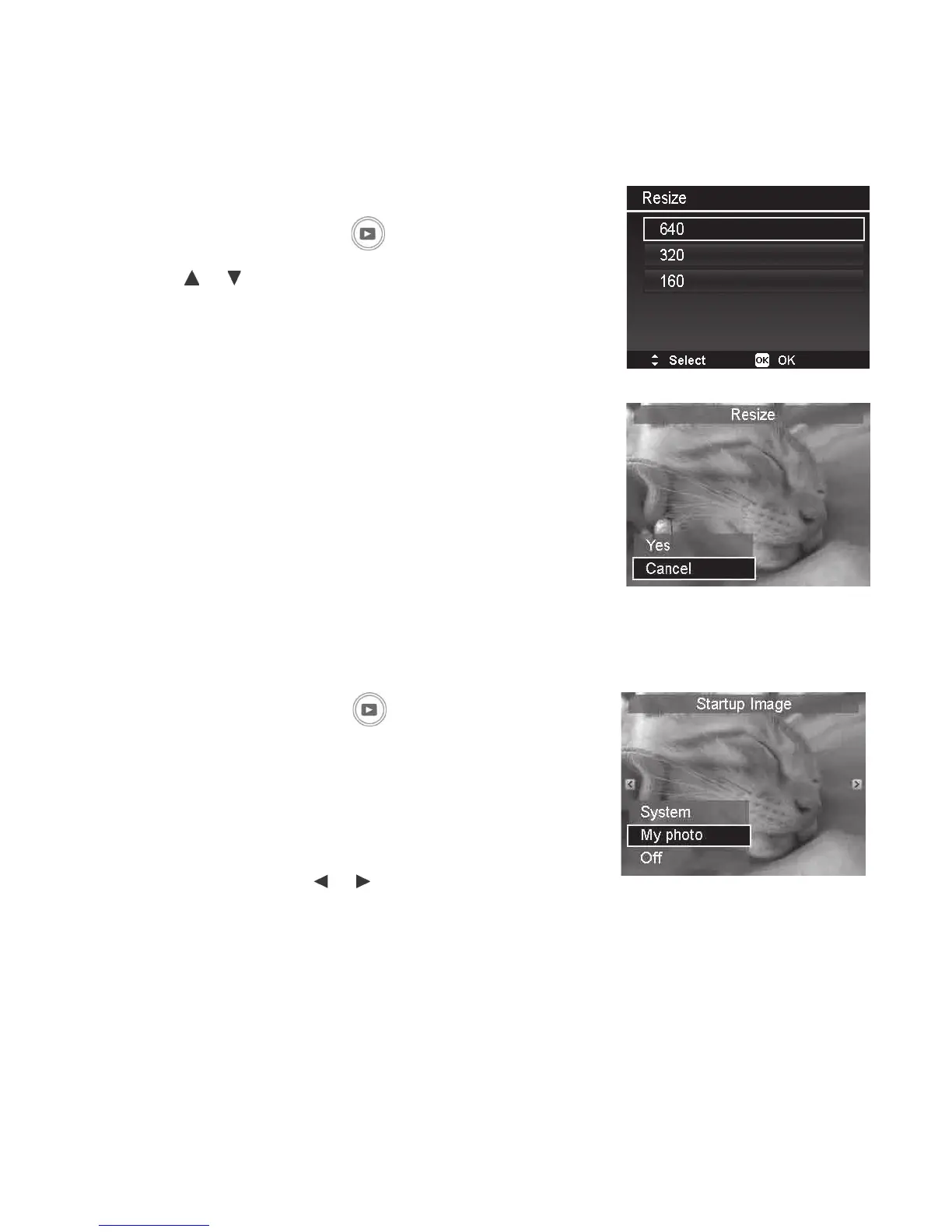
4. SelectResize.TheResizesubmenuisdisplayedon
theLCDmonitor.
5. Selectsizeamong:640(640x480),320(320x240),
and160(160x120).
6. Afterselectingsize,amenuselectionappears.
7. PushtheOKbuttontosave/cancelchanges.
8. Theresizedimageissavedasanewphoto.
Startup Image
YoucanchangetheimagethatappearsontheLCDmonitorwhenpoweringonthecameratoaany
capturedimagessavedinmemory.
1.PushthePlayback button
.
2.PushtheMenubuttontolaunchthePlaybackmenu.
3.SelectStartup Image and thefollowingmenu
selectionappears.
• System:Usecameradefaultimage.
• My Photo: Usethe
or keystoscrolland
selectdesiredimage.
• Off: Disablethestartupimage.
4.PushtheOK buttontoapplychanges.
Note:Thestartupimagewillstillbedisplayedstartupeveniftheselectedimagewas
deleted.



 To Next Page