57
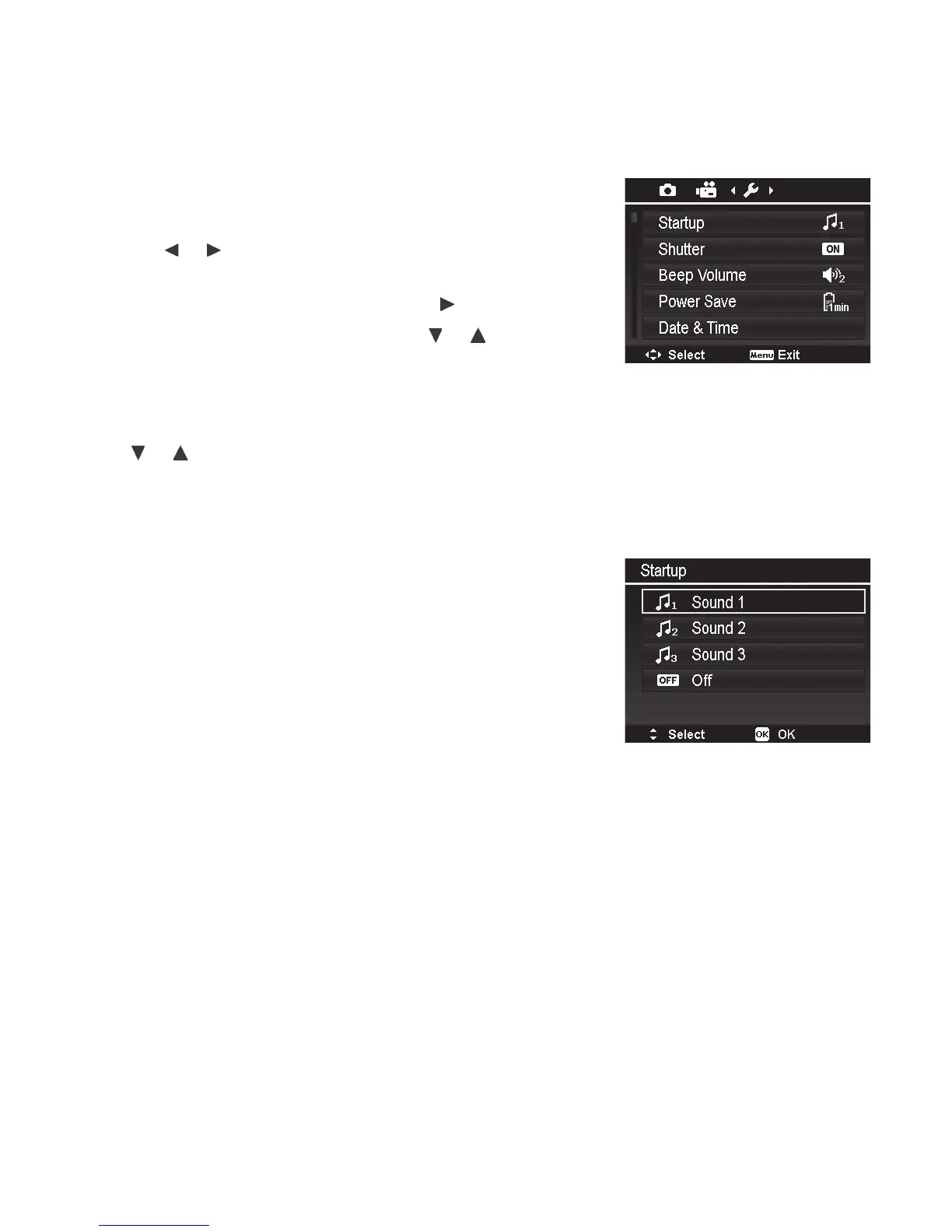
SetupMenu
TheSetupmenuisthelastsectionoftheMainmenuandPlaybackmenu,andallowsyouto
conguregeneralcamerasettings.
TogotoSetupMenu:
1. PushMenubuttontolaunchtheMenu.
2. Usethe
or keystoswitchthemenutabtoSetup
menu.
3. Toselectanitem,PushtheOKbuttonor
key.
4. Changethesubmenusettingsusingthe
or keys.
5. PushtheOKbuttontosaveandapplysettings.
Note:Whenthecameraisinsidetheunderwaterhousing,
usethe or keystoscrollthroughthePhotoandVideo
menusuntilyoureachtheSetupmenu.
Startup
TheStartupsettingcontrolsthesoundwhenthecamerais
poweredon.Selectamong3soundoptionsorturnstartup
soundoff.Sound1isthedefault.



 To Next Page