70
Filter Effects
Theltereffectstoolisonlyapplicabletophotoscapturedin4:3imageratio(aspectratio).Edited
imagesusingthisfunctionaresavedasnewles.
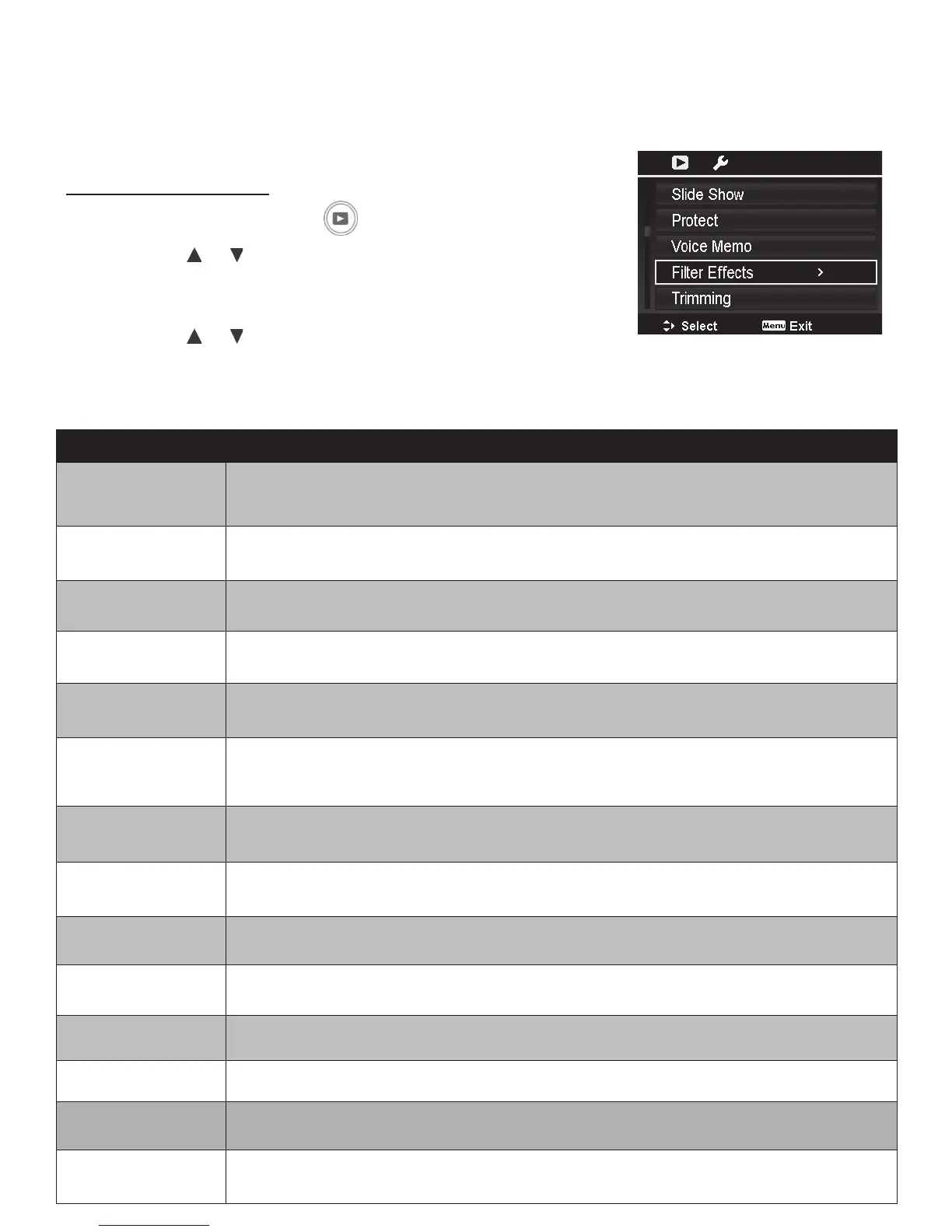
ToactivateFilterEffects:
1. PushthePlaybackbutton
.
2. Pushthe
or keystoscrollandselectanimagetoedit.
3. PushtheMenubuttontolaunchthePlaybackmenu.
4. SelectFilter Effects.TheFilterEffectssubmenuappears.
5. Pushthe
or keystoscrollandOKbuttontoselectan
option.
Thefollowingtableshowstheavailablesettings.
Item Description
High Key Enhancesthebrightnesstoachievealightertone.
Low Key Enhancesthebrightnesstoachieveadarkertone.
Toy Cam Darkensedgesaroundtheimageframeandaltersthecolortones.
Soft Focus Produceshaloaroundthesubjecttoachieveasoftfocuseffect.
Vivid Emphasizesboldcolorsbyaddingcontrastandcolorsaturation.
Miniature Effect
Partsofimagewillbeblurredmakingthescenelooklikeaminiaturescale
model.Itisrecommendedtoapplythiseffectonimagescapturedfromahigh
angletosimulatetheminiatureeffect.
Fisheye Lens Appliesasimulatedsheyelenseffect.
Cross Process Heightensacertaintoneandincreasescontrasttoachieveauniquestyle.
Extreme Color Increasescolorsaturationandcontrast.
Painting Applieswatercoloreffect.
Astral Appliesstarbursteffect.
B&W Convertscolorstoblackandwhite.
Sepia Appliessepiacolortoneeffect.
Color Emphasis
Retainsthecolortoneyouchoosewhiletherestofthescenebecomesblack
andwhite.



 To Next Page