62
Playback
Youcanplaybackthestillimages,videoclipsontheLCDmonitor.
Viewing in Single Navigation
TheSinglenavigationmodedisplaystheimageonebyoneontheLCDmonitor.Toviewimages/video
clips,followthestepsbelow.
1. PushthePlayback button
onthecamera.
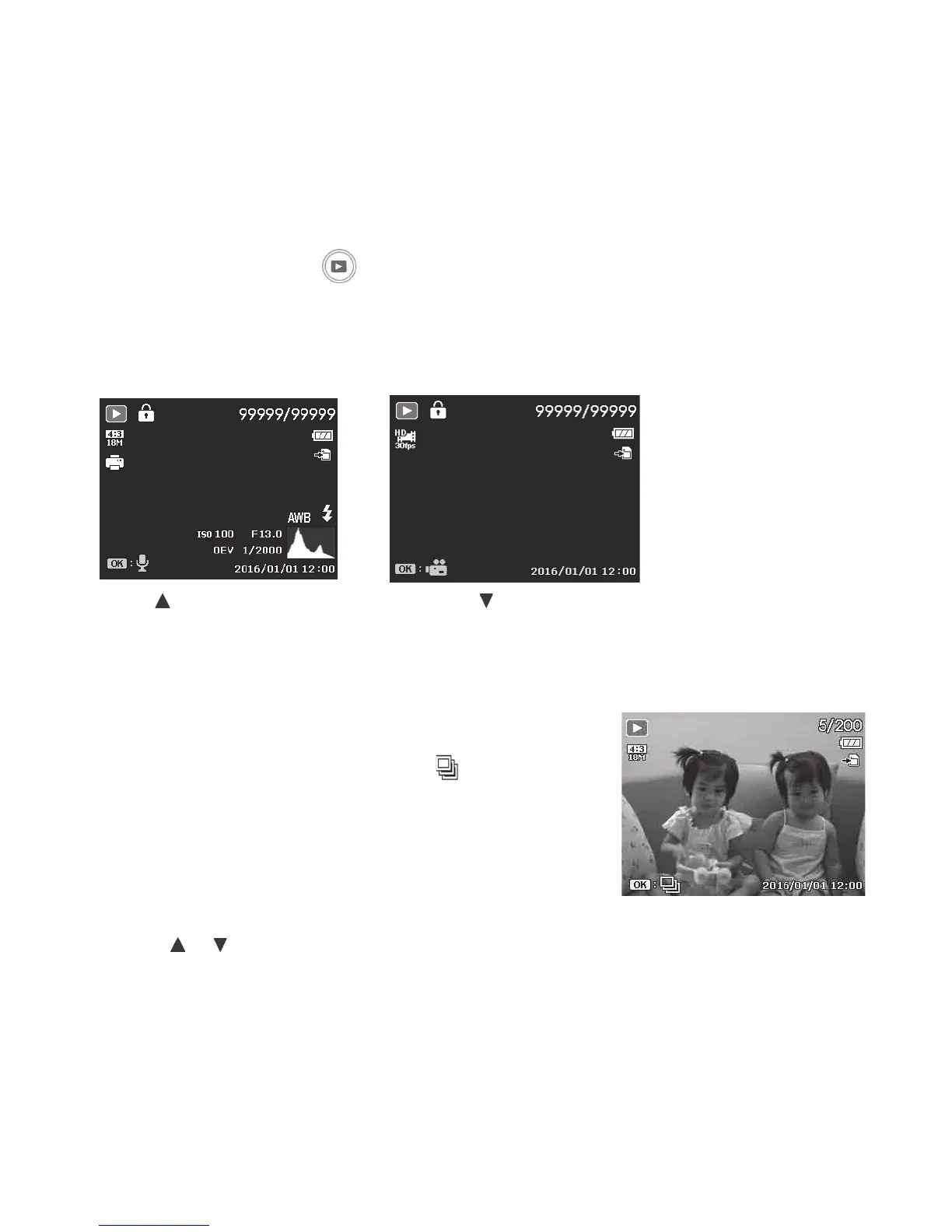
2. TheLCDmonitordisplaysanimage.Tounderstandtheiconsandotherinformationonthescreen,
pleasesee“RecordModeScreen”onpage21.
Still Image Video
3. Usethe keytoviewpreviousimage/videoor keytoviewnextimage/video.
4. Toplayavideoclip,PushtheOKbutton.See“PlayingVideos”onpage64formoredetails.
Viewing Series Photo
AftershootingaseriesofphotosusingContinuousShooting
orSportsmode,thephotoswillbegroupedasasingle
imagecalled“UnexpandedSeriesPhoto”.An
iconwill
appeartoindicateitisaseriesphoto.
ToviewSeriesPhoto,followthestepsbelow.
1. PushtheOKbuttontoexpandtheselectedseries
photo.
2. Usethe
or keystoviewnext/previousimage.
3. PushtheOKbuttontocollapsethephotoseries.



 To Next Page