50
Icon
Icon
Available Settings Description
Superne 5xcompressionrate.
Fine 8xcompressionrate.
Normal 12xcompressionrate.
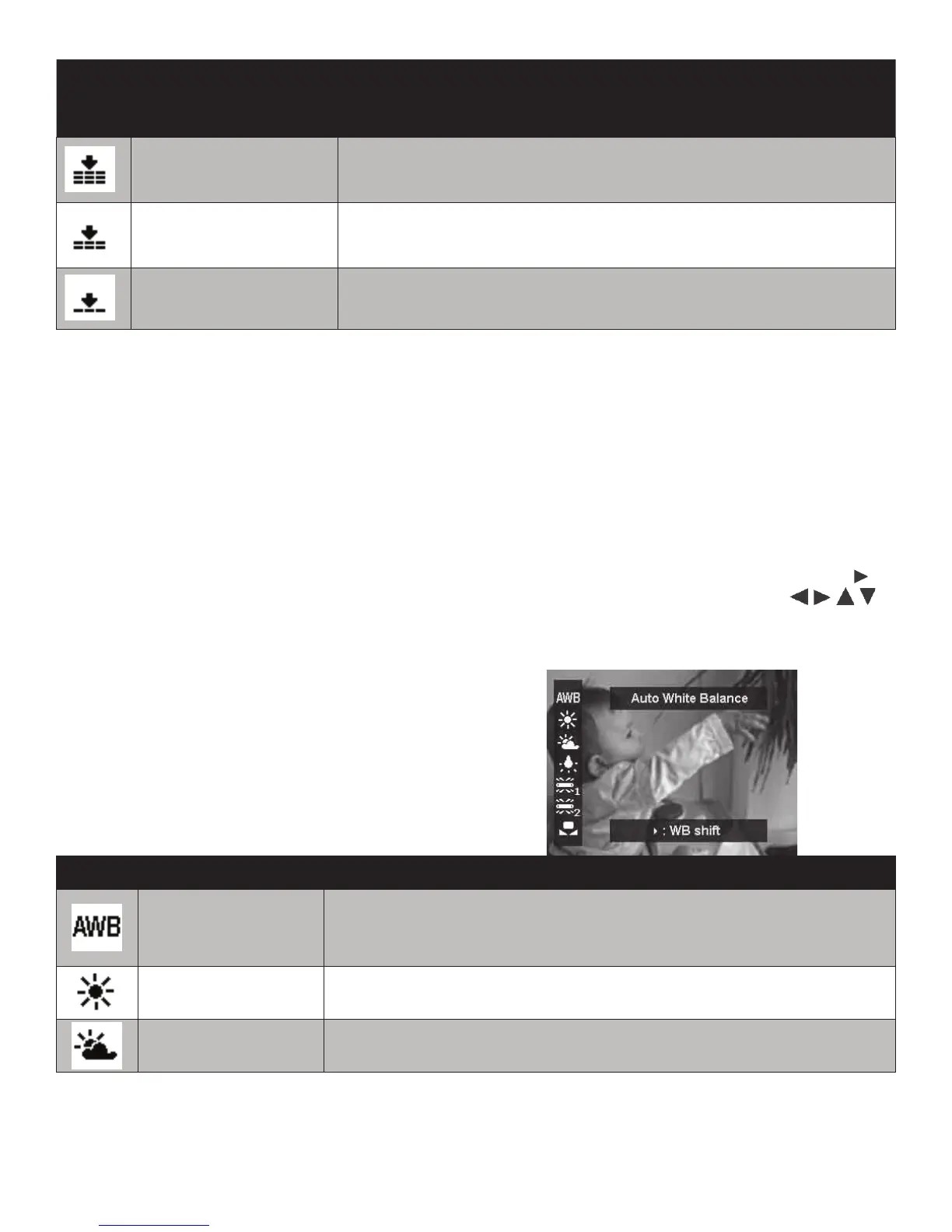
White Balance
Whitebalance(WB)istheprocessofremoving
unnaturalcolorcastscreatedbyvarious
lightingenvironments,sothatobjectswhich
appearwhiteinpersonarerenderedwhite
inyourphoto.Thecamerafeatures6WB
settingsforlandand3forunderwater.The
Customsettingoptionallowsyoutomanually
settheWBusingawhiteslate.
AsyouscrollthroughtheWBsettings,you
canseethecoloreffectontheLCDmonitor.
UnderwaterWBsettingsappearredonthe
LCDmonitoronland,butwillappearnatural
whenviewedunderwater.
TheWBsettingappliestotakingvideosand
pictureswhenashisOFF.Whencamera’s
ashres,theWBislockedtomatchthecolor
temperatureoftheash.
TheAutoWBsetting(AWB)maybene-tuned
accordingtoyourpersonalpreference.Inthe
WhiteBalancemenu,selectAWBandpushthe
keytoenterWB Shift setting.Usethe
keystoselectthedesiredcolorshiftandpushOK
buttontosavethesetting.
Item Description
AutoWhiteBalance
Thecameraautomaticallyadjuststhewhitebalance.Thisis
thedefaultWBsettingandrecommendedformostshooting
environments.AutoWBdoesnotapplyforunderwateruse.
Daylight Idealforoutdoor,sunnyconditions.
Cloudy Idealforoutdoor,cloudyconditions.



 To Next Page