25
RecordingImagesandVideos
Taking Images
Nowthatyouarefamiliarwithcameracontrolsandmenulayout,herearesomemoreimportant
detailsonusingthecamera.
1. PushandholdthePower button to poweronthe
camera.
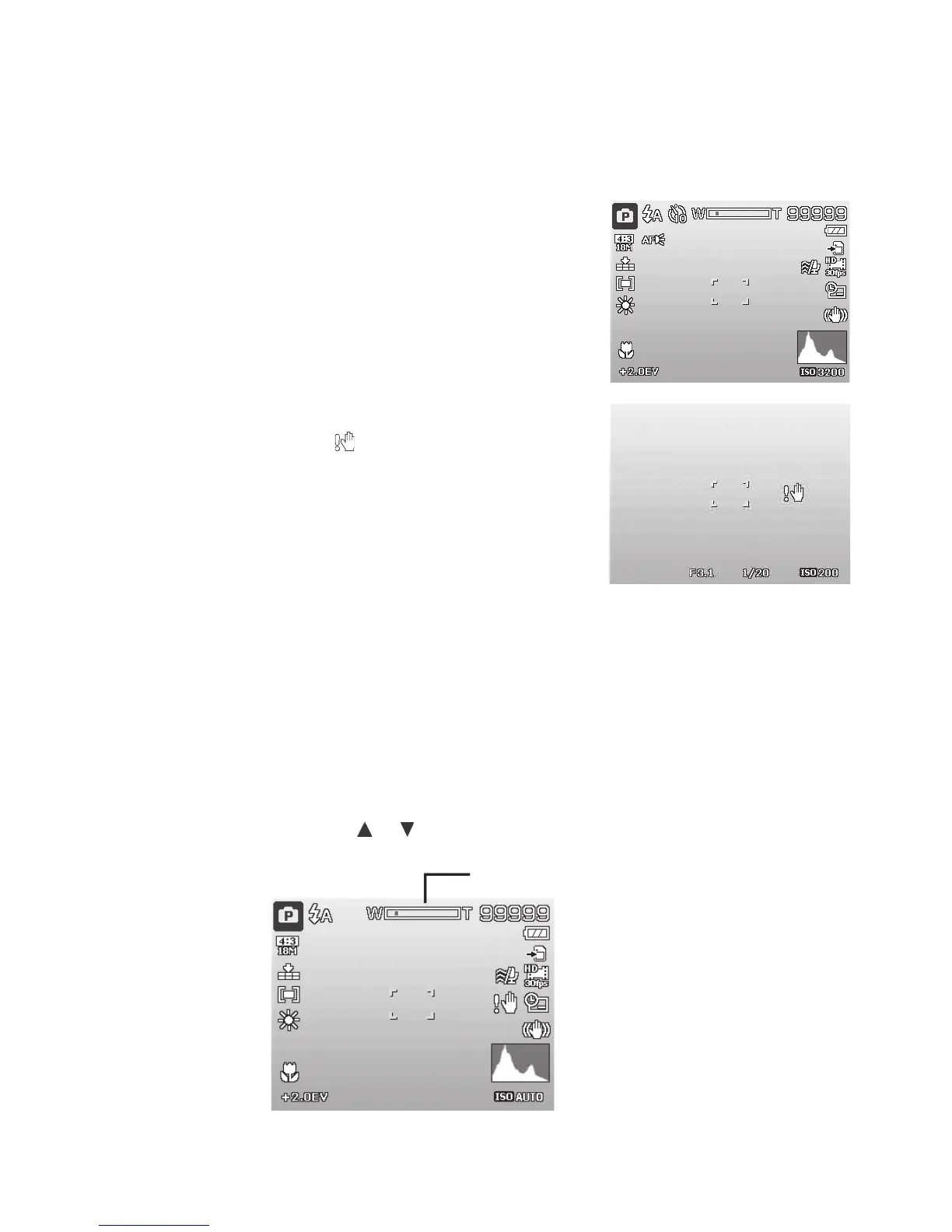
2. Composetheshotusingthefocusbracketonthe
LCDmonitor.Seeillustrationontheright.
3. PushingtheShutter buttondownhalfway
automaticallyfocusesandadjuststheexposure,and
PushingtheShutter buttondownfullycapturesthe
images.
Whentheshakewarningicon
appears,holdthe
camerasteady.Itisrecommendto,turnonFlashor
useatripodtostabilizethecameratopreventblurred
images.
Whenpushingtheshutterhalfway,thefocusbracket
turnsgreenifthecamerahasfocussedonasubject
andredifthecamerawasunabletofocusaccurately.
Commoncausesforaredfocusbracketincludeincorrect
focussetting,insufcientlightingorsubjecthaslow
contrast(i.e.whitewall)
Setting the Zoom Control
Usethezoomfeaturetomagnifyfar-awaysubjects.Toadjustthezoom:
1. TurnONzoomsettingbypushingtheMenubuttonandscrollingdownto“DigitalZoom”.Asa
shortcut,mayalsopushtheOKbuttontoturnzoomONorOFF.
2. Oncezoomisactivated,push
or keystoincreaseordecreasezoomfrom1xto3x.
3x zoom



 To Next Page