41
SportyBurst
60
Usethisfeaturetocapture25photosat60fps.Eachimagesizeis2M
(1920x1080)resolution.
SportyBurst
120
Usethisfeaturetocapture50photosat120fps.Eachimagesizeis
0.3MVGA(480x640)resolution.
SmartSelect
Capturephotosinanysizeat10fps.Pushandholdtheshutterbuttonto
startcontinuousshooting.Thecamerawillcapture5photosandONLY
savethesharpestoneoftheseries.Theother4photoswillbeerased
automatically.
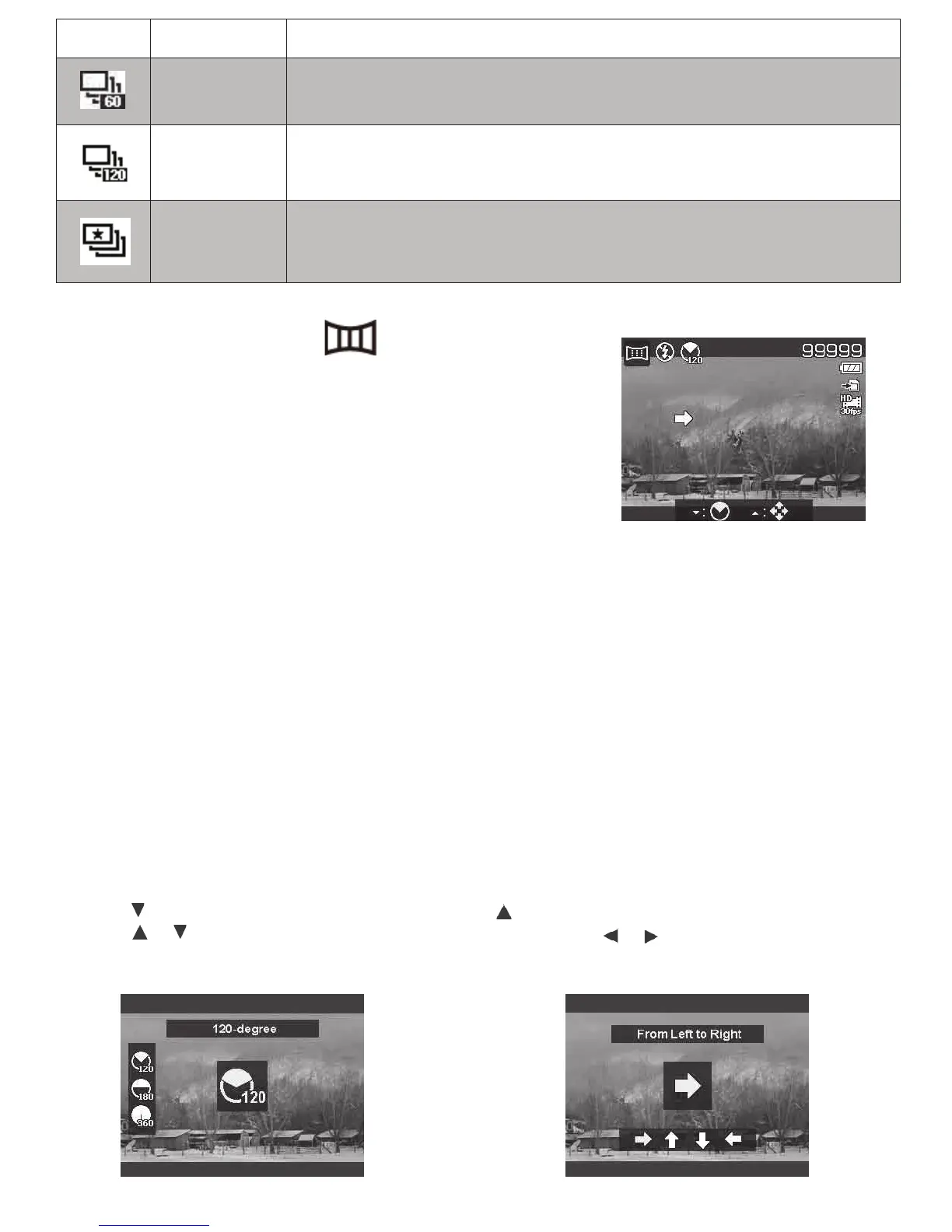
Using Panorama Mode -
Note:
•Theactualsizeofstitchedimagesmaybedifferentduetothepanoramicangleandprocessing.
•Itisrecommendedtouseatripodtostabilizethecamera,andmovethecameraslowly.
•Thelongesttimeofcapturingisapproximately30seconds.
•IfyouselectFromToptoBottomorFromBottomtoTopin360-degreepanorama,itisrecom-
mendedtoturnthecameraover90degreesinordertomakesurethestabilityduringcapturing.
•InPanoramamode,unevenbrightnessmayresultindifferencebetweenthecapturedimageand
itsactualscene.
Tostitchthestillimage
Usethisfeaturetocreateapanoramicphotofrommul-
tipleshotsthatthecamerastitchestogetherintoone
singleimage.
2. PushkeytolaunchtheDirection
Menu.Usetheorkeystoselectoptions.
PushtheOKbuttontosaveandapplychanges.
1.PushkeytolaunchtheAngle Menu.
Usetheorkeystoselectoptions.
PushtheOKbuttontosaveandapply
changes.



 To Next Page