54
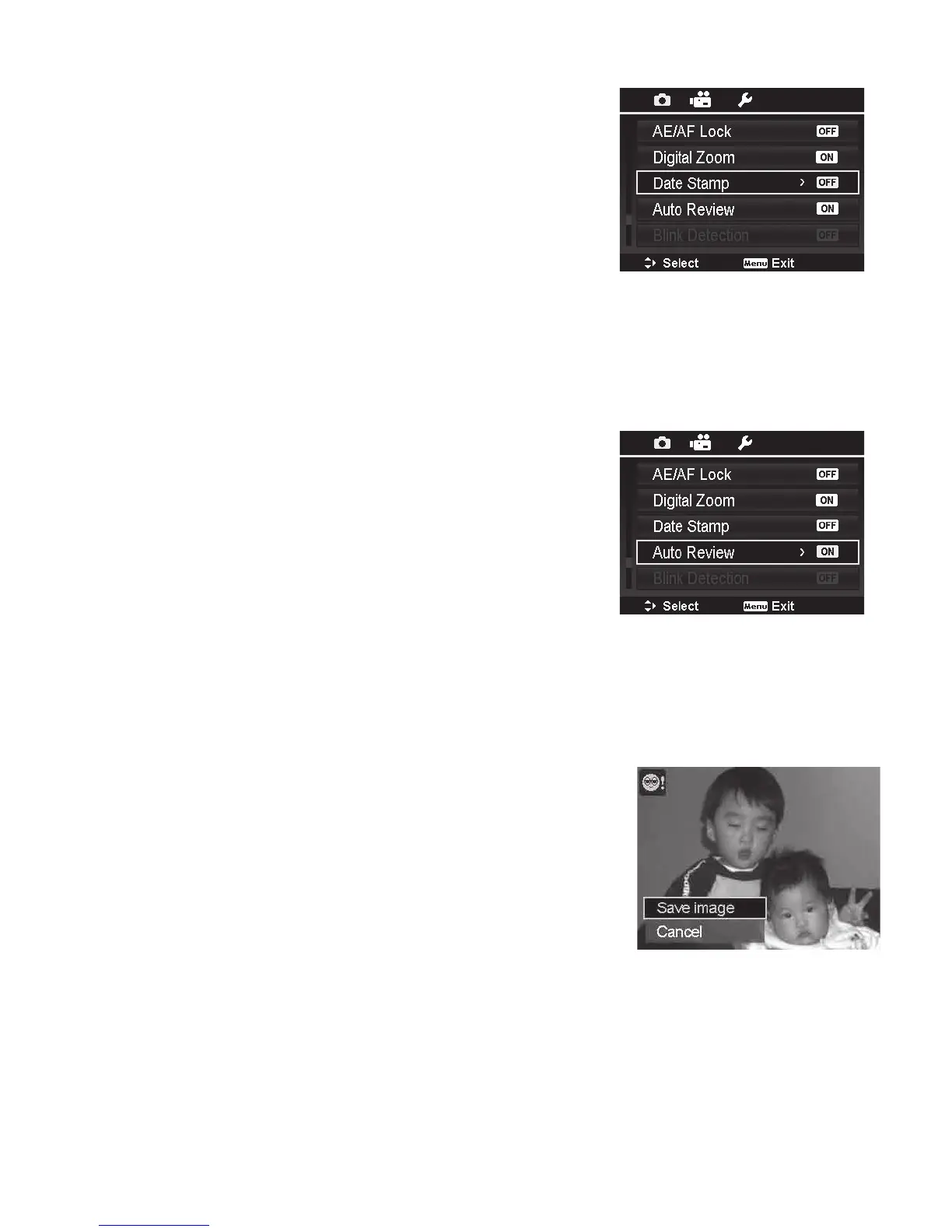
Date Stamp
Thedateofrecordingcanbeprinteddirectlyonthestill
images.Thisfunctionmustbeactivatedbeforetheimage
iscaptured.Oncedateandtimearestampedonanimage,
theycannolongerbeeditedordeleted.
LimitationsofDateStampfunctionsareasfollows:
• Availableforstillimagesonly.
• ThisfeaturedoesnotapplytoNightScene,Sports,
NightPortrait,BackgroundDefocus,HDR,TimeLapse,
GIFCapture,Panorama,andContinuousShooting.
• Whencameraisheldvertically,thedate/timestampon
yourimagesstillappearhorizontally.
Auto Review
TheAutoReviewfunctionletsyouviewthecapturedimage
rightaftershootingit.
IfAutoreviewisOn,thecamerawilldisplaythecaptured
imagefor1 secondontheLCDmonitor.
Blink Detection
BlinkDetectionenablesthecameratodetectifthesubjectseyesareclosedaftertakingapicture.If
closedeyesaredetected,a“SaveImage”conrmationappearsonthescreen,allowingyoutosave
theimageorcancelandre-taketheshot.BlinkDetectionappearsinPhotomenuonlywhenFace
Trackingisturnedon.
ToactivateBlinkDetection
1.EnableFace-TrackingsettingintheAFAreamenu.
2.EnableBlinkDetectionfromPhotomenu.
3.HalfPushtheShutter button tofocusthesubject.
Thebracketturnsgreentoindicatefocusisset.If
bracketturnsred,conrmthefocussettingisset
correctlyandthereissufcientlighting/contrast.
4. PushtheShutter button tocapturetheimageand
automaticallysavetheImage.
5.Ifthecameradetectssubjectblinkedeye,a“Save image”or“Cancel”optionappearsonthe
screen.
6.SelectSave imagetosaveorCanceltodisregard.



 To Next Page