29
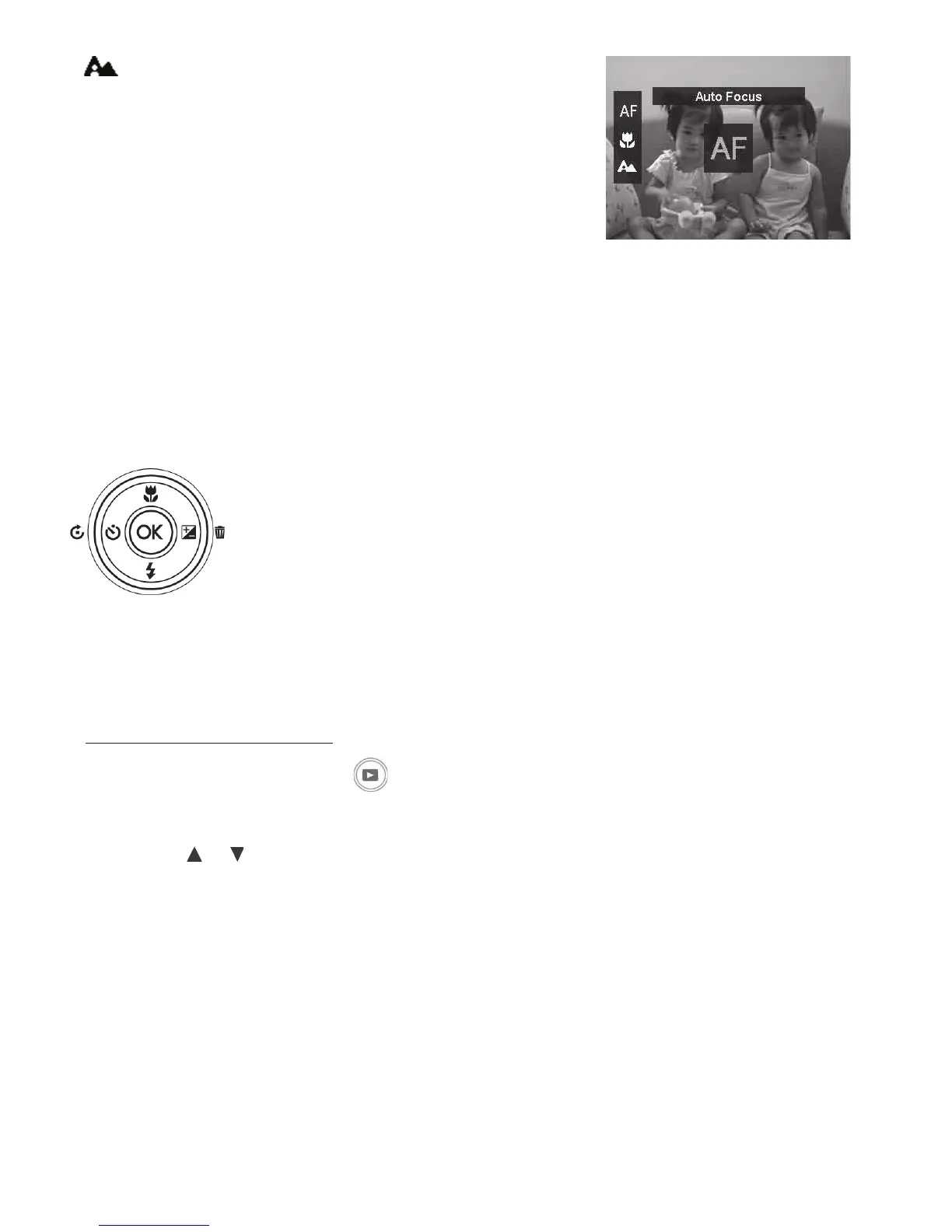
Innity - Usethisforshootinglandscapesandmoving
objectsbeyond3ft(90cm)shootingdistance.Thecamera
willlockthefocussoallsubjectsareinfocusfrom3ft
(90cm)
Note:ThisfunctionisonlyavailablewhentheZoomisturnedOFF.
Using the Delete Button
UsetheDeletebuttononyourcameratodeleteapictures,videosandaudio
clips.
TheDeletefunctionallowsyoutoremoveunwantedlesfromthecamera’smemory.Protected
lescannotbeerased,todelete,unprotectthelerst.See“Protect”onpage68.
Todeleteanimage/videoclip:
1. PushthePlayback button onthecamera.
2. Viewimages/videosclipsinSinglenavigationmode.
3. Usethe
or keystoscrollthroughimages/videos.
4. Whentheunwantedimage/videoclipisdisplayedontheLCDmonitor,PushtheDelete/
Rightbutton.
5. Aconrmationselectionappearsonscreen.
6. ToclosetheDeletefunctionandgobacktothesinglenavigationmode,PushMenu button.



 To Next Page