46
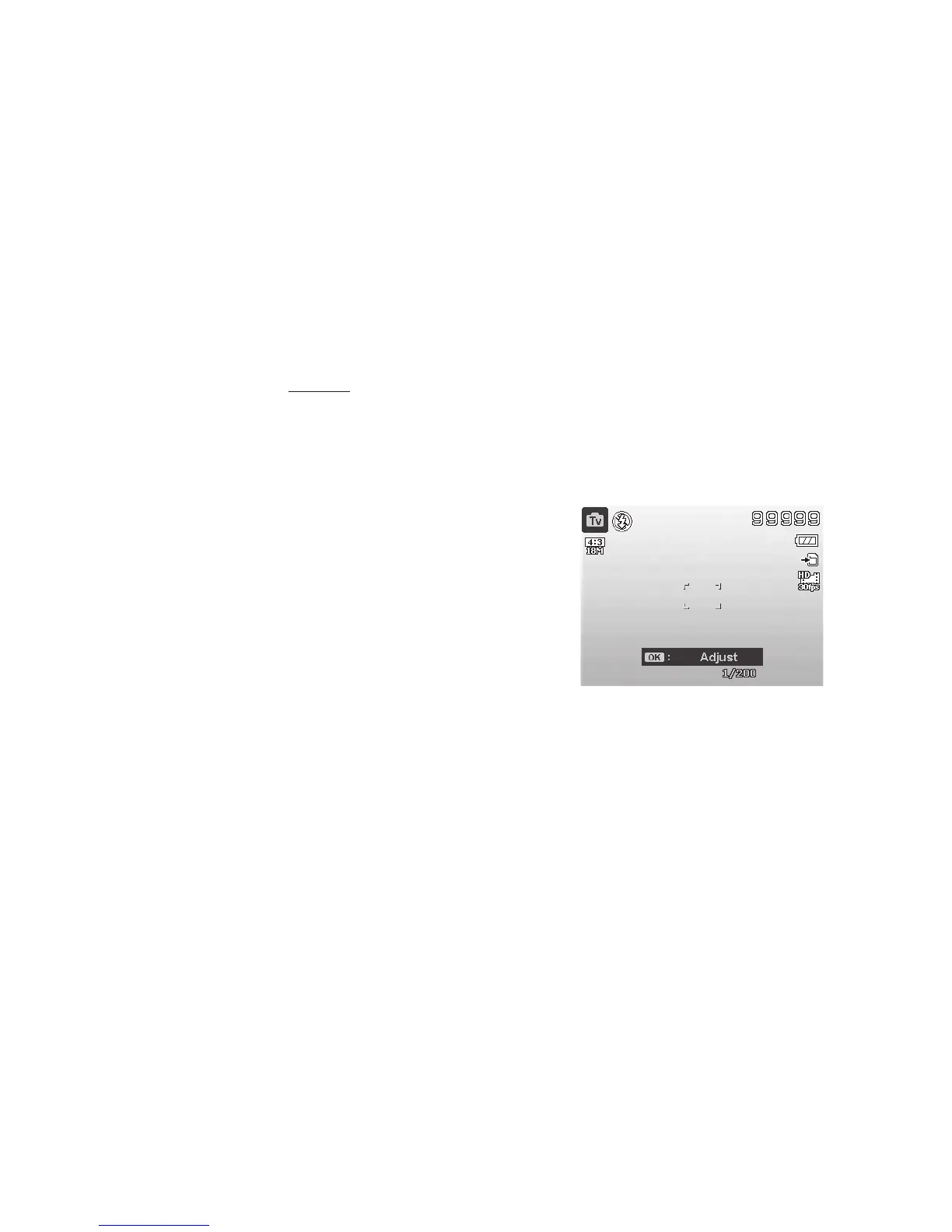
Using Shutter Priority Mode - S
Thismodeallowsyoutoadjusttheshutterspeedvaluewhilethecameraautomaticallyadjuststhe
aperturetoachieveproperexposure.Afastershutterspeed,like1/1000second,isusefulforcaptur-
ingfastmovingobjects,likefreezingthemotionofaracecarspeedingby.Aslowershutterspeed
createsasenseofmotion,likewaterowing.
ShutterPrioritymodemaybeusedforcapturingunderwaterpictures,however,itwillbenecessaryto
changethefollowingsettings:
WhenusingShutterPrioritywithanexternalashaccessory,turnashsettingtoForcedON.Youwill
needtosynchronizeyourexternalashwiththecamera’sinternalashbecausethereisapre-ash
whenashresinShutterPrioritymode.
WhenusingShutterPrioritywithoutanexternalash,keepthecamera’sinternalashOFFand
changethewhitebalancesettingtoBlueWaterDeep,BlueWaterShalloworGreenwateraccording
towaterconditionsanddepth.
Tosetshutterspeedvalues:
1. TurntheModedialto“S”forShutter
Speed Priority.
2. PushOK button toenterAdjustmentmode,
then,useUp/Down button toselectthe
desiredshutterspeed.
3. FullypushtheShutter buttontocapturethe
image.
Displays the shutter value



 To Next Page