66
Playing Voice Memo
Voicememoisseparatelyrecorded.wavaudioleandattachedtoacapturedimage.See“Voice
Memo”onpage69onhowtorecordvoicememo.
1. PushthePlayback button
onthecamera.
2. Use
or keystoscrollthroughthesavedimages.
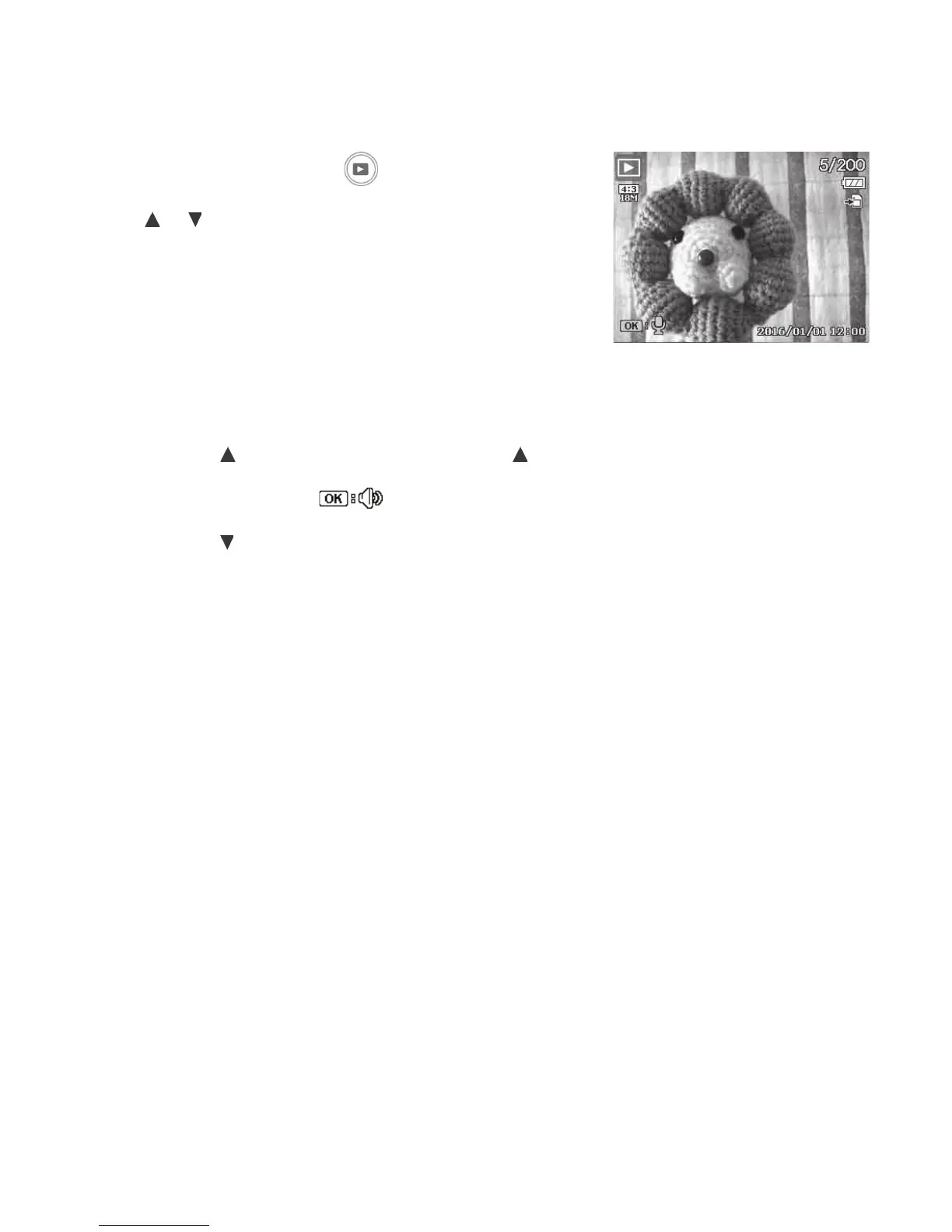
Animagelewithvoicememohasavoicememoicon
locatedonthebottomleftoftheLCDmonitor.See
pictureontheright.
3. PushtheOKbuttontoplaythevoicerecording.
4. Duringplayback,PushOKbuttontoadjustvolume.
Volumecannotbeadjustedwhenyoupausethevoice
memo.
5. Pushthekey
topauseplayback.Pushthekey
againtoresume.Whenpaused,theplayinfowill
remainonscreenexcept
.
6. Pushthekey tostoptheplayback.TheLCDmonitor
displaystheimageinSinglenavigationmode.



 To Next Page