51
Tungsten Idealforindoorimageswithtungstenorhalogenlighting.
Fluorescent1
Idealforindoorimageswithcolder(bluish)uorescentlighting
conditions.
Fluorescent2
Idealforindoorimageswithwarmer(reddish)uorescentlighting
conditions.
Custom
AllowsmanualadjustmentofWBinanylightingcondition,on
landorunderwater.SelectCustomWBsettingandaimcameraat
whitecardorslateandpushOKbuttontosavethesetting.Ifset
correctlythewhitecardshouldappearwhiteontheLCDmonitor.
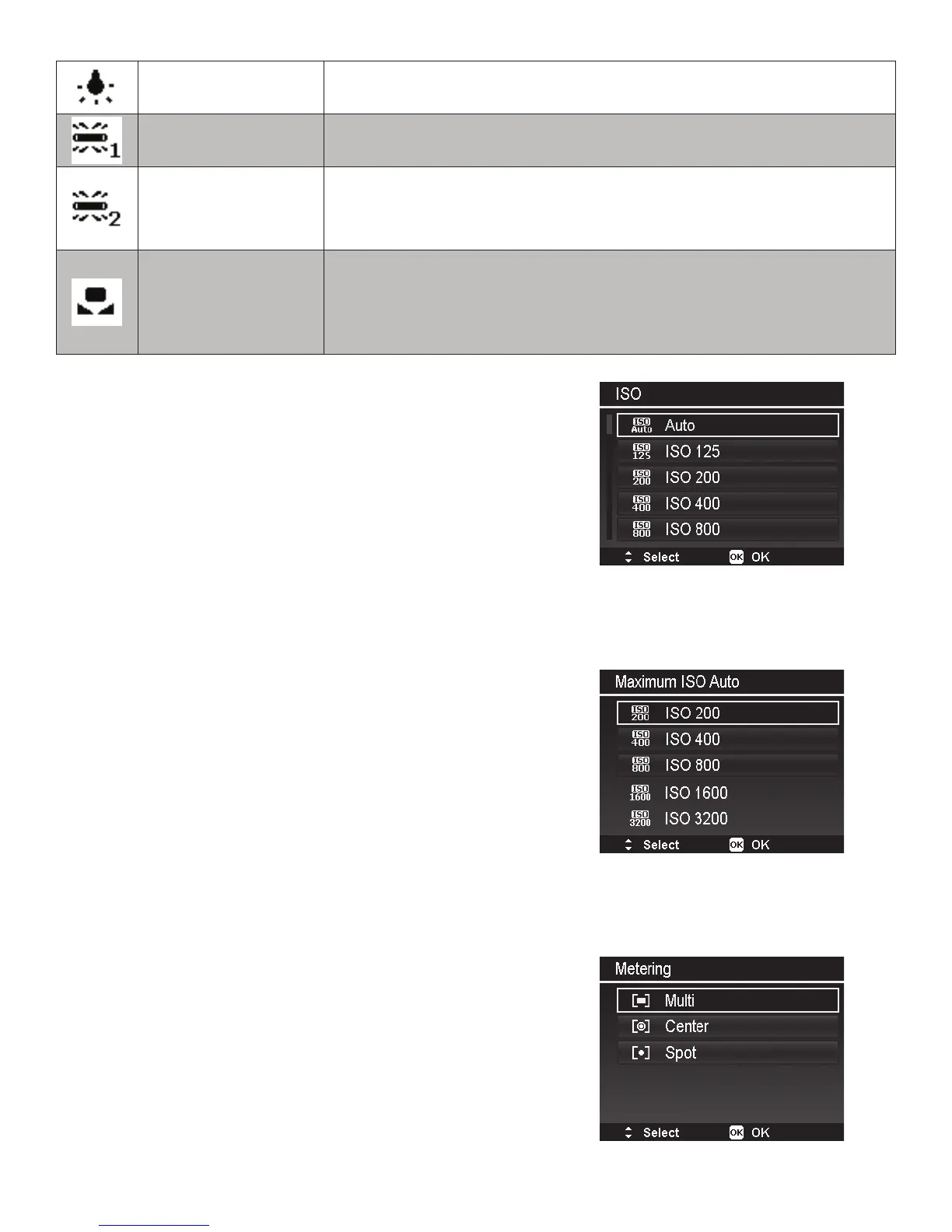
ISO
TheISOsettingcontrolsthelightsensitivityofthe
imagesensorforcapturingimages.AhigherISOvalue
increasesthesensor’slightsensitivityandallowsfor
photographyinlow-lightenvironments,butthemore
pixelated(grainier)theimagewillappear.AlowerISO
valuereducesthesensor’slightsensitivityandisideal
forbrighterenvironments.AvailableoptionsareAuto
(Default),125,200,400,800,1600,3200,640012800
and25600.
Maximum ISO Auto
ThisfeatureallowsthecameratoadjustAutoISOfrom
125tothemaximumsetvalue.Availableoptionsare200,
400,800,1600,3200,6400and12800(Default).When
cameraissettoanyofthe4underwaterscenemodes,
themaximumISOAutovalueis800.
Metering
Thissetsthemeteringmethodforcalculatingtheexposure.



 To Next Page