75
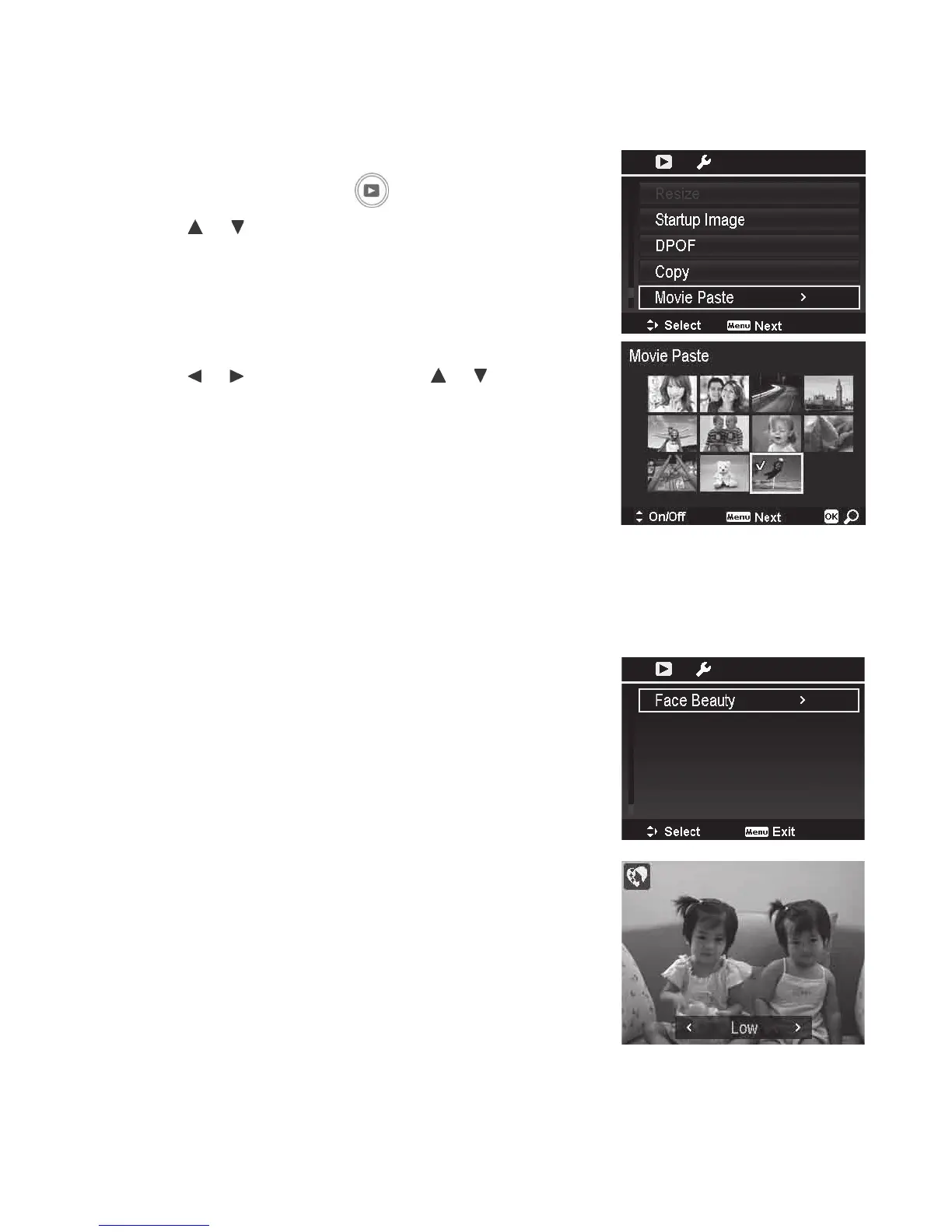
Movie Paste
Usethisfeaturetocombinetwovideosintoonevideo.Thetwovideosyouwanttocombineneedto
beofthesameresolution(moviesize)andframerate(fps).
Tocombinetwovideos:
1. PushthePlayback button
.
2. Usethe or keystoscrollandselecttheoriginal
video.
3. PushtheMenu buttontolaunchthePlaybackmenu.
4. SelectMovie Paste.Thevideoswiththesame
specicationastheoriginalvideoaredisplayedonthe
LCDmonitor.
5. Usethe or keystoscrollandthe or keysto
mark/unmarkthesecondvideo.
6. PushtheMenubuttonandselectYestocombinethe
secondvideototheendoftheoriginalvideo.
Note:Thetotallengthofthecombinedvideocannotbeover30minutes.Aftercombiningvideos,
thesecondvideowillnolongerexistasaseparatele.
Face Beauty
Usethisfeaturetomakeskinappearsofterandsmoother.
Onlyskinthatisautomaticallydetectedbythecameracan
beenhanced.Thisfunctionisonlyapplicabletostillimages.
ImagesthatareenhancedusingtheFaceBeautyfeature
willbesavedasanewimageinadditiontotheoriginal
image.
Availablesettingsare:Off,Low,NormalandHigh.The
Low,NormalandHighoptionsdeterminetheamountof
enhancementappliedtotheimage.



 To Next Page