31
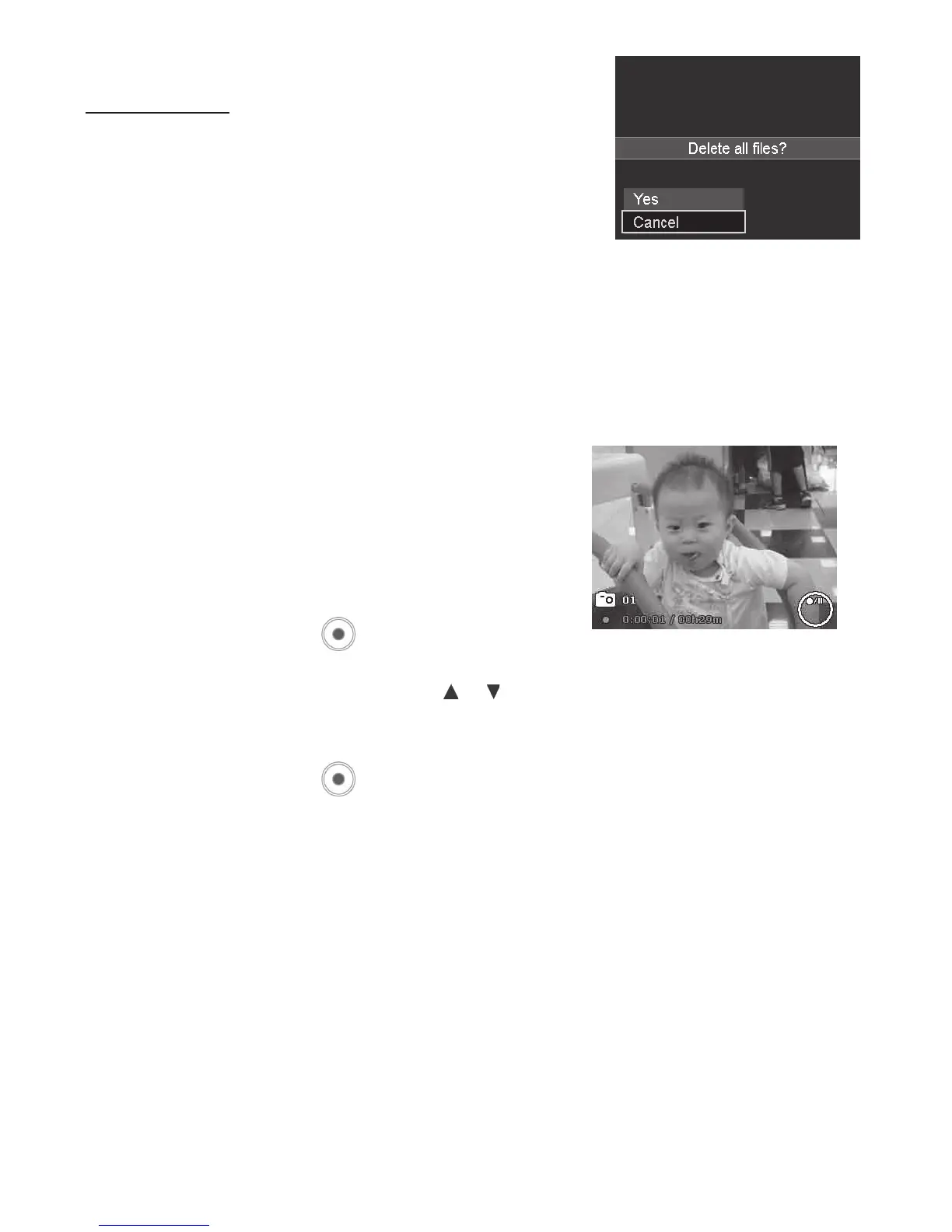
Todeleteallles:
1. Afteraconrmationselectionappearsonscreen.
SelectAll.
2. SelectYes.
3. PushtheOK buttontodeleteallles.
Recording Videos
ThecamerafeaturesFullHD1080pvideofunction
forrecordingmovies.Theavailablerecordingtime
dependsonthecapacityofthememorycardinstalled
inthecamera.Videoscanberecordeduntilthe
maximummemorycapacityhasbeenreached.The
lengthofasinglevideoclipislimitedto29minutes
or4GBforeasierlemanagement.
1. PushtheVideo button
tostartrecording.
2. IfZoomfunctionissettoOn,pushthe or keystozoominandoutwhilerecording.
3. PushtheOKbuttonduringrecordingcanpause/resumetherecording.
4. PushtheVideo button
againtostoprecording.
Note:
• Thecamerawillautomaticallystoprecordingwhenthememorycapacityisfull.
• Itwillautomaticallystoprecordingwhentherecordingtimeisover29minutesorthelesizeis
over4GB.
• WhenthetemperatureofCMOSSensorisover145ºF(63ºC),thecamerawilldisplaythewarning
message.
• WhenthetemperatureofCMOSSensorisover150ºF(65ºC),thecamerawillshutdown
automatically.
• Videorecordingwillstopifpausedformorethan5minutestopreventoverheatingthecamera.



 To Next Page