27
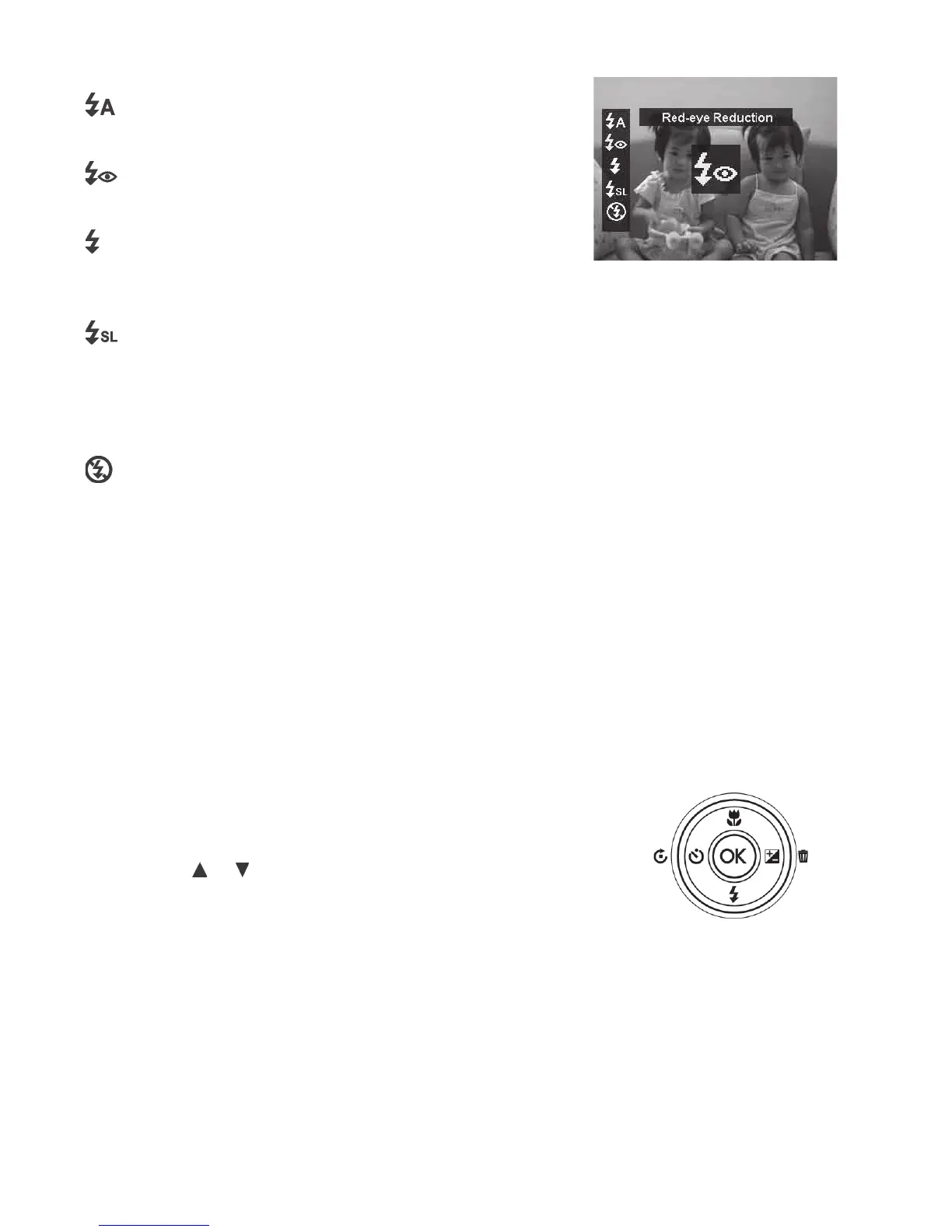
Yourcameraisequippedwithveashmodes:
Auto Flash - Theashresautomaticallyin
lowlightconditions.
Red-eye reduction - Theashrestwiceto
reducethered-eyeeffect.
Forced on - Theashreswheneveryou
PushtheShutterbuttonregardlessoflighting
conditions.
Slow sync - Theashreswithaslow
shutterspeed.Thisisforartisticeffectwhere
youwanttoilluminateand“freeze”thesubjectin
theforegroundwhileshowingmotionblurinthe
background.
Forced off - Theashisturnedoff.
Note:Flashfunctionisonlyavailableinshootingstillimages,butnotavailableinContinuous
Shooting/Landscape/Sunset/Dawn/NightScene/Fireworks/Sports/Candlelight/Background
Defocus/HDR/TimeLapse/Panorama/GIFCapture/ArtEffect(exceptFisheyeLens)orwhen
shootingvideo.
Using Self-timer
TheSelf-timerallowsyoutotakeimagesafterapre-deneddelay.Thisfunctionisonlyavailablein
recordingstillimages.TheSelf-timersettingisautomaticallysettooffwhenyouturnoffthecamera.
ToactivateSelf-timer:
•PushtheRotate/ Self-timer/Leftbuttonto
launchtheSelf-timerfunction.
•Pushthe
or keystoselectthedesiredSelf-
timersetting.
•PushtheOKbuttontosaveandapplychanges.
Rotate/
Self-
timer/Left
button



 To Next Page