60
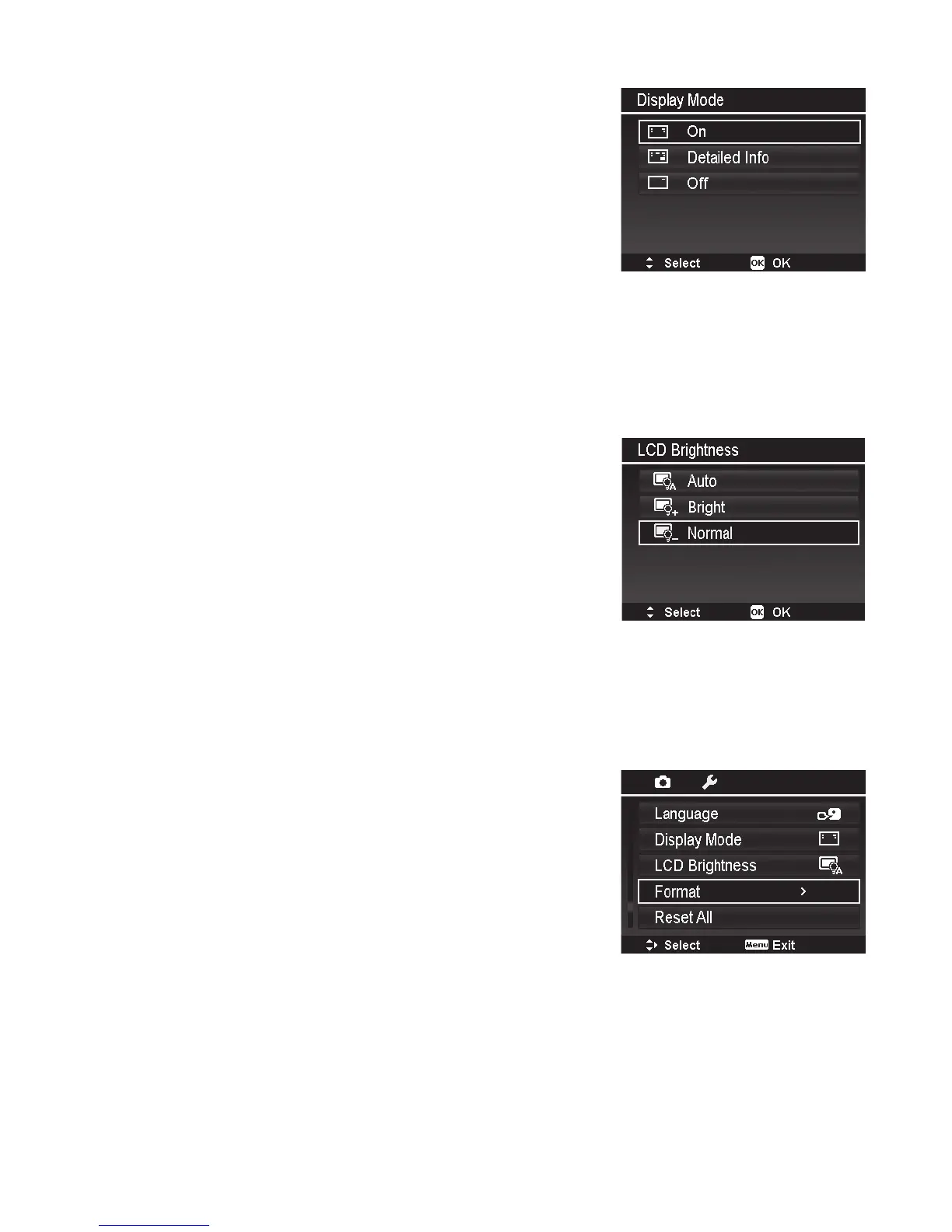
Display Mode
ThisfunctioncontrolstheiconsdisplayedontheLCD
monitorforbothRecordandPlaybackmodes.
Availablesettingsare:On,DetailedInfo,Off.
IfsetDisplayModetoOff,themodeiconandremaining
shotswilldisplayfor2secondsinfollowingsituations:
• Poweronthecamera
• SwitchfromPlaybacktoRecordmode
• Aftershooting
• Closethemenuandbacktopreview
LCD Brightness
SelectabrightnesslevelfortheLCDmonitor.
Availablesettingsare:
• Auto.Automaticallydetectsambientlighting
conditionsandadjuststheLCDbrightness.Autois
thedefaultsetting.
• Bright.SetstheLCDtobrightestsettingbutuses
morebatterypower.
• Normal.NormalLCDbrightness.
Format
Thisutilityformatscurrentusedmemory(Internalmemory
orMemorycard)anderasesallstoredimagesanddata.
Formattingcleansthememoryofanyerroneouslesand
data.Itisrecommendedtoformatthecameraoccasionally
orwhenyouexperienceerrorswhenoperatingthecamera.
Important:Makesuretodownloadallpicturesandvideos
beforeformattingthecamera,asformattingdeletesALL
les.



 To Next Page