34
Using Intelligent Scene -
Thisfeatureismostusefulfornoviceuserstocapturegreatimagesonlandevenwithoutbasic
knowledgeofphotography.SimplyframetheshotwiththehelpofIntelligentSceneMode,the
cameraautomaticallyrecognizes7kindsofscenes-Portrait,Landscape,Macro,Backlight,Backlight
Portrait,NightSceneandNightPortrait-andselectstheidealsettings.IntelligentScenemodeisnot
suitableforunderwater.
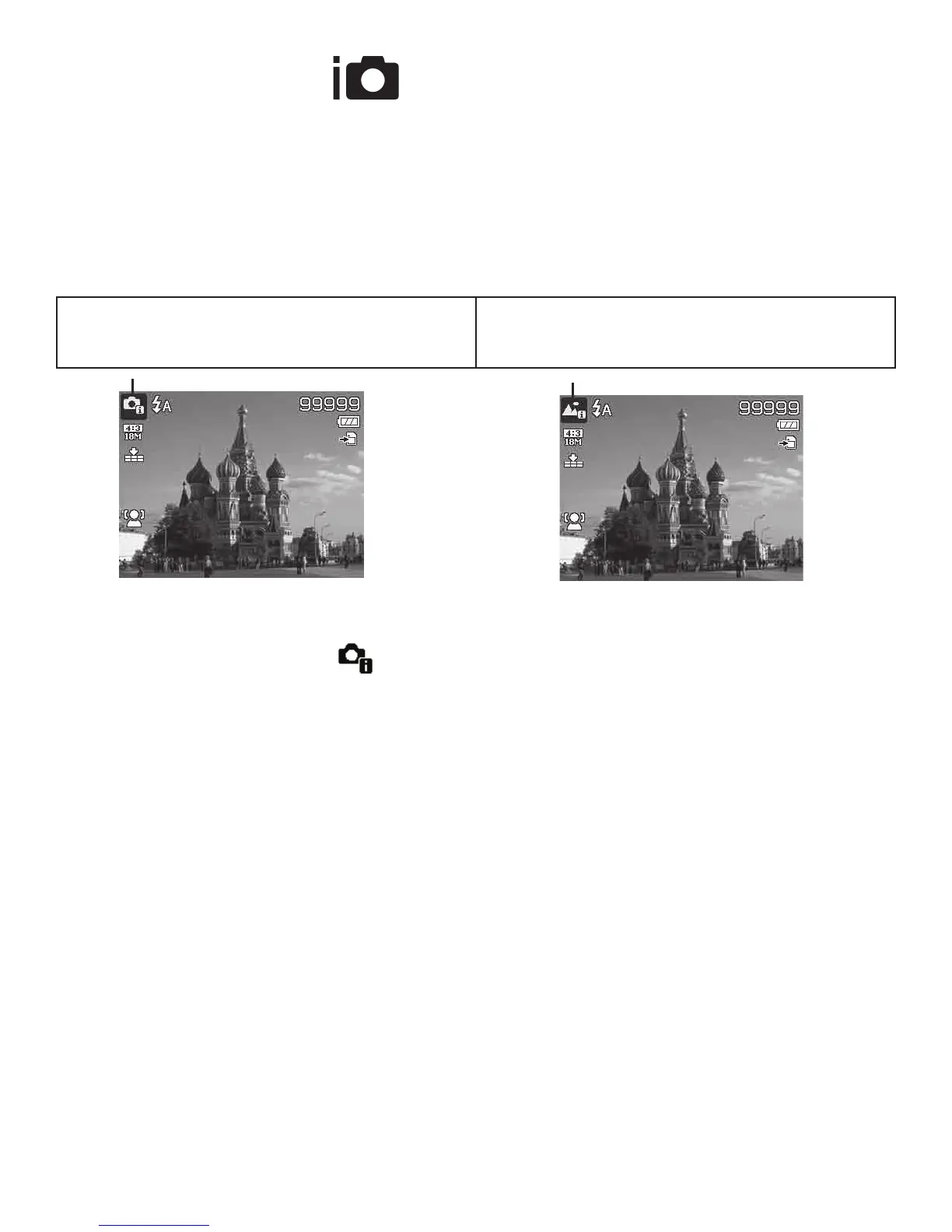
Afterthecameradetectstheshootingconditions,
theIntelligentsceneiconchangestoshowthe
detectedscenemode.
Inthisexample,thecamerachangedtoLand-
scapemodeautomatically.
ToactivateIntelligentScene
1. TurntheModedialtoicon
.
2. Pushtheshutterbuttonhalfwaytofocusthecameraonthesubject.
3. Thecameradetectstheshootingconditionsandswitchestoanappropriatescenemode.
ThedetectedscenemodeiconwillbedisplayedontheLCDmonitor.
4. PushtheShutterbuttontotaketheshot.
NOTE: IfcameradoesNOTdetectsuitablescenemode,itwillautomaticallyadjustfocusand
exposuretocapturebestpossiblepicture.



 To Next Page