43
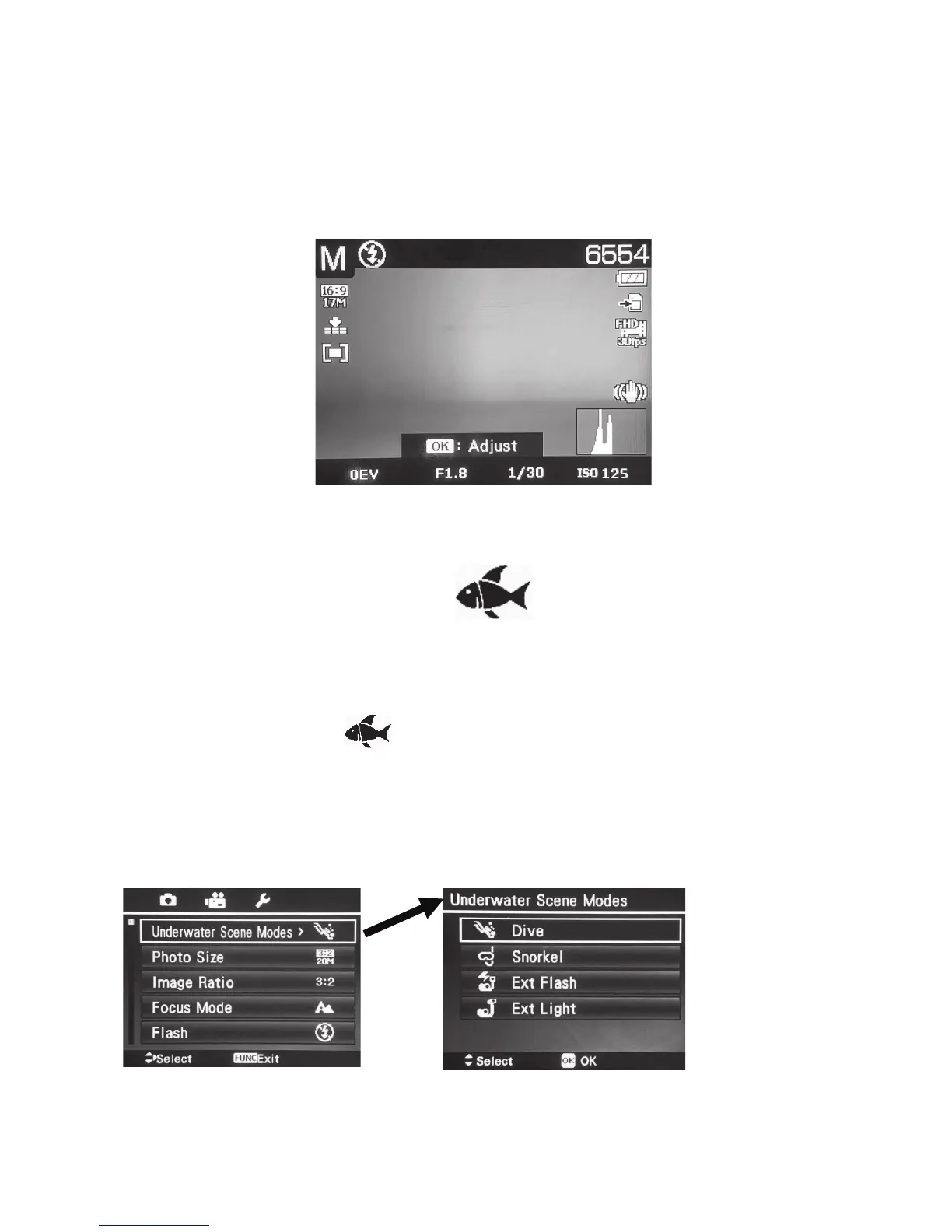
TosetApertureandShutterspeedvalues:
1. TurntheModedialto“M” for Manual mode.
2. PushOK buttontoenterApertureAdjustmentmode,then,useUp/Down button toselect
thedesiredaperture.
3. PushOK buttonagaintoenterShutterSpeedAdjustmentmode,then,useUp/Downbutton
toselectthedesiredshutterspeed.
4. FullypushtheShutter buttontocapturetheimage.
Displays aperture and shutter speed values
Setting Underwater Scene Mode -
Selectamong4underwaterscenemodes.Eachscenemodeautomaticallyadjuststhecamera
settingsforspecicunderwaterenvironmentsdependingonthetypeofoptionalUWlightingac-
cessorybeingusedwithyourDC2000camera.
1. TurntheModedialtothe[shicon]toenterthelastusedUnderwaterScene
mode.Divemodeisthedefaultunderwaterscenemode.
2. PushtheMenubuttontosettheappropriateunderwaterscenemodes.Seetablebelow
formoredetails.



 To Next Page