33
AbouttheModedial
Thereare8differentphotographymodesthatcanbequicklysetbyturningtheModedial.Each
modeisaspecicphotographicfunctionoreffectasdescribedbelow.TurningtheModedialwill
immediatelyentertheselectedmode,evenwhencameraisinPlaybackmodeorduringmovie
recording.
Icon Mode Description
P
Program
Thecameraautomaticallyadjustsexposurebasedonambientlighting
conditions.Allowsfullaccesstoallmenusettingsandmenusetting
changesaresavedwhenpoweringoffthecamera.
Intelligent
Scene
Thecameradetectstheshootingconditionsandautomaticallyswitchesto
theappropriatescenemode.Menusettingchangesarelimited.See“Using
IntelligentScene”onpage34formoredetails.
LandScene
Selectamong25commonlandscenemodeoptions.Eachscenemode
automaticallyadjuststhecamerasettingsforaspecicshootingcondition.
Theselectedscenewillbesavedwhenpoweringoffthecameraor
returningtotheSCNmodelateron.Menusettingchangesarelimited.
See“SettingtheLandSceneMode”onpage35formoredetails.
Panorama
Usethisfeaturetocreateapanoramicphotobypanningortiltingthe
camera.Menusettingchangesarelimited.See“UsingPanoramaMode”
onpage41formoredetails.
M
Manual
Allowsfullexposurecontrolbymanuallyadjustingtheaperture,shutter
speedandISO.Allowsfullaccesstomostmenusettings,exceptforEV
compensationandExposureBracketing.See“UsingManualMode”onpage
42formoredetails.
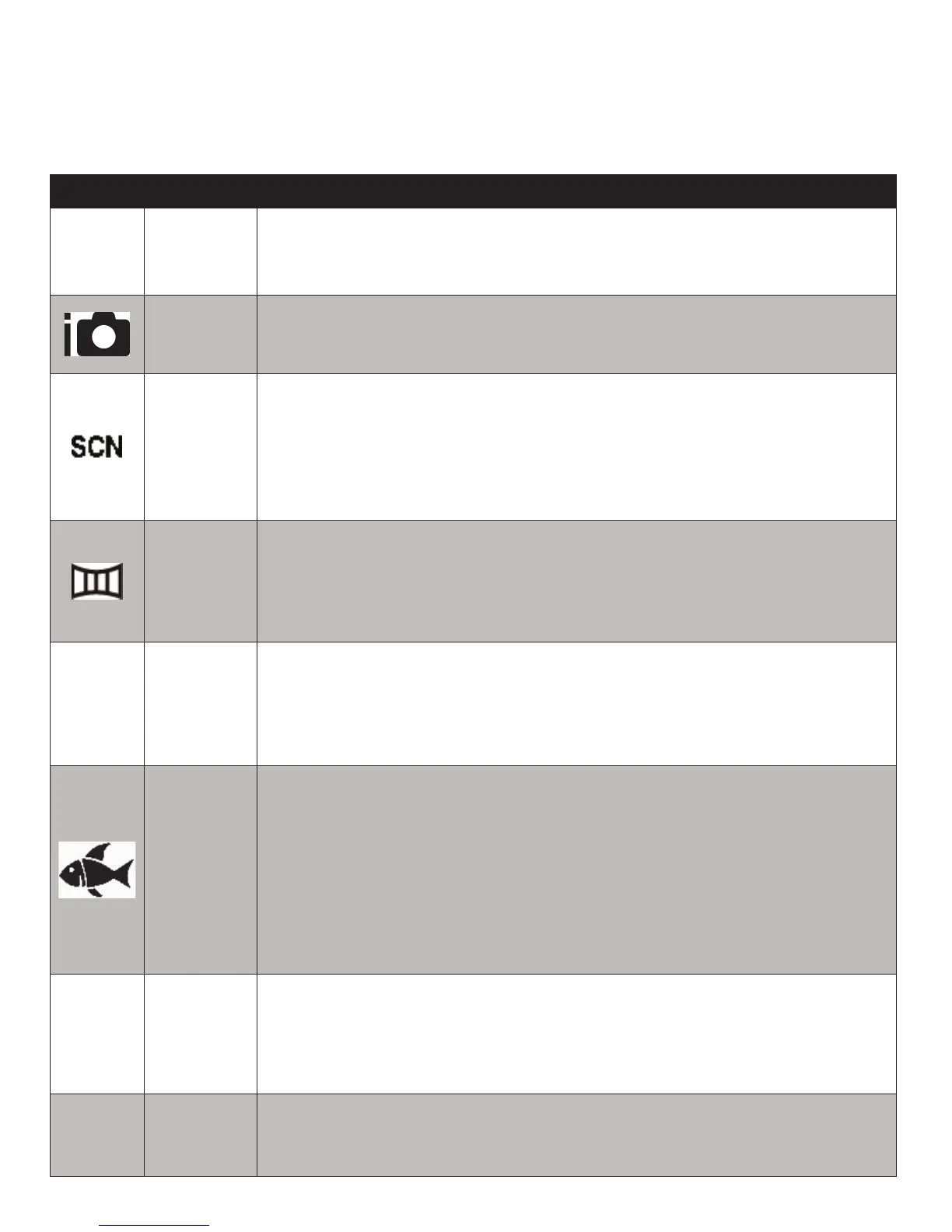
Underwater
AfterselectingUnderwatermode,pushtheMenubuttontoselectamong
4underwaterscenes–Dive,Snorkel,ExtFlashorExtLight.Theselected
scenewillbesavedwhenpoweringoffthecameraorreturningtothe
Underwatermodelateron.EachUWsceneautomaticallyadjuststhe
camerasettingsforaspecicshootingconditionorcamerasetup.Allows
fullaccesstomostmenusettings,exceptMaximumISOandAFLamp.See
“SettingUnderwaterSceneModes”onpage43formoredetails.
A
Aperture
Priority
Thisfeatureletsyoumanuallyadjusttheaperturevaluewhilethecamera
automaticallyadjustsshutterspeedtoensureproperimageexposure.
Allowsfullaccesstomenusettings.See“UsingAperturePriorityMode”on
page45formoredetails.
S
Shutter
Priority
Thisfeatureletsyoumanuallyadjusttheshutterspeedwhilethecamera
automaticallyadjustsaperturetoensureproperexposure.Allowsfull
accesstomenusettings.See“UsingShutterPriorityMode”onpage46for
details.



 To Next Page