28
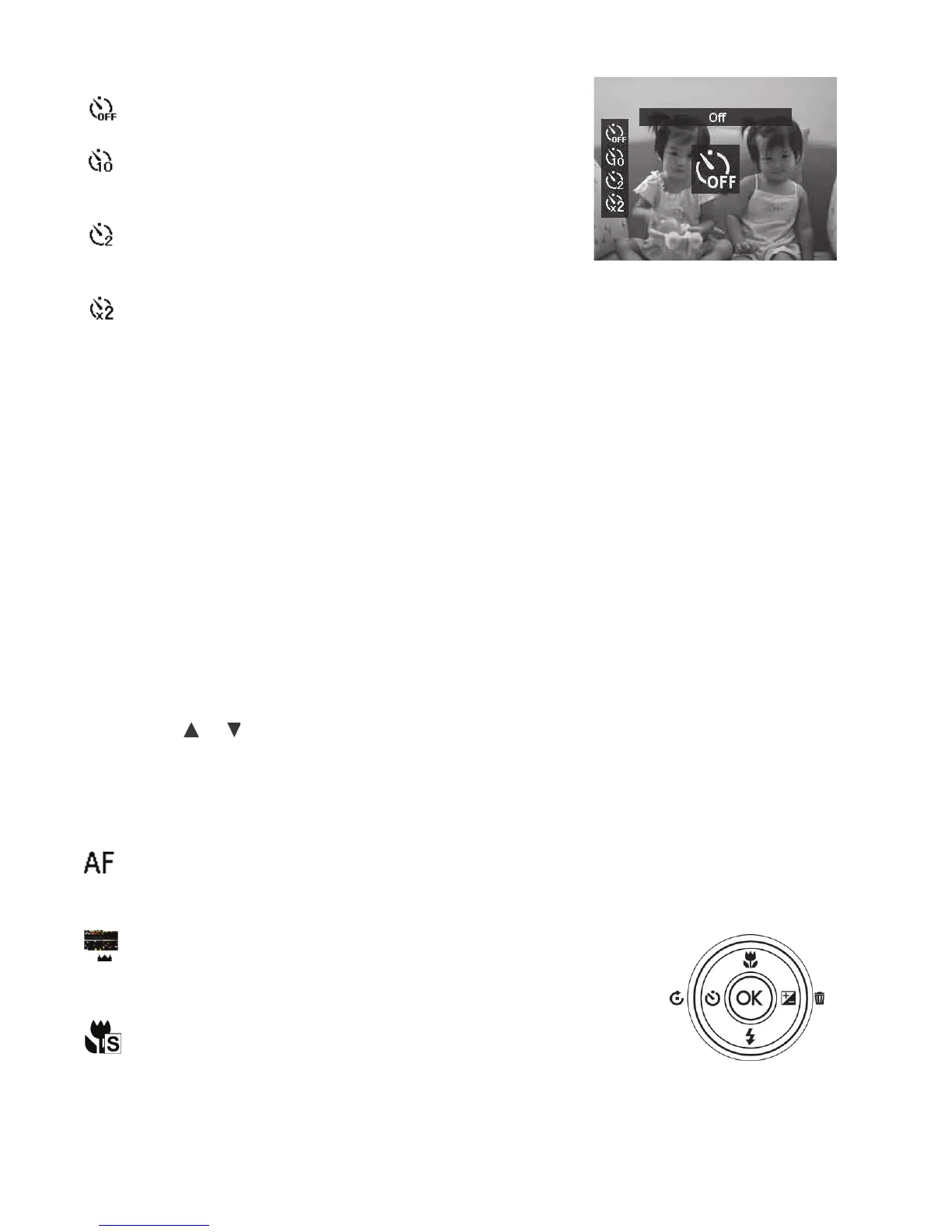
Yourcameraisequippedwith4Self-timermodes:
Off - Capturesanimagewithouttimedelay.
10 Sec - Setsa10-seconddelaytocapture
imageafterPushingtheShutterbutton.
2 Sec - Setsa2-seconddelaytocaptureimage
afterPushingtheShutterbutton.
Double – Captures twoimages;Firstimage
with10seconddelayandsecondimagewith2
secondsdelay.
Note:TheSelf-timerfunctionresetstoOffaftereveryshotorwhenpoweringoffthe
camera.
Setting the Focus Mode
Thecamerausesautofocuslenstoadjustfocusfrom4”(10cm)toinnitydependingonwhatfocus
settingisused.
TosettheFocusmode
• PushtheFocus/UpbuttontolaunchtheFocussettings.
• Pushthe or keystoselectthedesiredfocussetting.
• PushtheOKbuttontosaveandapplychanges.
Yourcamerasupportsthe4focusmodes:
Auto Focus – Use this for most shooting conditions.
Thecamerawillautomaticallyfocusonsubjectsatshooting
distancebetween12”(25cm)toinnity.
Macro – Usethisforshootingclose-ups.Thecamera
willautomaticallyfocusonsubjectsatshootingdistance
between4”(10cm)to12”(45cm).
SuperMacro – Usethisforshootingsmallerobjects
atclose-upshootingdistance.Thecamerawillmagnify
thesubjectby1.7xandautomaticallyfocusatshooting
distancesbetween4”(10cm)to12”(45cm).
Focus/Up button



 To Next Page