82
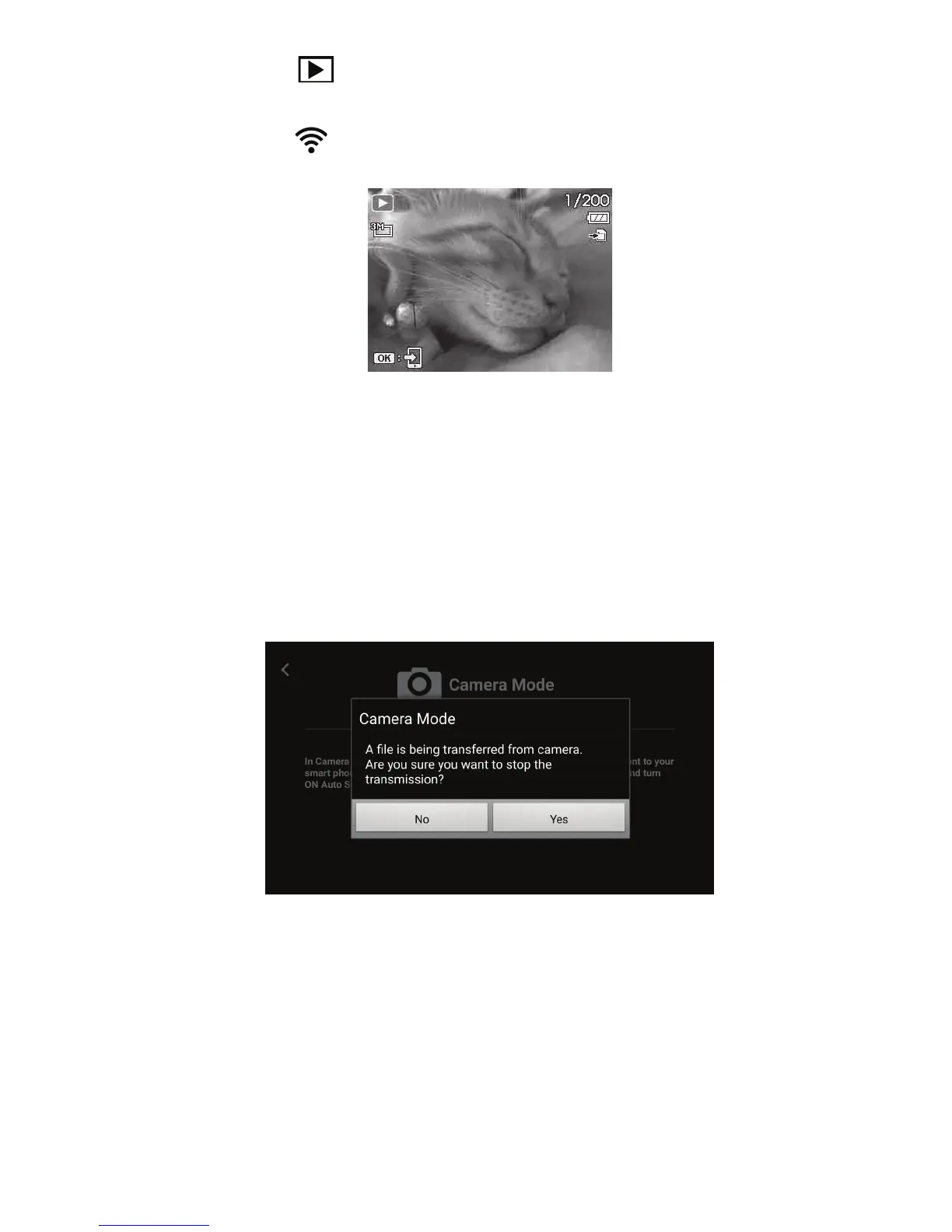
3) PushthePlaybackbutton onthecameratoenterPlaybackmode.
4) ScrollthroughpicturesinSingleViewmodeandlocatethepictureyouwanttoQuickSend.
5) PushtheWirelessbutton
onthecameratodisplayQuickSendicononthebottomleftofthe
screen.
6) PushtheOKbuttonandthepicturewillbeautomaticallysenttoyoursmartdevice.
7) Repeatsteps4to6foreverypictureorvideoyouwanttoQuickSendtoyoursmartdevice.
Notes:
• QuickSendisnotavailableforvideoclipswithlesizelargerthan1024MB,GIFlesandVoice
memos.
• IfyouexitCameraModeandenterRemoteorAlbummodeduringAuto SendorQuick Send
letransfer,thefollowingmessagewillappear.TapNo toreturntoCameraModeorYestostop
letransfer.
• GeoTagsmayberecordedwhileinCameramode.



 To Next Page