EasyManua.ls Logo

Sealife DC2000 - How to Print Images Using a PictBridge Compatible Printer; Setting the Print Mode Menu

Sealife DC2000
105 pages
Print Icon
To Next Page IconTo Next Page
To Previous Page IconTo Previous Page
Loading...
85
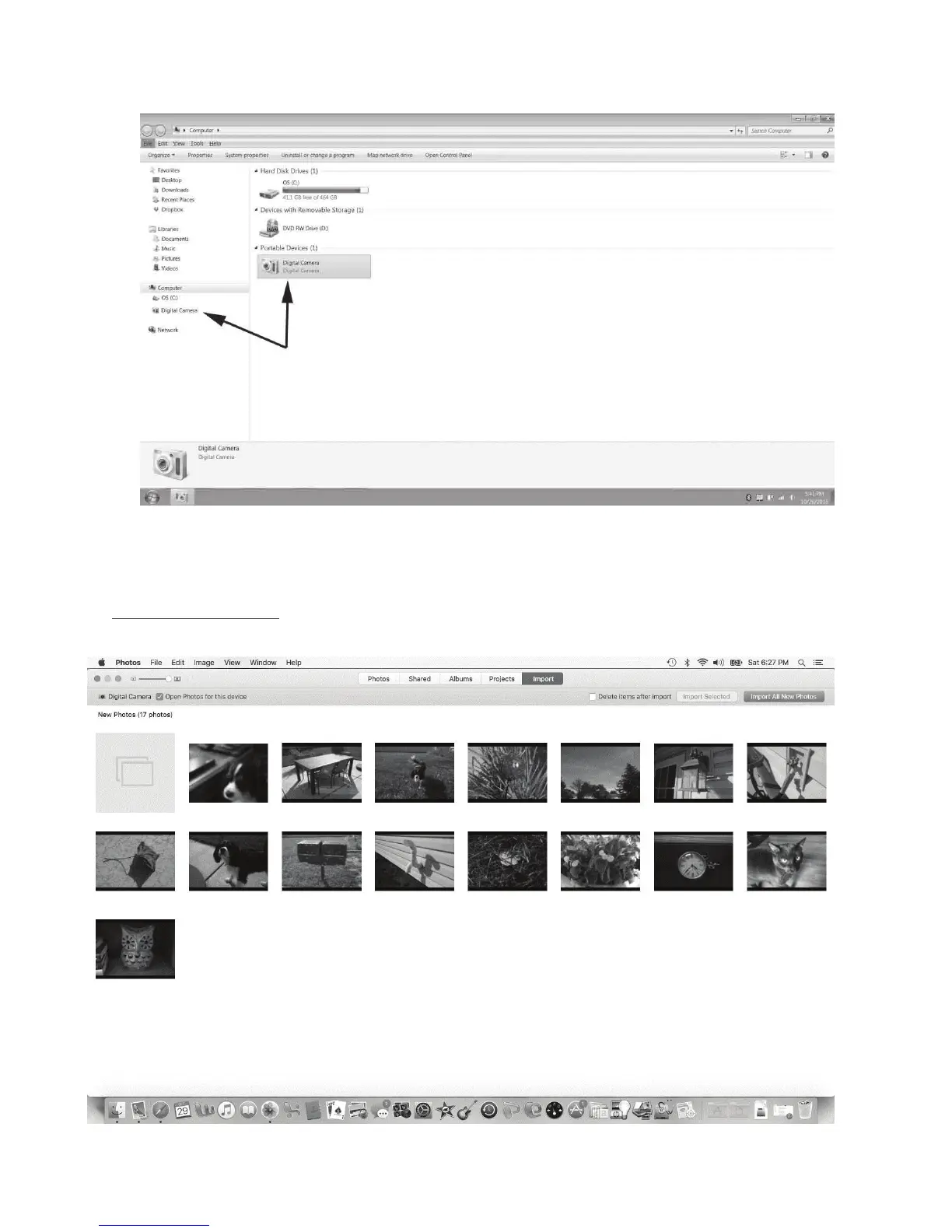
5. Double-click“Browseles”andyourcomputerwillopenWindowsExplorerlebrowser.
6. Clickthe“DigitalCamera”drive.
7. Picture/videolesarelocatedintheDCIMfolder.TheDCIMfolderwillcontainasubfolder
called“100DICAM”.Thecamerawillautomaticallycreateanewsubfoldercalled“101DICAM”if
therstfolderreaches9999les.
8. OnApplecomputers,openthePhotosapptoviewandimportpictures:

Table of Contents

Other manuals for Sealife DC2000

Related product manuals