| 4 - Instruction manual
4 Secondary home screen
• The secondary home screen appears when you turn the jog dial to the
left.
• The above shown home screen appears again after 10 seconds or when
you turn the jog dial to the right.
5 6-step display for the RF signal level
• Displays the current level of the RF signal
6 RF output power of the transmitter, indicating master or follower
• Displays the RF output power of the received transmitter.
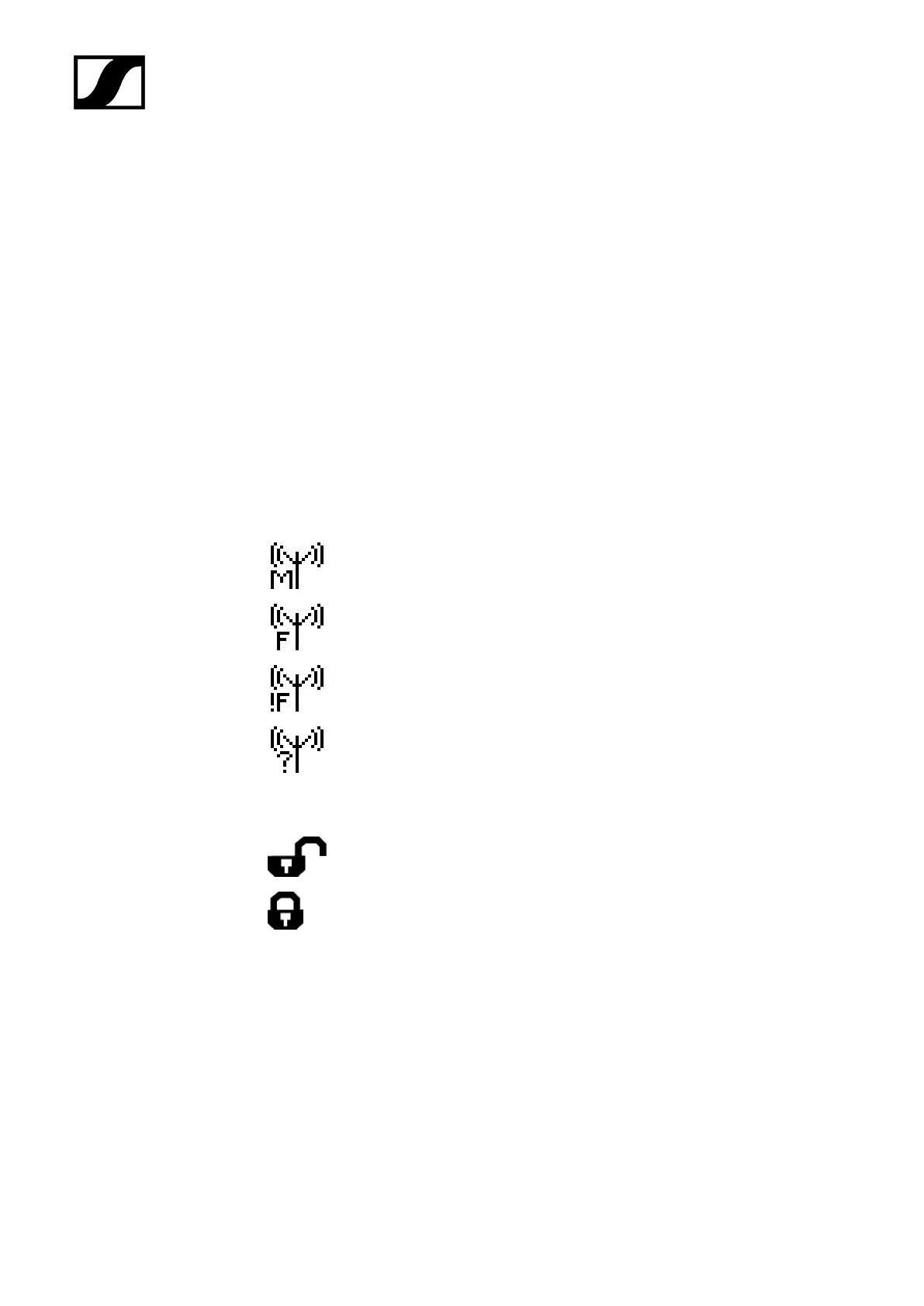
• Indicates whether the device is a master or a follower:
The device is the master.
The device is a follower.
The device is a follower, but is not
synchronized.
The synchronization status is unknown.
7 Lock mode
The lock mode function is activated. The lock mode is currently
deactivated and the receiver can be operated.
The lock mode function is activated. The lock mode is currently
activated. Long-press the jog dial to temporarily deactivate the lock
mode.
• If no padlock icon is displayed, the lock mode function is deactivated.
• see The System Settings menu.
8 Name of the radio link
• The name of the radio link can be configured freely. See The Device
Identification menu.
92










 To Next Page