- 104 -
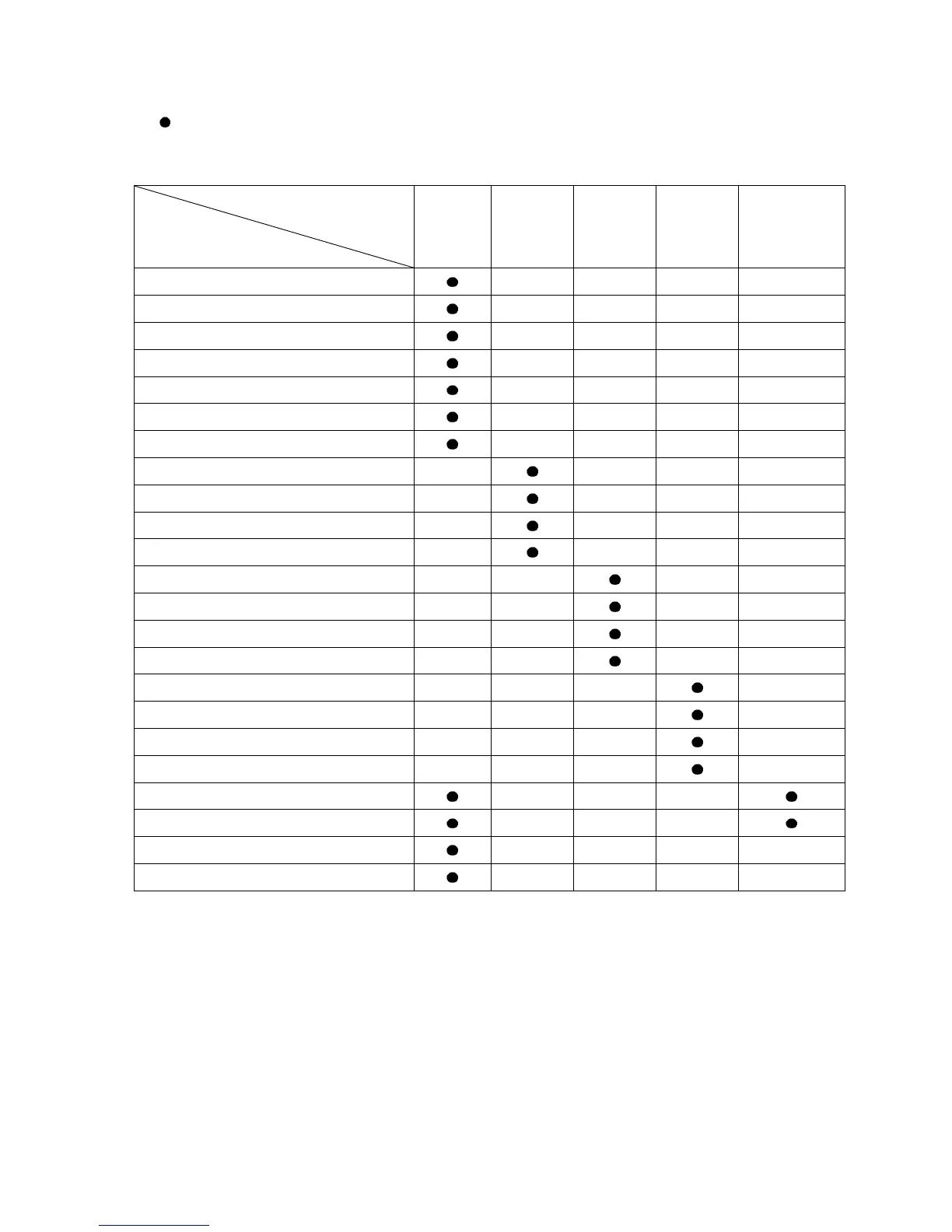
9.6 Items to be Initialized by Changing Settings
If settings are changed, the following items will be initialized.
: Initialized
X: Not initialized
Setting item to be changed
Item to be initialized
Input
Type
Event
output
EV1
allocation
Event
output
EV2
allocation
Event
output
EV3
allocation
Transmission
output
Loop break alarm time
x
x x x
Loop break alarm span
x x x x
Sensor correction coefficient
x x x x
Sensor correction
x x x x
SVTC bias
x x x x
Scaling high limit
x x x x
Scaling low limit
x x x x
EV1 alarm value 0 Enabled/Disabled
x x x x
EV1 alarm hysteresis
x x x x
EV1 alarm delay time
x x x x
EV1 alarm Energized/De-energized
x x x x
EV2 alarm value 0 Enabled/Disabled
x x x x
EV2 alarm hysteresis
x x x x
EV2 alarm delay time
x x x x
EV2 alarm Energized/De-energized
x x x x
EV3 alarm value 0 Enabled/Disabled
x x x x
EV3 alarm hysteresis
x x x x
EV3 alarm delay time
x x x x
EV3 alarm Energized/De-energized
x x x x
Transmission output high limit *
x x x
Transmission output low limit *
x x x
Step SV when program control starts
x x x x
AT bias
x x x x
* When PV transmission or SV transmission is selected, and if input type is changed, these setting
items will be initialized.



 To Next Page