- 98 -
9.3 Switching Indication of the SV Display
Press the PTN key to switch the indication of the SV Display.
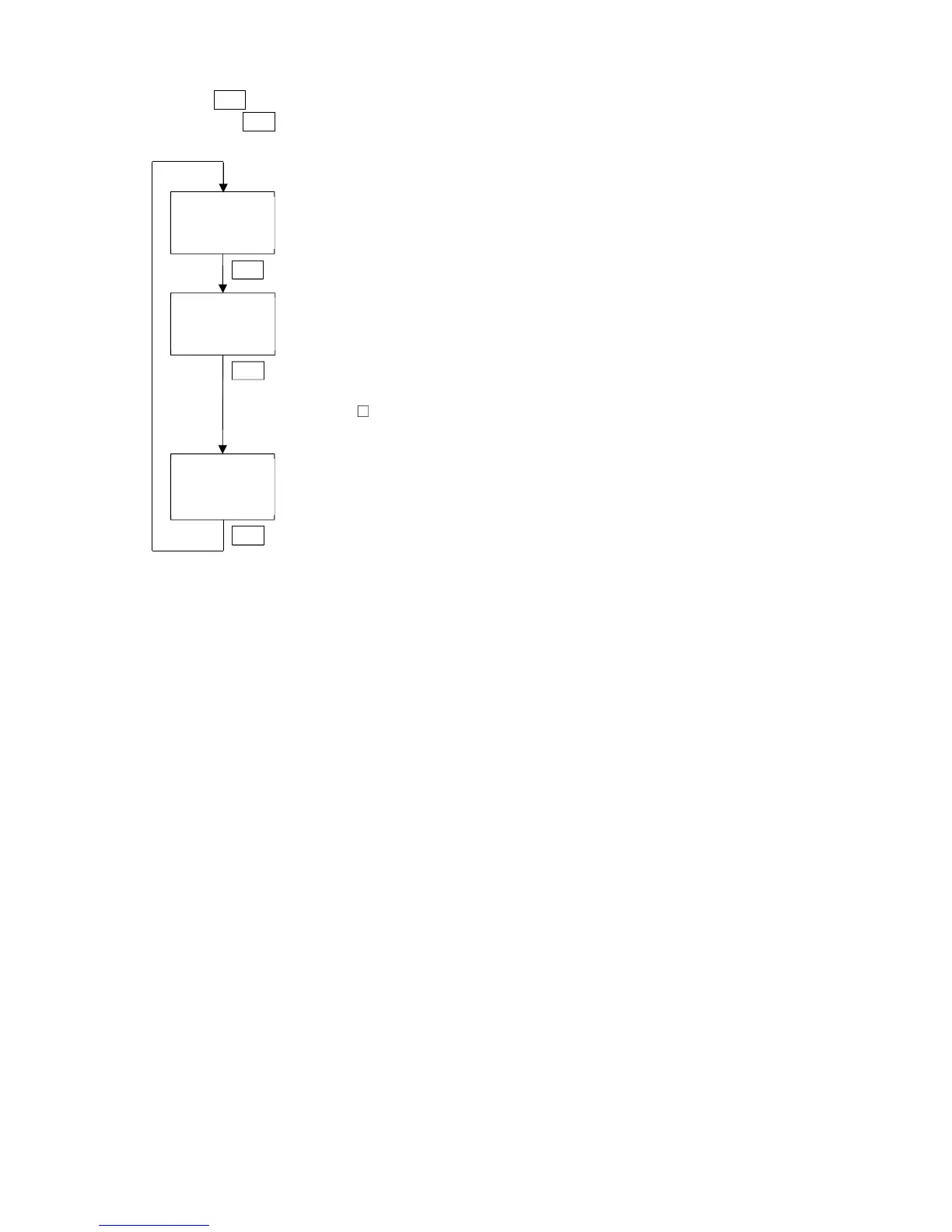
Each time the PTN key is pressed, switches the indication as follows.
/500
1 /500
/500
1 //7.2
/500
1 00:30
RUN mode
Step SV is indicated
PTN key
PTN key
PTN key
Monitor mode
Manipulated variable (MV) is indicated.
(e.g.) 7.2% (The decimal point flashes.)
When EV2 option is ordered {When /020 (Heating/Cooling control
output) is selected in [Event output EV2 allocation]}, or when DS, DA or
EV3D option is ordered, OUT1 MV is a positive number (0.0 to
100.0%), OUT2 MV is a negative number (0.0 to -100.0%).
Monitor mode
Remaining time
(e.g.) 00:30 [Colon flashes (in Hours:Minutes or Minutes:Seconds).]
For Fixed value control,
----
is displayed.



 To Next Page