- 63 -
8.4 Setting Items in Wait Parameter Setting Mode
In Wait parameter setting mode, the following setting items can be set:
Wait value, Wait function Enabled/Disabled for each step
Settings are performed for the pattern number selected when entering Wait parameter setting mode.
Setting data is common to all steps in each pattern.
During program control RUN, only the performing pattern can be set.
If ‘Pattern link Enabled’ is selected in [Pattern link]: Even if the performing pattern is changed from 1
to 2 during Wait parameter setting mode, Pattern 1 will be remained, and pattern number will not be
updated until the unit reverts to the RUN mode.
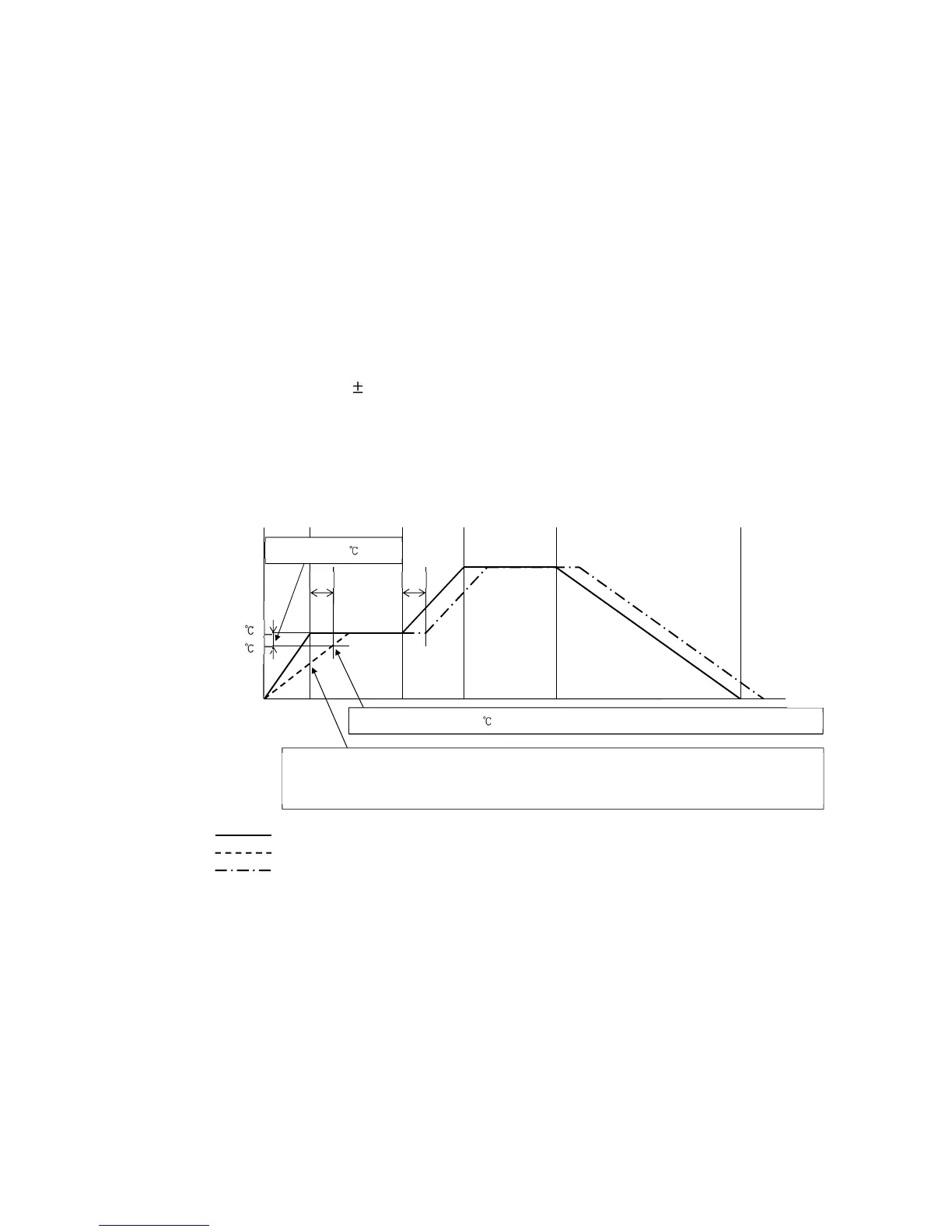
• Wait function
During program control RUN, the program does not proceed to the next step until the deviation
between PV and SV enters SV Wait value at the end of step.
The PV Display and PTN/STEP Display flash while the Wait function is activated.
• Explanation of Wait Function
• Program pattern rising step:
(Fig. 8.4-1)
As PV is not in the range of [SV
−
Wait value], the Wait function is activated, and the unit does not
proceed to the next step. The PV Display and PTN/STEP Display flash during the Wait function.
Time
SV
Program pattern
PV



 To Next Page