- 15 -
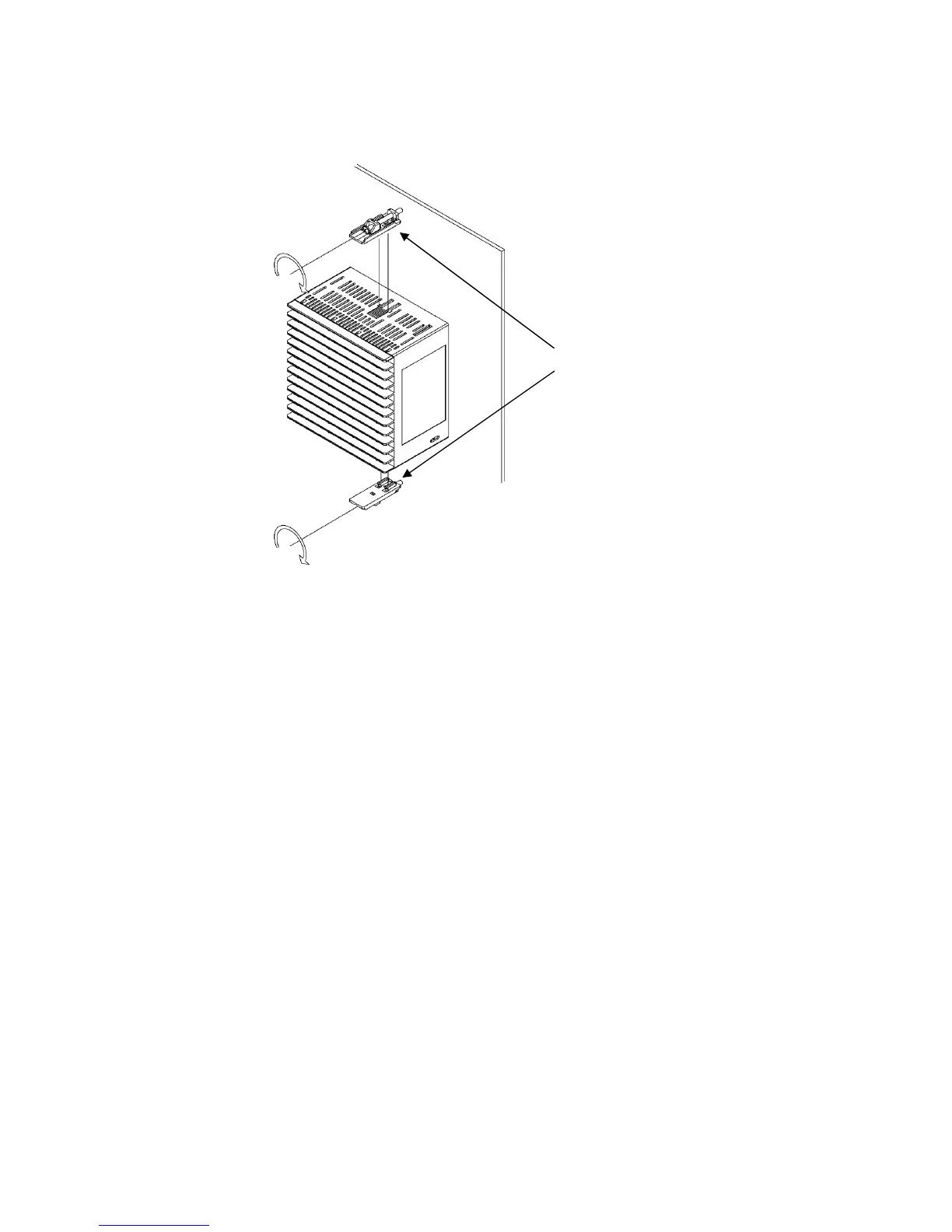
Screw type
mounting bracket
(2) Attach the mounting brackets into the slots at the top and bottom of the case, and secure the
controller in place with the screws. (Fig. 3.4.1-2)
The torque is 0.1 N•m.
(Fig. 3.4.1-2)
3.4.2 How to Remove the Mounting Bracket and Unit
(1) Turn the power to the unit OFF, and disconnect all wires before removing the unit.
(2) Loosen the screws of the mounting brackets, and remove the mounting brackets.
(3) Pull the unit out from the front of the control panel.



 To Next Page