- 28 -
5.2 Registering Settings and Selections
• How to increase/decrease setting values
To increase or decrease the set value (numeric value), use the or key.
If the or key is pressed with the FAST key simultaneously, makes the numeric value
change faster.
To switch the selection items, use the or key.
• How to register setting data or selection data
To register the settings or selections, use the MODE or DISP key.
If the MODE key is pressed, the set values (numerical values) or selected item are registered, and
moves to the next setting item.
If the MODE key is pressed at the last setting item, the unit returns to the 1st setting item.
If the DISP key is pressed, the set values (numerical values) or selected item are registered, and
moves back to the previous setting item.
If the DISP key is pressed at the 1st setting item, the unit moves back to the last setting item.
• How to return to RUN mode
To return to RUN mode, use the RST key.
If the RST key is pressed, the set values (numerical values) or selected item will be registered, and
the unit will revert to RUN mode.
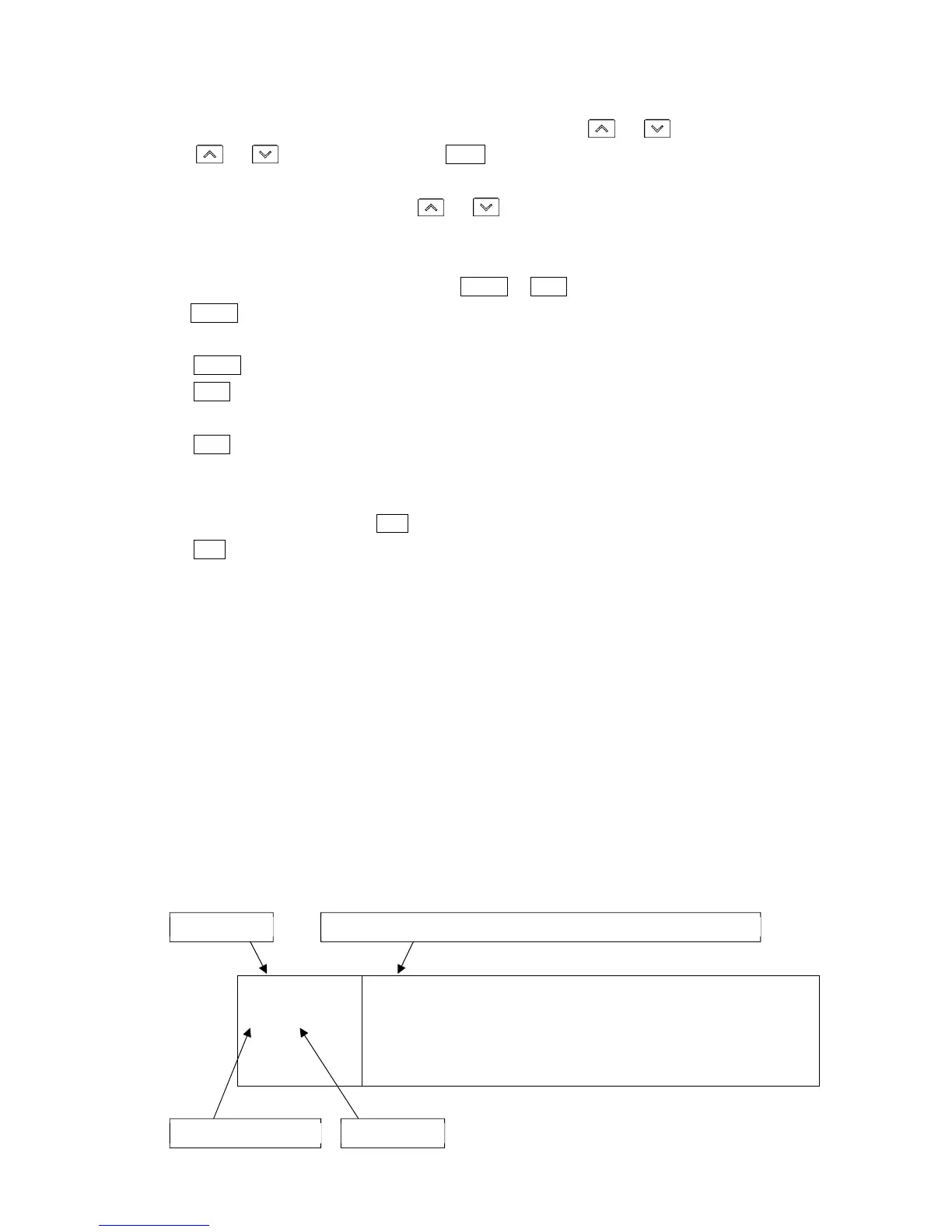
5.3 How to Read Setting Items
Step 1 SV will be used for the explanation.
Explanation of setting items:
• Upper left: PV Display: Indicates setting characters.
• Lower left: PTN/STEP Display, SV Display
The PTN/STEP Display indicates the pattern number or step number. Indication differs
depending on the setting item.
The SV Display indicates factory default value.
• Right side: Indicates the setting item or selection item, explanation of its function and setting range (or
selection items).
temp
1 ///0
Step 1 SV
• Sets Step 1 SV.
Step SV is the value at the end of the step.
• Setting range:
Scaling low limit to Scaling high limit
PV Display Setting item name, function, setting range (or selection item)
PTN/STEP Display SV Display



 To Next Page