- 133 -
13. Character Table
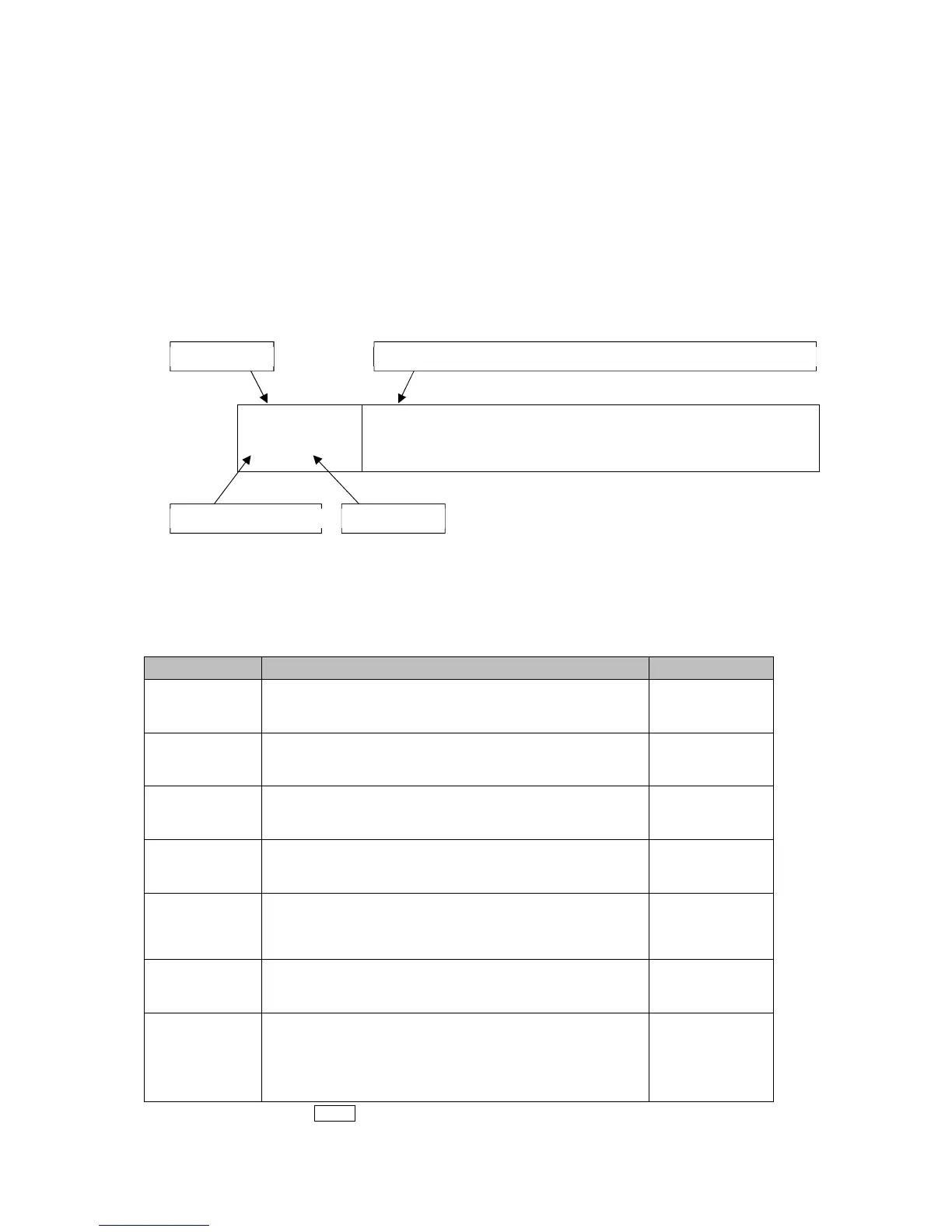
• Explanation of Setting Item
Upper left: PV Display
Indicates setting item characters.
Lower left: PTN/STEP Display, SV Display
The PTN/STEP Display indicates the selected pattern number, and indication is different
depending on the setting item.
The SV Display indicates factory default.
Right side: Indicates the setting item, explanation of its function, and setting range.
temp
1 ///0
Step 1 SV
• Setting range:
Scaling low limit to Scaling high limit
13.1 Error Code
Error codes are indicated on the PV Display.
Error Code Error Contents Occurrence
er01
1 /500(*1)
Internal non-volatile IC memory (EEPROM) is
defective.
When power
is turned ON
er02
1 /500(*1)
Data writing error when power failure occurs. When power
is turned ON
er05
1 /500(*2)
PV has exceeded Input range high limit value (Scaling
high limit value for DC voltage, current inputs).
When operating
er06
1 /500(*2)
PV has dropped below Input range low limit value
(Scaling low limit value for DC voltage, current inputs).
When operating
er07
1 /500(*2)
Input burnout or disconnection.
Input value is outside of the Indication range and
Control range.
When operating
er10
1 /500
Hardware malfunction or errors
(This error cannot be cancelled.)
When operating
er20
1 /500(*1)
AT has not been completed even if approx. 4 hours
have elapsed since AT started.
When input errors have occurred.
After AT starts
(*1) Can be cancelled by the MODE key.
(*2) An error code is indicated when Enabled is selected in [Error indication].
PV Display Setting item name, function, setting range (or selection item)
PTN/STEP Display SV Display



 To Next Page