Factory Default
Setting Item, Function, Setting Range
• Selection item
noml Energized
revs De-energized
Available when any alarm from /001 (High limit alarm) to /012 (High/Low limits with
standby independent alarm) is selected in [Event output EV3 allocation].
evi1
/ /000
Event input DI1 allocation
• Selects Event input DI1 from the table below.
• Selection item:
Event input function
/000 No event
/001 Pattern number selection
Refer to “About Event input”.
/002 Direct/Reverse action Direct action Reverse action
/003 Program control RUN/STOP RUN STOP
/004
Program control
Holding/Not holding
Holding Not holding
/005
Program control Advance function
Advance
function
Usual control
Available when C5W, EIW, EIT, C5 or EI option is ordered.
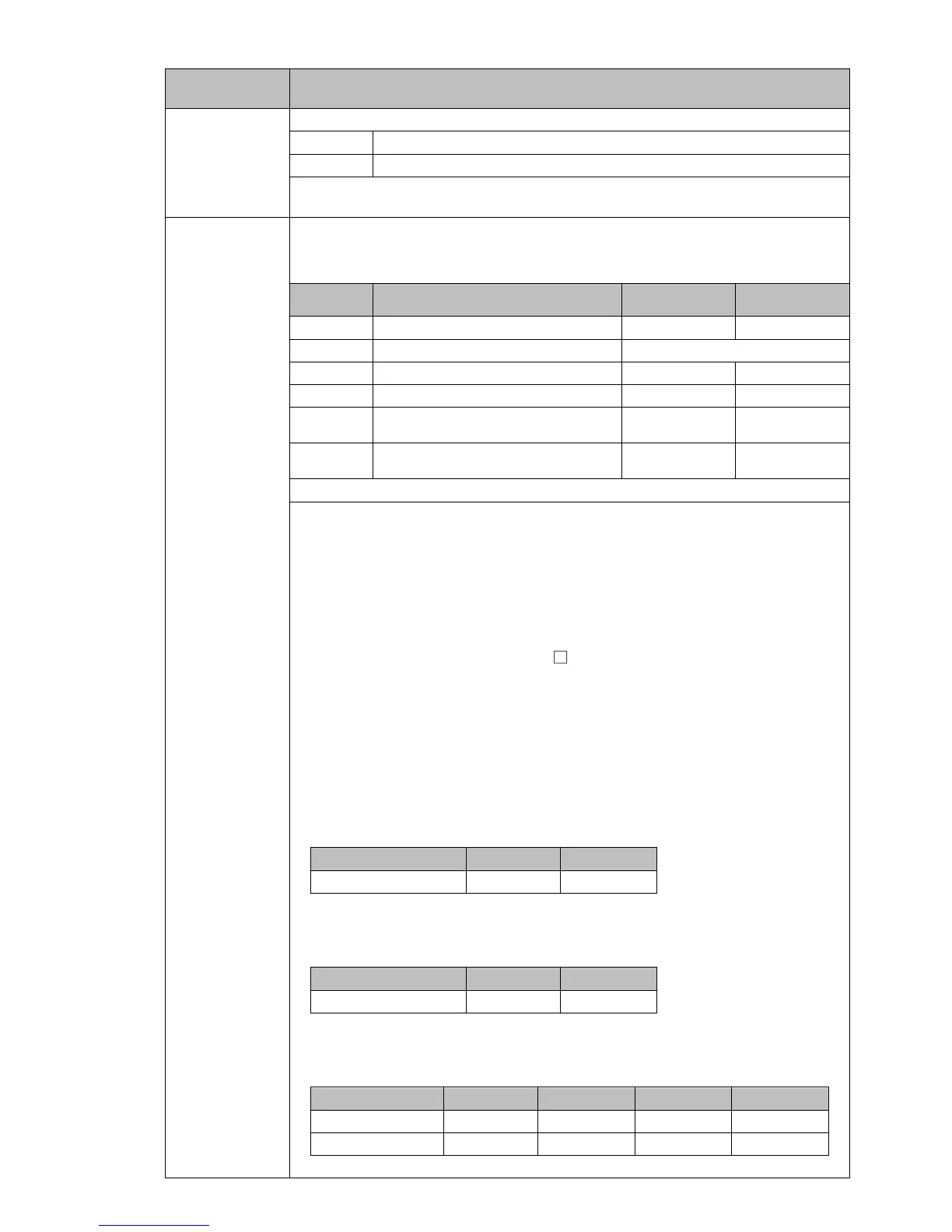
• About Event input:
Signal edge action from OFF to ON / ON to OFF is engaged. However, when
power is turned ON, level action is engaged except /005 (Program control
Advance function).
If /001 (Pattern number selection) is selected in [Event input DI1, DI2
allocation], OR calculation [if any one is ON (Closed), the function activates]
begins.
An action changed by Event input DI has priority.
If /001 (Pattern number selection) is selected, Patterns 1 to 4 can be
selected by ON (Closed) or OFF (Open) status of Event input DI1 and DI2.
Pattern numbers selected by Event input have priority over pattern numbers
selected by keypad operation.
To select pattern numbers by keypad operation, make sure all Event inputs are
in OFF (Open) status.
When /001 (Pattern number selection) is selected only in [Event input
DI1 allocation]
Pattern number * 2
Event input DI1 OFF(Open) ON(Closed)
* This number will be selected by keypad.
When /001 (Pattern number selection) is selected only in [Event input
DI2 allocation]
Pattern number * 2
Event input DI2 OFF(Open) ON(Closed)
* This number will be selected by keypad.
When /001 (Pattern number selection) is selected in [Event input DI1,
DI2 allocation]
Pattern number * 2 3 4
Event input DI1 OFF(Open) ON(Closed) OFF(Open) ON(Closed)
Event input DI2 OFF(Open) OFF(Open) ON(Closed) ON(Closed)
* This number will be selected by keypad.



 To Next Page