SDS1000X-E User Manual
149
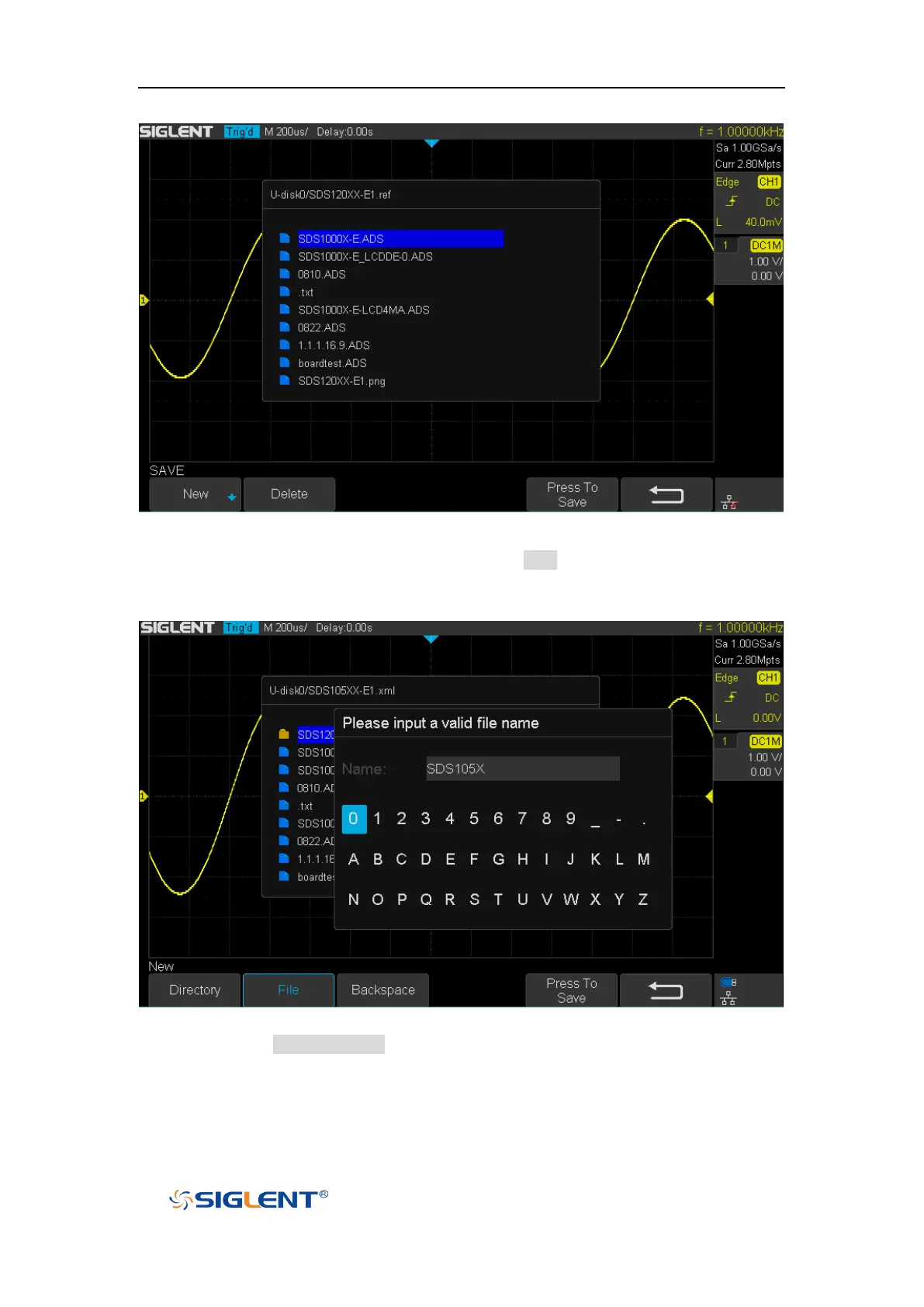
Figure 87 Select Save Location
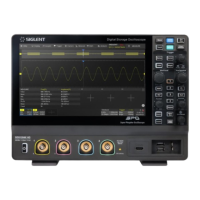
7. After the save position is selected, press the New softkey to turn on the interface
as shown in the figure below. Refer to the descriptions in “To Create a new file
or fold” to create a new file name.
Figure 88 File Name Dialogue
8. Press the Press To Save softkey to save the current setup to the external USB
storage device.


 To Next Page