User Manual For - CONTROLLER/DATA RECORDER MultiCon CMC-99/141
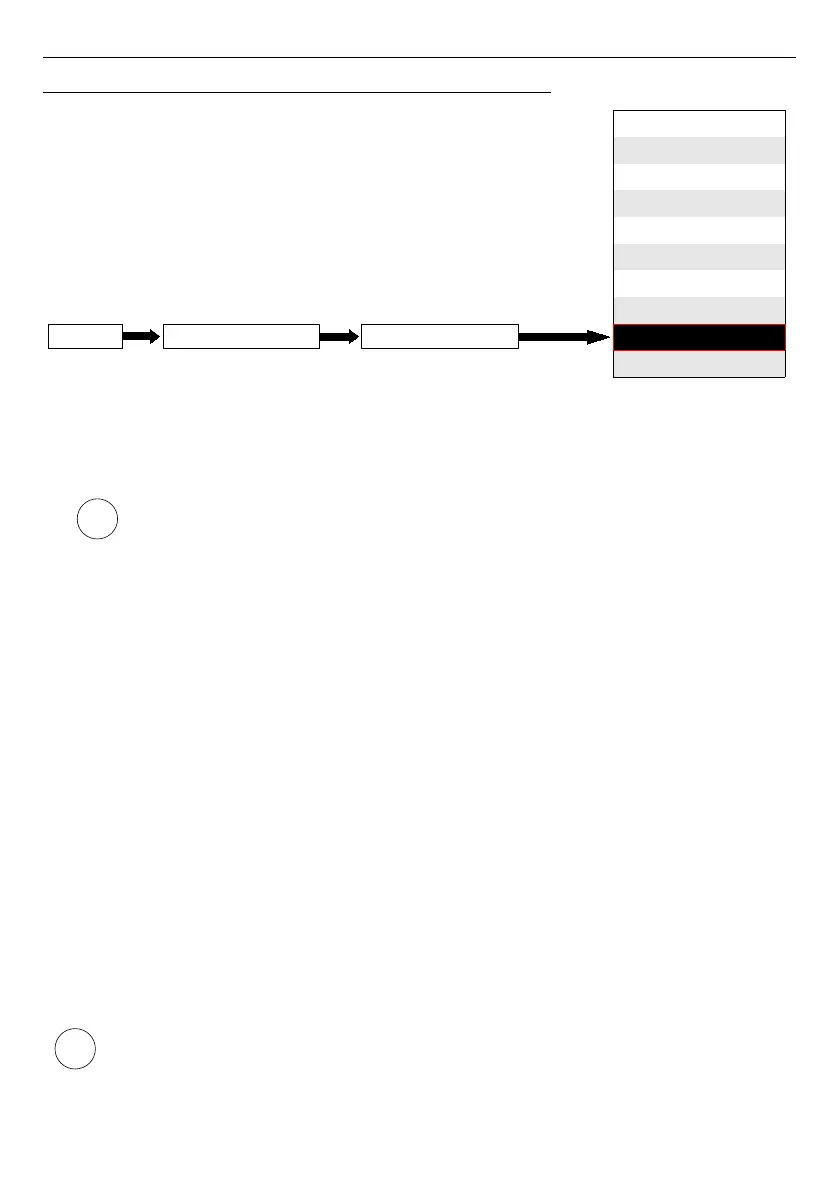
7.8.9. Logical Channels - Profile/timer (cycle counter) mode
This mode is similar to
Profile/timer
mode
but instead of using the signal generated by
the Profile/timer, the number of cycles elapsed by the profile is transferred to the logical
channel.
Cycle counter is generated depending on the
Looping
parameter value, ie when
Looping=disabled
the cycle counter is equal to 0.
The parameters of the
Logical channel
in
Profile/timer (cycle counter)
mode should be:
–
Name
- it gives the name to the logical channel,
–
Unit
- for
Built-in modules
it will automatically use the default
Unit
, to change the
unit use the
Scaling
parameter in
Processing
parameter block, to create unit use
the
Scaling
parameter (for more information see
Chapter 7.8.1. Logical Channels -
General settings
),
–
Mode=Profile/timer
- in this parameter user selects the source of data for the logical
channel,
–
Source
- this parameter allows the user to select a Profile/timer from the list
(
8 Profiles/timers
are implemented in the device), the selected option will be the
data source for this logical channel.
–
Configure source
- this button allows the user to configure the
Profile/timer
selected in the
Source
parameter. For more information see below in this
Chapter
,
–
Latch
parameter block - allows the user to set the
latch function
which will hold the
last value of a channel (discussed in
Chapter 7.8.1. Logical Channels - General
settings
),
–
Processing
parameter block - is used for scaling and filtering data (discussed in
Chapter 7.8.1. Logical Channels - General settings
),
–
Displaying
parameter block - for these parameters the user selects the format and
range of the data displayed on the screen (discussed in
Chapter 7.8.1. Logical
Channels - General settings
),
Before selecting or after selecting the
Prodfile/timer
from the list inside the Logical
channel, the user must configure the selected Profile/timer by pressing the
Configure source
button or enter into the
Profiles/timers
menu,
109
i
i
disabled
Hardware input
Hardware output monitor
Modbus
Set point value
Math function
Controller
Profile/timer
Profile/timer (cycle counter)
Data from other channel
Logical channelDevice configurationMENU
Mode



 To Next Page