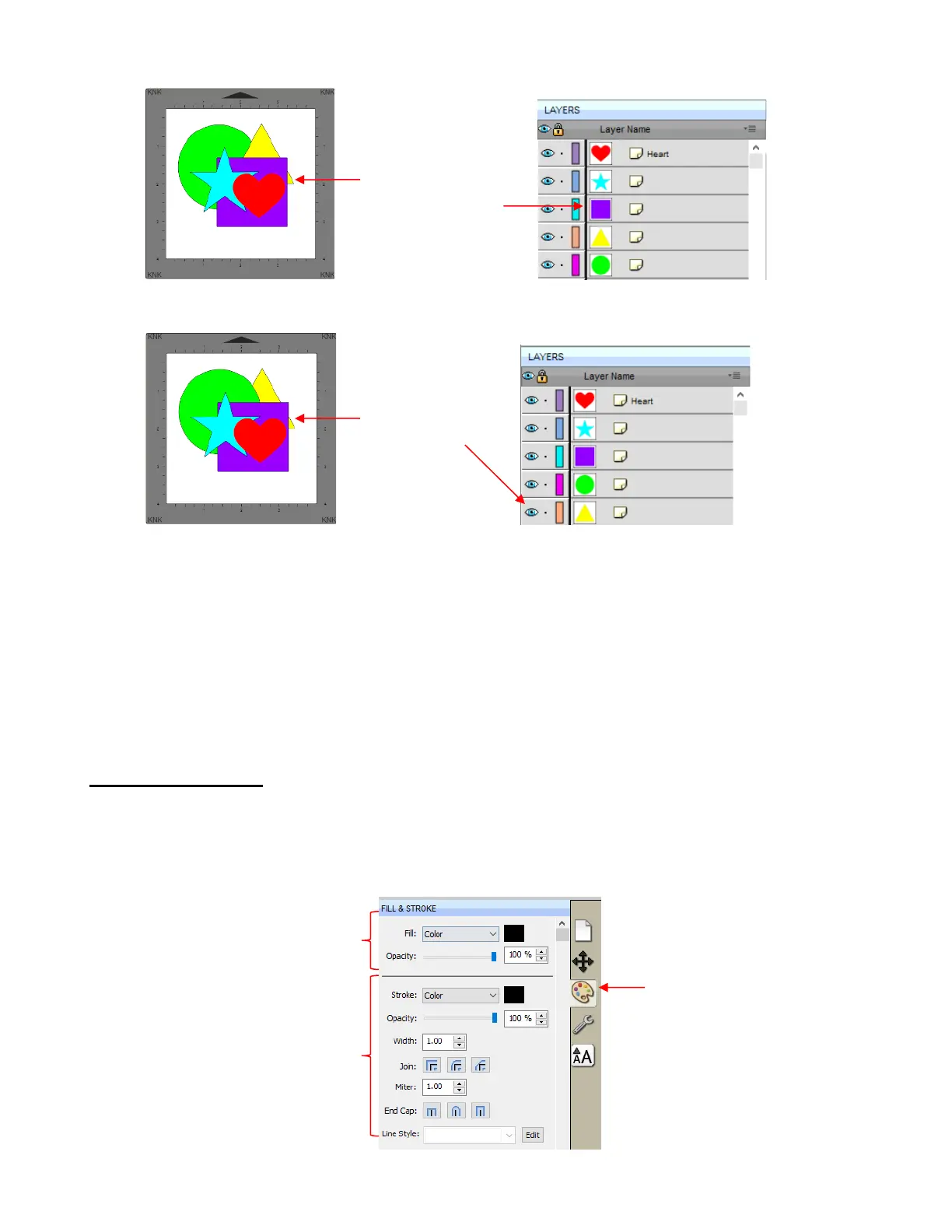
• It is worth noting that if any of the other layers had been locked or hidden, the movement of the triangle
would have been the same. In other words, if the red heart had been hidden and/or locked, the triangle
would still have ended up above it using Bring to Front.
• There are also shortcut keys (Windows version only) for these four Arrange functions:
Bring to Front - Ctrl+Shift+Up
Bring Forward - Ctrl+Up
Send Backward - Ctrl+Shift+Down
Send to Back - Ctrl+Shift+Down
7.14 Fill & Stroke: Fill
• The Fill & Stroke Panel provides options for changing how a shape or open path appears on the screen
and, in the case of Line Style (solid versus dashed), how it cuts. This can be helpful in designing a project
and also in print and cut applications.
• To open this panel, click on the Fill & Stroke icon on the Properties Panel:



 To Next Page