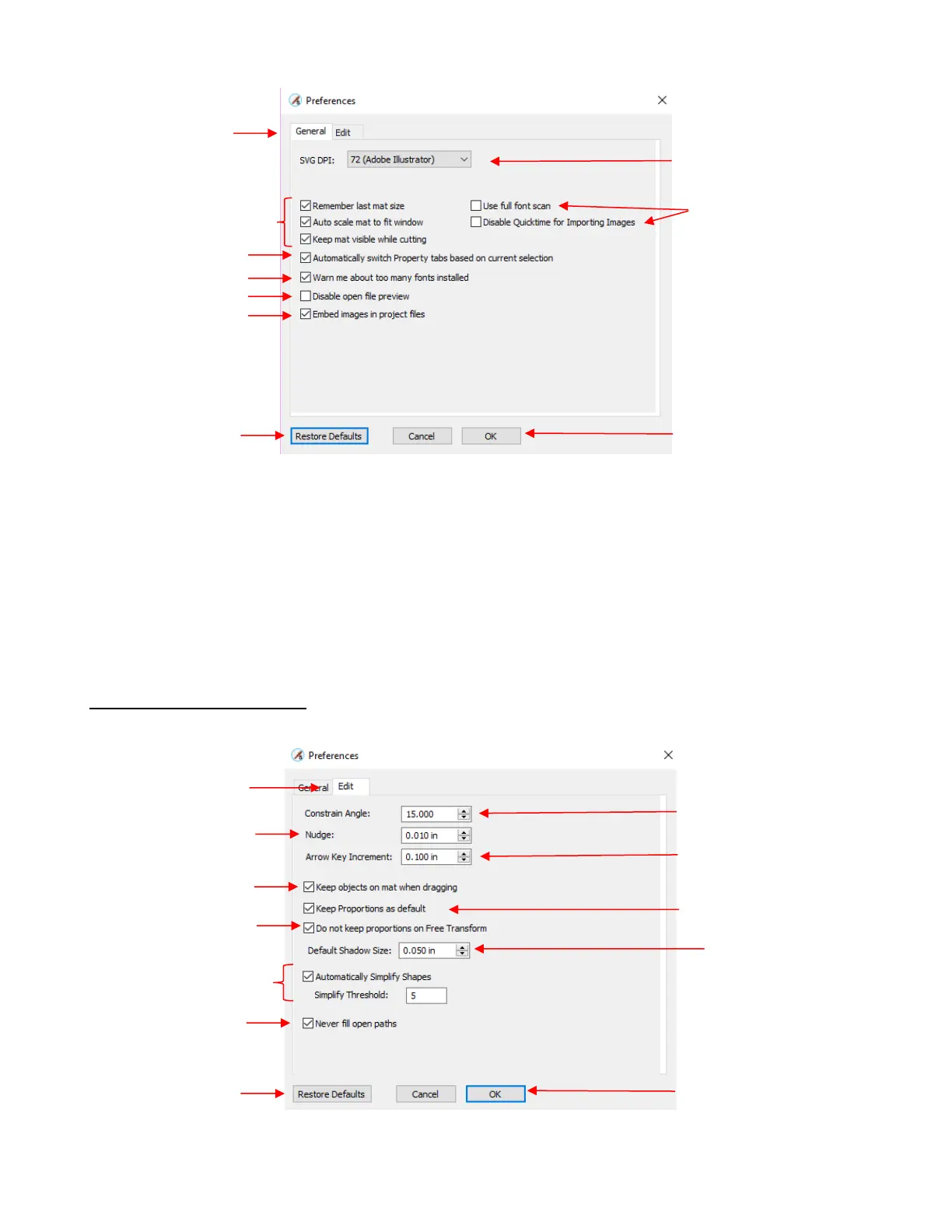
• Automatically switch Property tabs based on current selection: with this option turned on, the
Properties Subpanel related to the task at hand will open. For example, when you select a shape, the
Position & Size Panel will open. When you click on the Type Tool, the Text Panel will open.
• Embed images in project files: With this option marked, any imported raster images (PNG, BMP, JPG,
and GIF) will be retained in the file when the file is saved. Unmarking this option will cause imported raster
images to not be saved, thus not present when you reopen a saved file. Thus, when doing print and cut
applications, you’re most likely going to want that original image saved, so it is highly recommend that this
option remain checked.
C4.2 Preferences: Edit Tab



 To Next Page