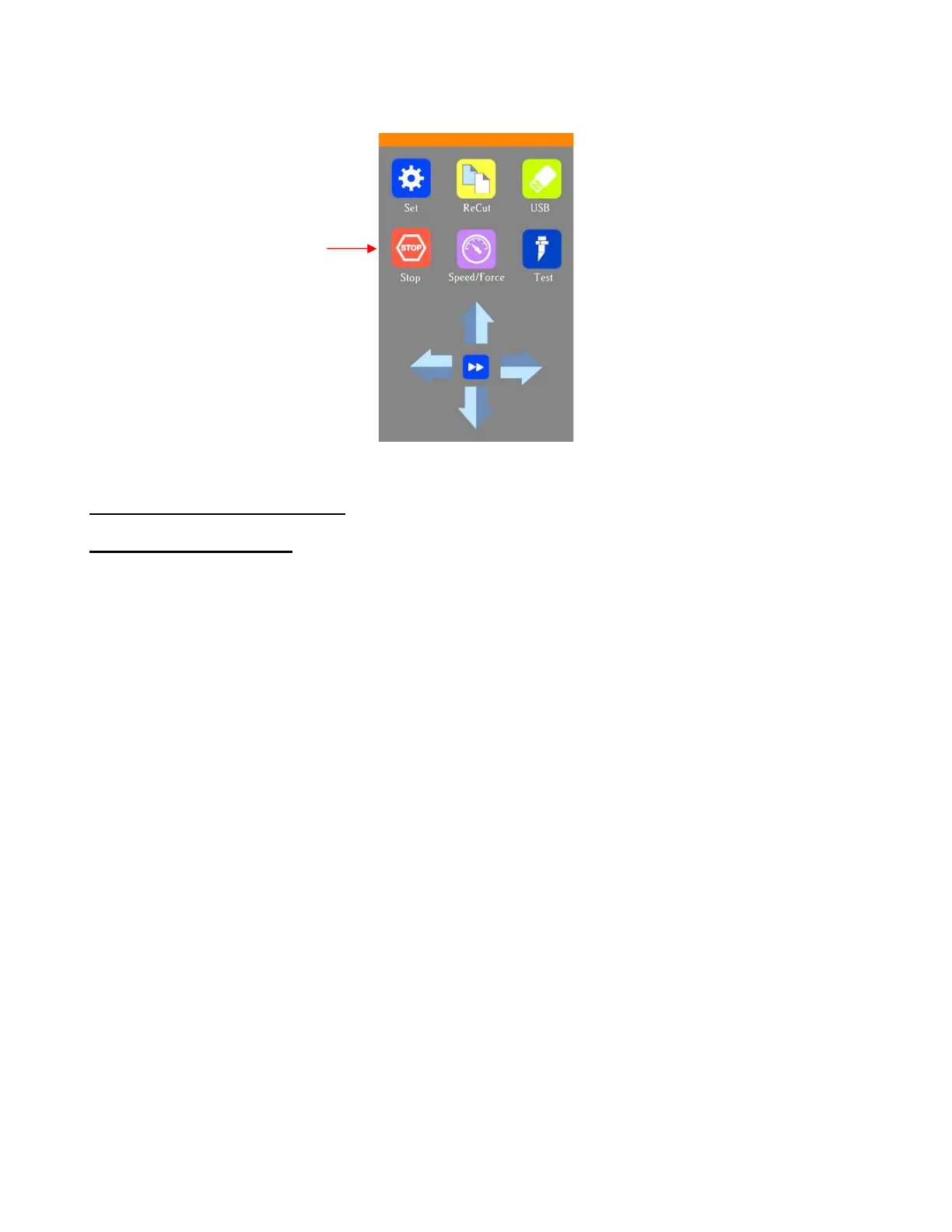
(10) Once the alignment is in place and the arrows have turned blue, press the Home button and then press
Stop on the Main Screen to save the calibration and conclude the process:
3.04 Performing a PNC in SCAL
3.04.1 Summary of Steps
• Here are the typical steps when performing a PNC application:
Prepare the image(s) that will be printed which can include the following:
o An imported raster image such as a JPG or PNG or BMP file
o A vector image (either imported or designed in SCAL) that will be printed but not cut
o Text that will printed but not cut
Prepare the cut lines which can include:
o The resulting cut lines from tracing imported raster files. Refer to Section 9.03 for details on using
the Trace function in SCAL.
o A contour cut around the outside of the traced image: Refer to Sections 10.05, 11.05, and/or 12.01
for three options to use.
o Any other vector shapes, either imported or designed in SCAL
Make sure shapes that will only be printed are on a different layer than the shapes that will be cut. To do
this, select each layer and open the Style Panel (refer to Section 12.01). Under Cut Line Type choose:
o Print+Cut Cut: for a layer that will only be cut
o Print+Cut Print: for a layer that will only be printed
o Cut: for a layer that will be both printed and cut
Print the project, making sure to mark the option to Print registration marks. You can print a project
using either File>Print or by clicking the Print button in the Print and Cut window.
Perform a test cut so that you know the best cut settings to use. This test cut can often be performed on
the printout itself if there is room in the waste area of the project.
Perform the cutting process, selecting Print+Cut from the Cut Settings window and following the
instructions.



 To Next Page