• Any time you order new blades, check for the recommended Blade Offset on the packaging. However, it’s
not unusual for blades to be slightly off-spec. Based on cutting a rectangle or square, increase or decrease
the Blade Offset in increments of 0.1 or smaller until the shape has perfectly square corners.
2.03.4 Overcut
• Overcut is related to Blade Offset in that it isn’t needed when using a pen, embosser, engraver, and so
forth, because the tips of those tools are aligned with the center of the tools themselves. However, leaving
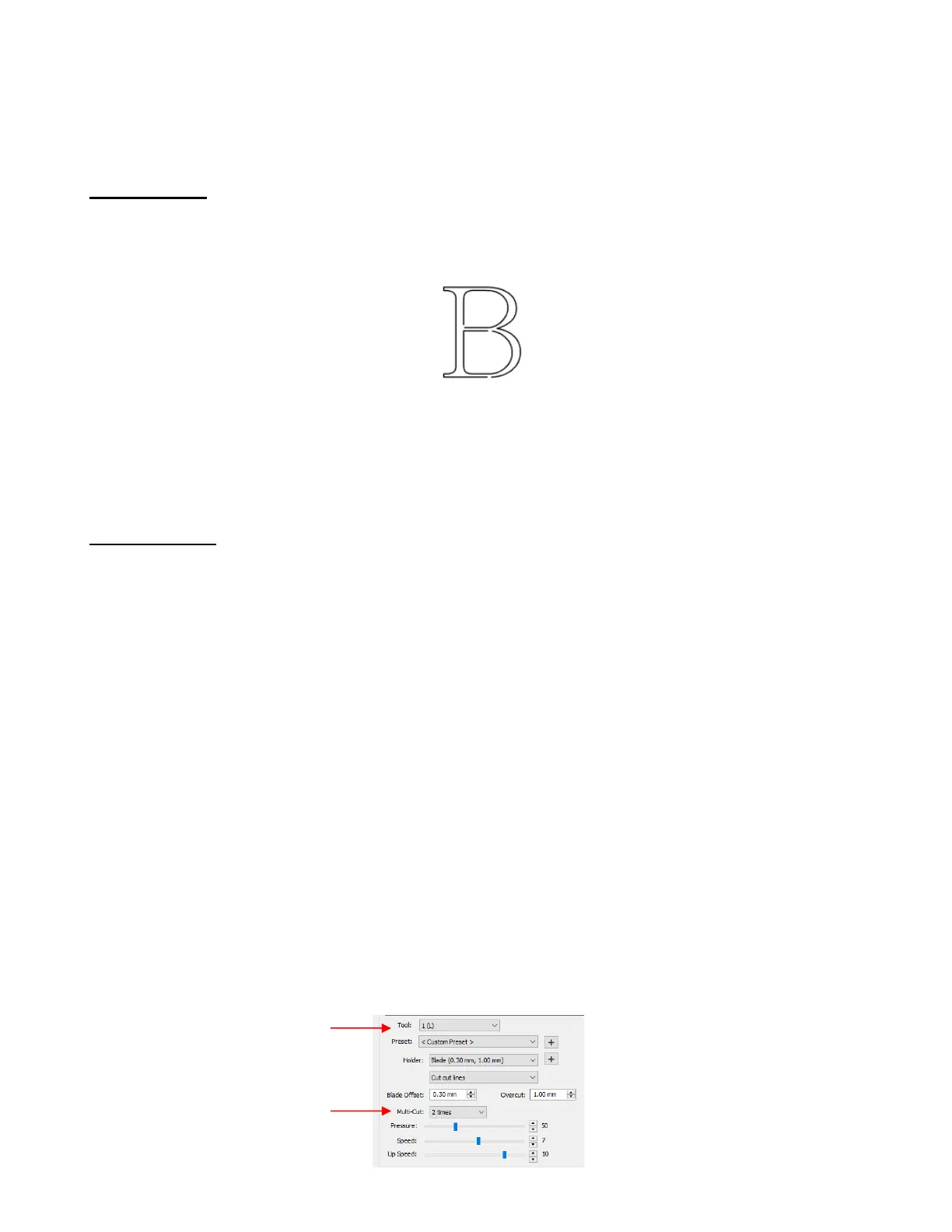
Overcut at 0 when using the blade holder will result in large shapes not quite closing:
• In some cutting programs, Overcut is not a separate setting but rather automatically calculated and applied
based on the Blade Offset entered. However, in SCAL, you can enter an actual Overcut setting and should
do so any time a blade is used.
• In general, the blade type doesn’t greatly affect the Overcut required. Try using 1.00 mm. In the event you
cut a large closed shape, like an 8” circle, you may find that you’ll need to increase Overcut to 2.00 mm.
2.03.5 Multi-Cut
• The Multi-cut setting (also referred to as Passes or Quantity Set) causes each individual path to be cut the
set number of passes before the blade moves to the next path to cut. This is better than just repeating the
entire cut as each repeated pass is cut with the blade held down throughout the repeated passes, resulting
in cleaner cutting.
• In general, when increasing Multi-Cut, the Pressure setting can be decreased. For example, you may find
a cardstock that requires a Pressure of 55 to cut in a single pass will only need a Pressure of 45 if cutting
in two passes.
• Multi-cut is recommended in the following situations:
Cutting thicker denser materials, such as chipboard, where multiple passes allow the blade to
progressively “carve” through the material
Cutting certain fibrous materials, such as fabric, where a second pass will ensure that all of the fibers
have been cleanly cut
Cutting intricate or detailed shapes (such as script titles) from certain materials, such as heavy or
textured cardstock, where a single pass may leave certain spots not cleanly cut
Cutting rhinestone template material where a second pass results in much cleaner weeding of the cut
circles
Using the scoring tool for creasing thicker materials
• When using the left side only, setting Multi-cut is straightforward. Select the number of desired passes in
the drop-down Multi-cut menu:



 To Next Page