4. Accessory Tools
4.00 Quick Reference for Chapter 4
• How to calibrate an accessory tool with the blade holder or other tool: Section 4.01
• How to draw with the test pen and cut around the drawing: Section 4.02.1
• How to score and cut a fold-up, print and cut (contour cut) project: Section 4.03.2
• How to emboss cardstock: Section 4.03.3
• How to engrave a metal tag: Section 4.04.1
4.01 Dual Head Calibration
• In Section 3.03, the camera calibration was presented showing how to make sure the blade holder is
calibrated with the camera. A similar calibration is also needed to make sure the right and left blade holder
seats are perfectly aligned with one another. This then allows you to do accurate draw-and-cut, score-and-
cut, engrave-and-cut, and other combined tool applications.
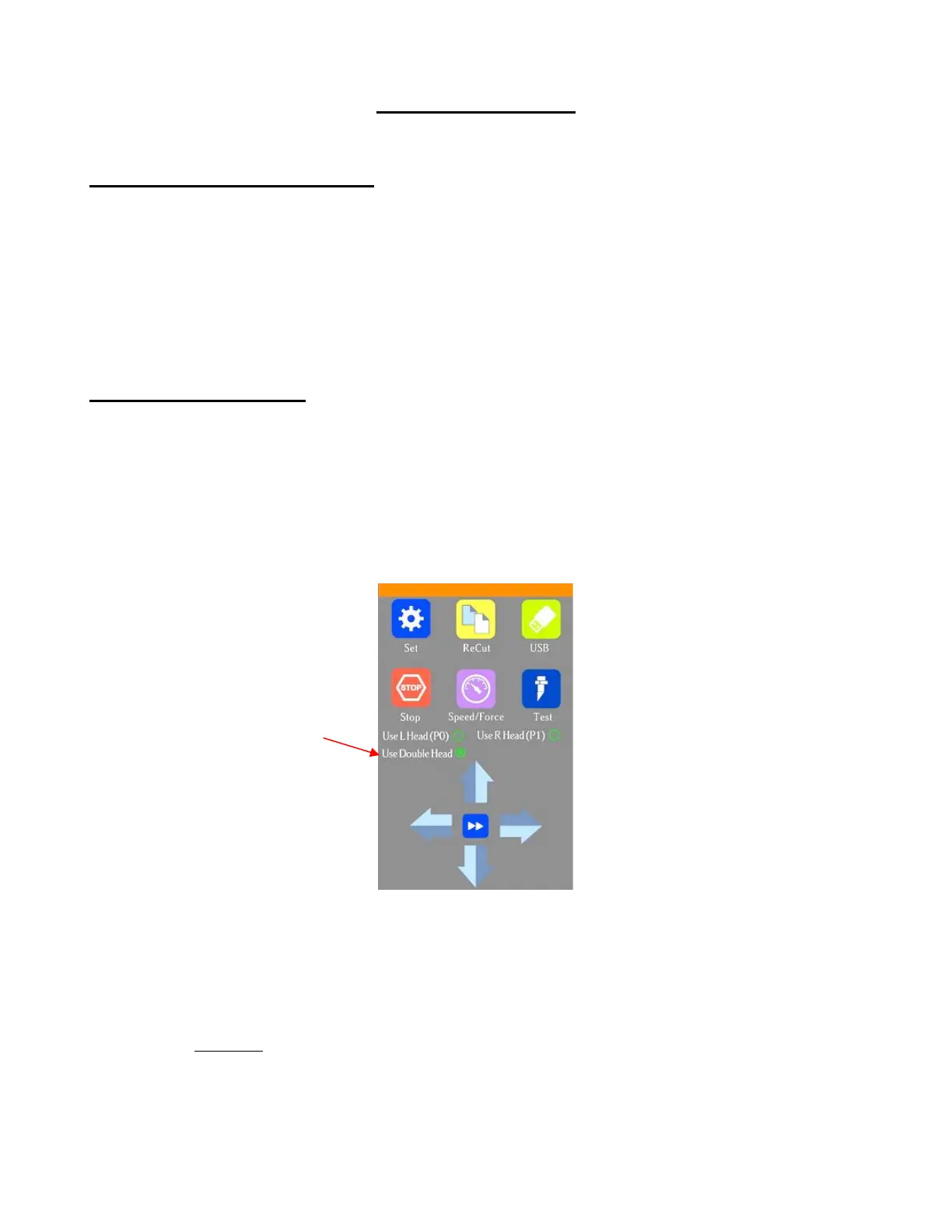
(1) On the control panel’s Main Screen, make sure the Use Double Head option is selected. If you do not see
any of these options, click on Set>Advanced settings>System mode and select double. Then, back on
the Main Screen, the options should now be available:
(2) Insert a sheet of paper into the Skycut, either on the cutting mat or directly inserted. Load a test pen into
both the left and right-side blade holder seats, making sure the pen nib is a little ways above the paper, as
you did in Section 1.13. You can also use a stack of 35 Post It notes as presented in Section 2.01.3.
(3) Select the Speed/Force function and make sure both sides are set to a suitable Force for drawing: ~ 30 –
40.
(4) Make sure both pens are over the paper. On the Main Screen, select Set>Camera to open the camera
calibration screen:



 To Next Page