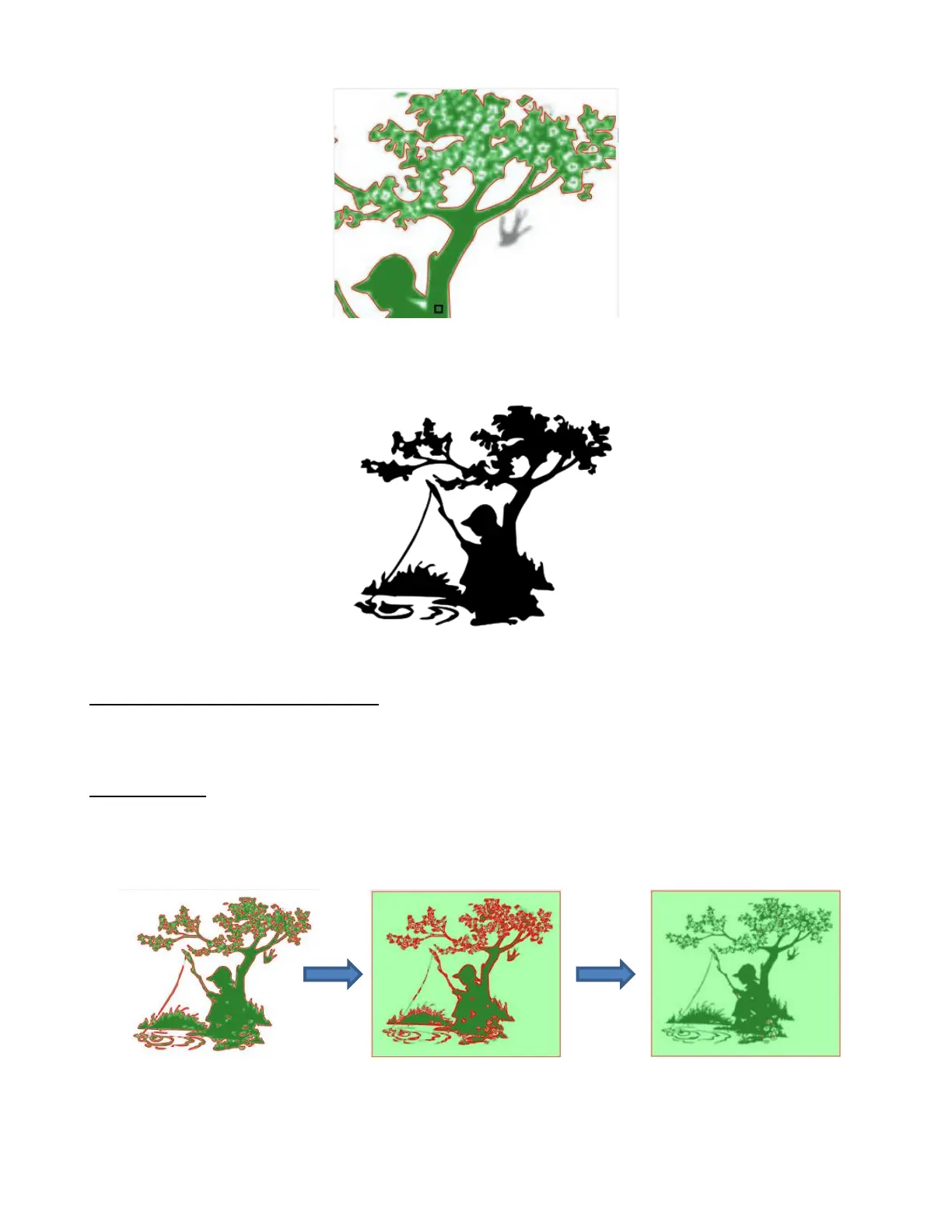
• Click on OK and the resulting changes from both masks have been applied:
9.03.12 High Pass Filter Application
• The High Pass Filter setting is used to improve the tracing of photographs and other challenging images.
The setting ranges from 0 to 20.
Improved Detail
• In the following example, the first image is with High Pass Filter turned off. The subsequent images show
what happens as the High Pass Filter is set a 0, 1, 10, and 20. Obviously, none of these appear to be what
you would want:



 To Next Page