3.04.2 Step-by-Step Sample PNC Project
(1) If you are new to SCAL, you may want to read a few sections in order to be more familiar with certain
functions. The following are recommended: 5.02, 5.04, 5.05, 5.06, 6.04, 7.02.1, 7.04, 7.05.1, and 7.17.4.
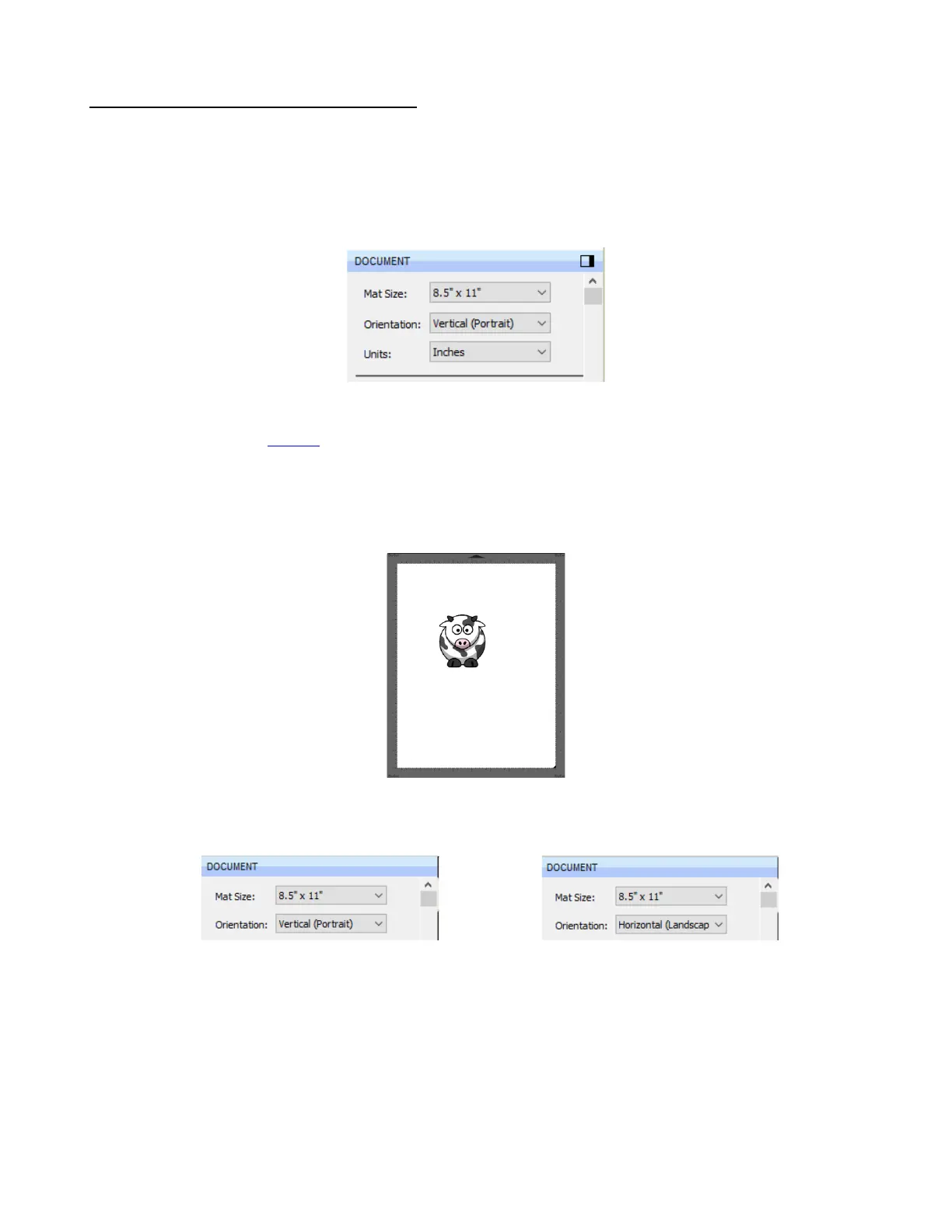
(2) The Cutting Mat dimensions can be any size you choose. For convenience, Letter size (8.5” x 11”) will be
used since it matches the paper size that will be used for printing in the screenshots. But you can use a
much large size than your printout if, for example, you prefer to match the actual cutting mat:
To create a custom sized mat, refer to Section 5.06.1.
(3) For this project, go to this link and download the SCAL5 Sample Images zip file. It contains a number of
different images used in Chapter 9 for learning SCAL5’s tracing function.
(4) To keep things simple for this exercise, a PNG file with a transparent background will be selected because
SCAL has the ability to automatically recognize the border of the image and create the necessary cut line.
The file selected is called Cartoon Cow. Use File>Import to open this file onto the Cutting Mat:
(5) For Orientation, you may choose either Vertical (Portrait) mode or Horizontal (Landscape) mode,
whichever one you’re most accustomed to using. This is selected on the Document Panel:



 To Next Page