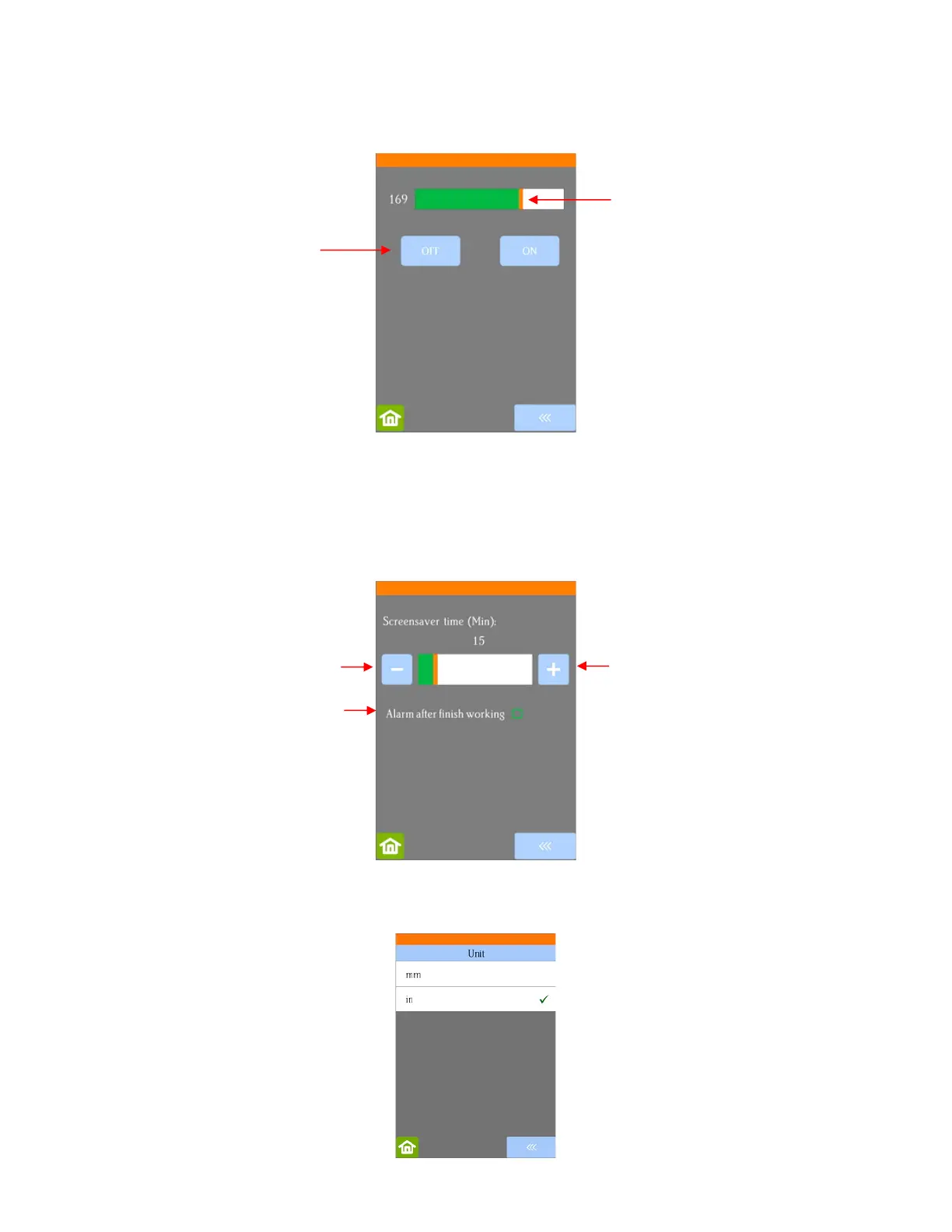
• LED set allows you to change the brightness of the light inside the Skycut or even turn it off:
• Screen and alarm has two settings:
Screensaver time: Set a black-out time, in minutes, for the control panel
Alarm after finish working: When a job is complete, have an alarm sound (five beeps)
• Unit allows you to choose either inches or mm for settings such as Show Point and the Spacing setting
under Array.



 To Next Page