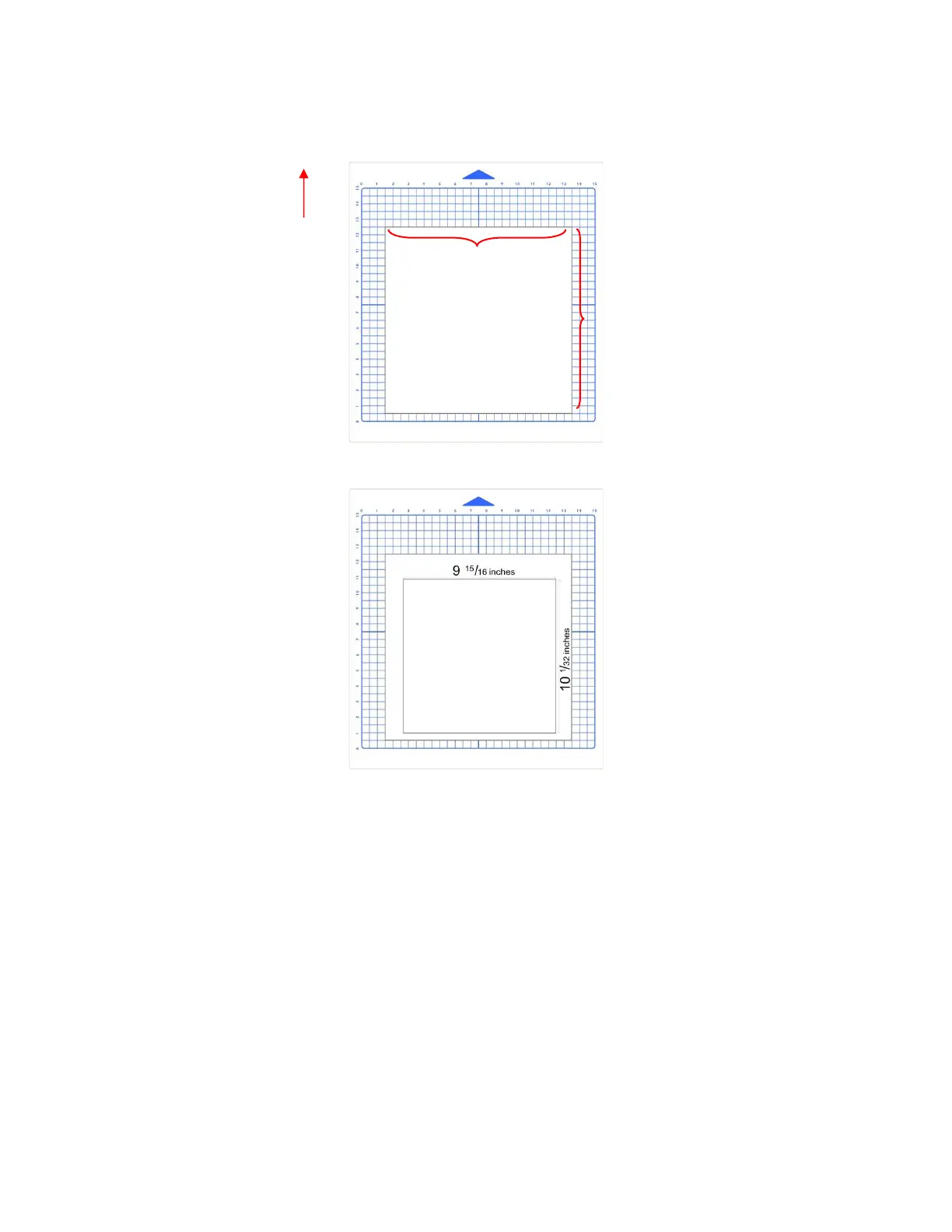
• Draw the square on your paper using the test pen. Then, using a ruler, carefully measure the Width (the
left-to-right length that drew) and the Height (the top-to-bottom length that drew. Note that it doesn’t matter
if you had Portrait or Landscape selected in SCAL. It’s the same as shown below:
• Write those measurements onto your sheet:
• Use a calculator to calculate the X Scale and Y Scale based on the measurements you obtained versus the
size in SCA:
New X Scale = Width of the square in SCAL divided by the measured width
= 10 / 9
15
/
16
= 10 / 9.9375
= 1.0063
New Y Scale = Height of the square in SCAL divided by the measured height
= 10 / 10
1
/
32
= 10 / 10.03125
= 0.9969
• Return to the Scale screen (Set>Advanced Settings>Scale) and use the + and – buttons to enter the
calibrations:



 To Next Page