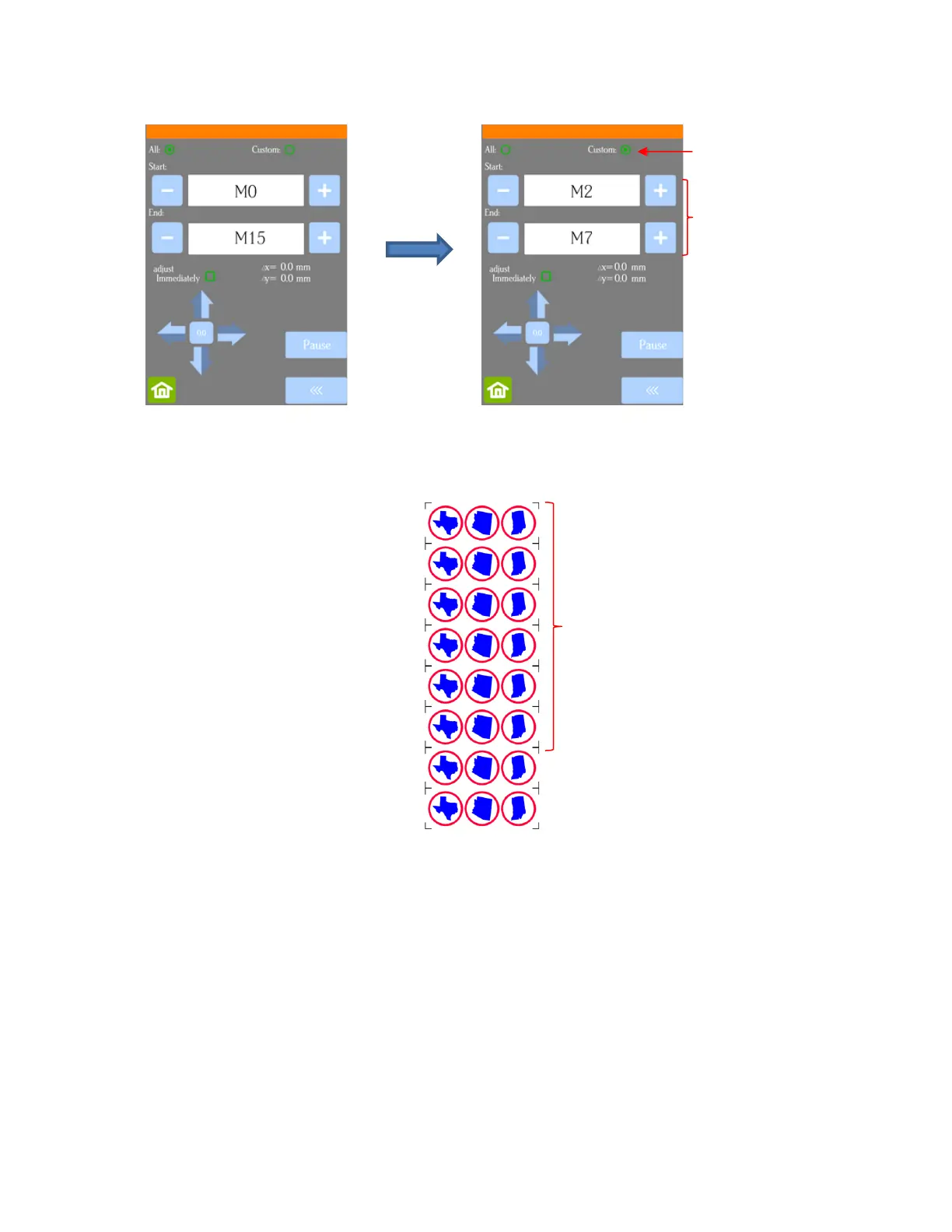
The resulting sets will be sent versus the entire project:
• To tweak the calibration after a cut has begun:
Press the Pause button on the Home screen to immediately stop the cutting.
Press the USB button on the Home screen.
Press the Mark Set button.
Mark the adjust Immediately option. Then click on the arrow buttons to adjust the Δx and Δy by the
amount and in the direction you need the cut line to move:



 To Next Page