73
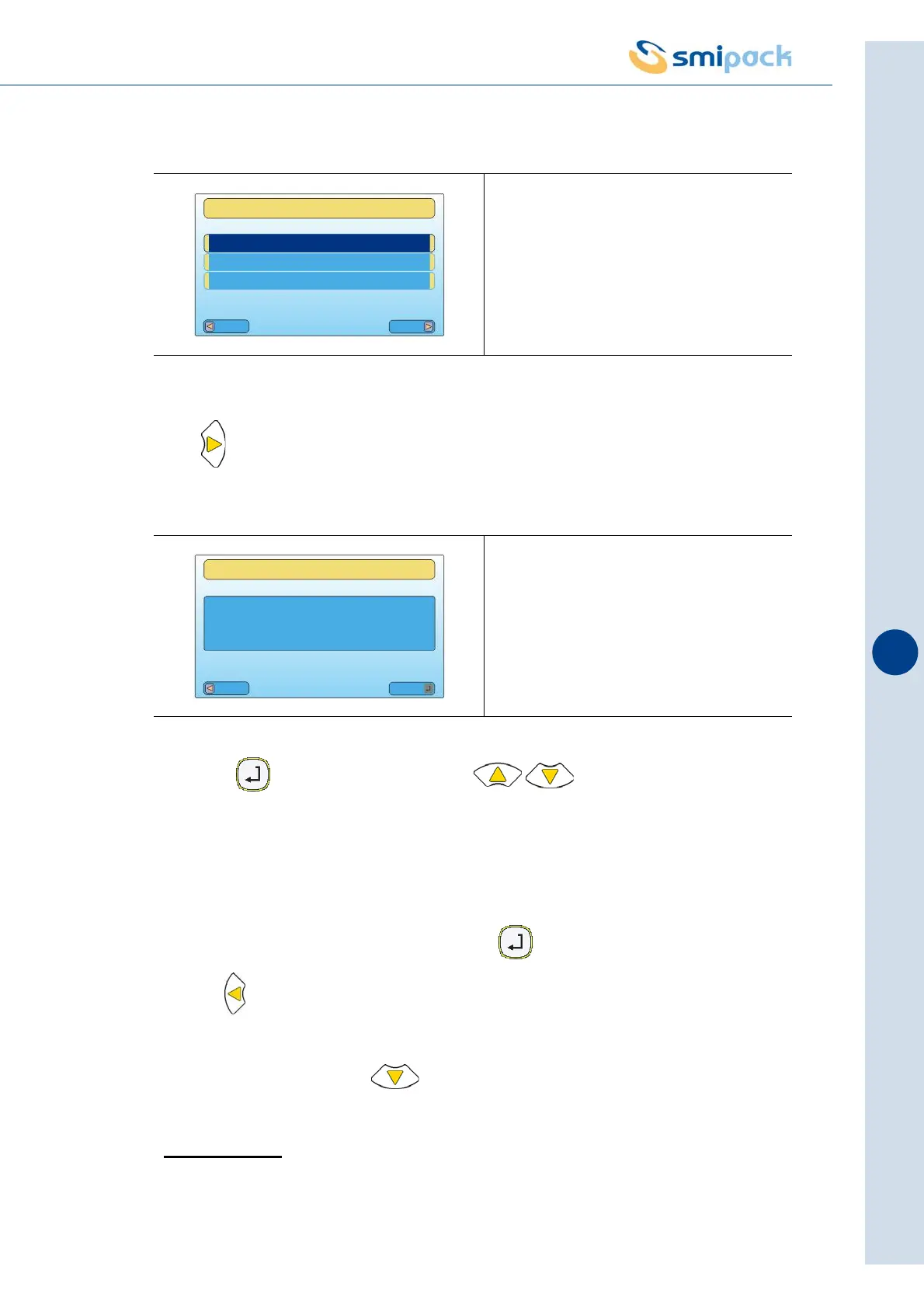
Press to access format choice. (M01.........M20)
Press the key and then, using the keys, choose memory to be
activated.
The machine can be programmed with a maximum for 20 memories (M01, M02, M03
.......M020).
The parameters that will be modified inside the "FORMAT PARAMETERS" menu will refer to
the activate memory; the active format is preceded by the symbol *.
To save data modified inside this menu press the key; to exit the menu without saving,
press the key for three seconds.
To display all parameters contained in the "FORMAT PARAMETERS"menu (sealing bar, pack,
.............save format) press the key multiple times.
>SEALING BAR
This menu is required to adjust the parameters that manage the operation of the sealing bar.
Fig. 9.13.1
Fig. 9.13.2
Esc
Menu
FORMAT PARAMETERS
MAIN MENU
OPERATOR MENU
DATA DISPLAY
Esc
Mod
FORMAT PARAMETERS
FORMAT SELECTION
* M01 MODEL 01



 To Next Page