9 - Operation and use
98
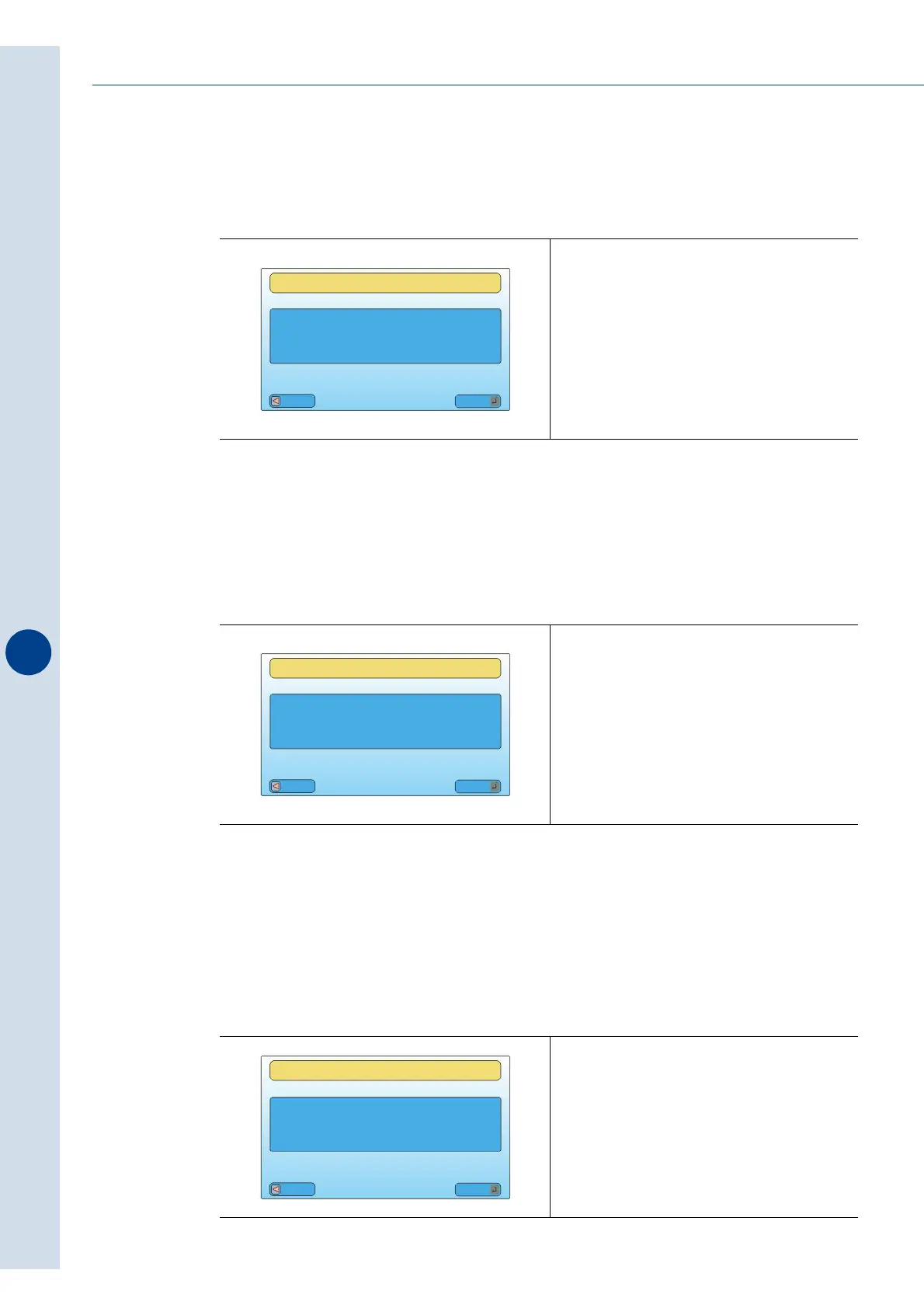
3 - Choice of metric units of measurement
This menu allows you to select the display of all the units of measurements of the parameters,
in millimetres or inches.
4 - Choice of temperature unit of measurement
This menu allows you to select the display of all the units of measurements of the parameters,
in °C (Celsius) or °F (Fahrenheit).
5 - Display reset
When turning on the machine the display will show:
• the initial display will be displayed by setting YES.
• the last menu displayed for more than 5 minutes will appear by setting NO.
Fig. 9.16.3
Fig. 9.16.4
Fig. 9.16.5
SET LCD
MILLIMETRES TO INCHES
CONVERSION
Esc
Mod
NO
SET LCD
TEMPERATURES
IN FAHRENHEIT
Esc
Mod
NO
SET LCD
Esc
Mod
RESET DISPLAY
YES



 To Next Page