105
Using the Solar-Log™ Android App
8.2 Add plants
You can monitor as many plants with the App as are connected with a Solar-Log™.
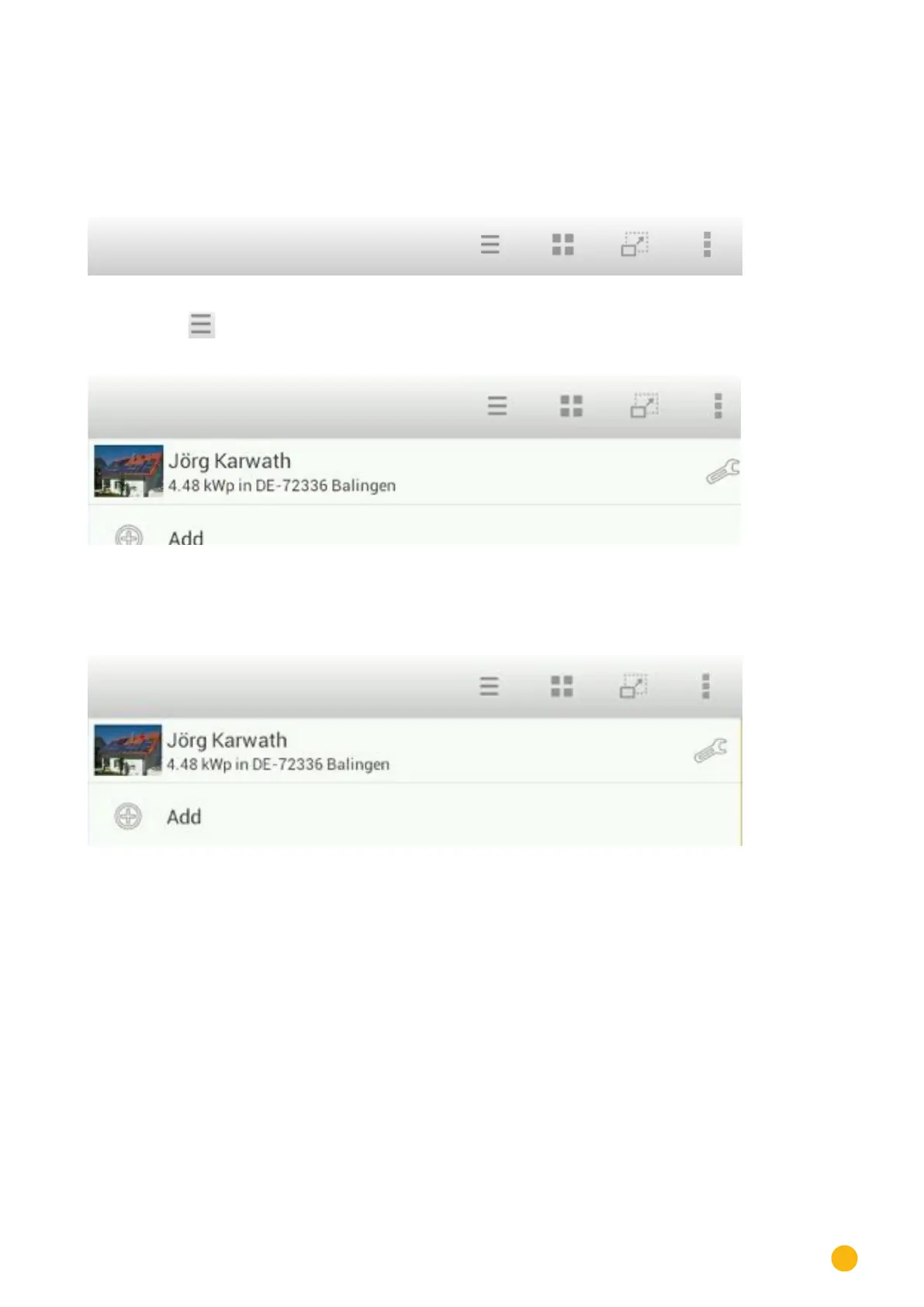
1. Go to the toolbar to monitor a plant.
Fig.: The App's toolbar
2. Touch the symbol in the toolbar.
Fig.: Adding a plant to the App
3. Touch the plus symbol.
• The screen
Solar-Log™ App Access Data is then displayed.
Fig.: Entering the plant's access data
4. Enter the URL, Serial Number and Password from the registration email that you received from
Solare Datensysteme GmbH.
5. After that tap on the button
Load.



 To Next Page
 Loading...






