50
Operating via a web browser within your own network
2.10.8 Accessing Support
To access the Support menu, go to Diagnostic | Support.
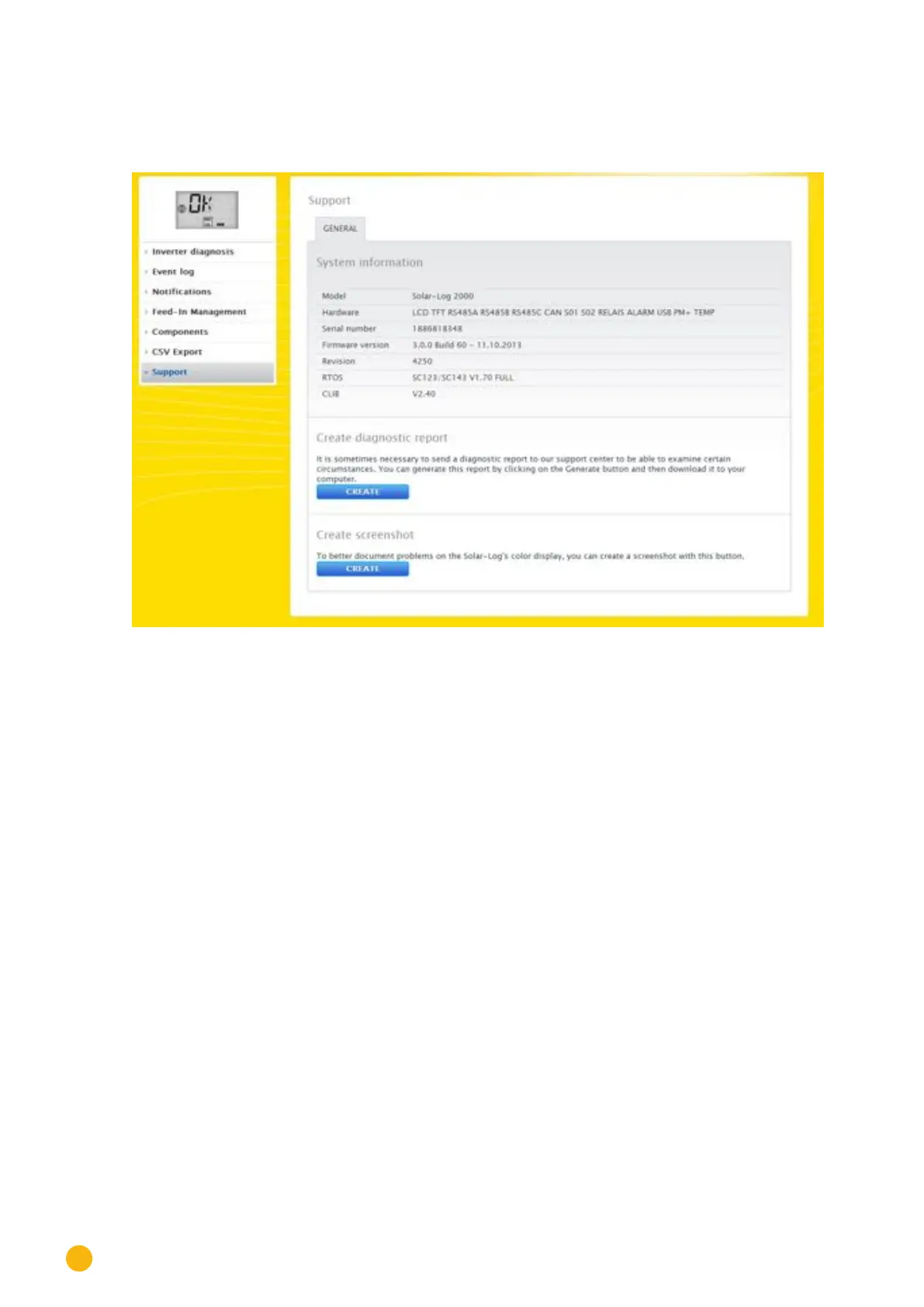
Fig.: Support - General
There are three sections under the Support | General menu:
•
System Information:
The following information is available in this tab:
• Model (type of Solar-Log™).
• Hardware (hardware components available for the device).
• Solar-Log™ serial number.
• Firmware Version and date.
• Revision number.
• RTOS (Solar-Log™ operating system).
• CLIB (Version number of the Solar-Log™ library used).
•
Creating diagnostic reports:
You have the option to create and download a diagnostic report. This can be sent to Solar-Log support for
analysis. (See Fig.: Support - General.)
•
Creating screenshots:
You have the option to create and download screenshots of the display in this section. This can be used to
document errors on the Solar-Log's internal display. (See Fig.: Support - General.)



 To Next Page