Operation Spectroquant
®
Pharo 300
124
ba75703d07 04/2014
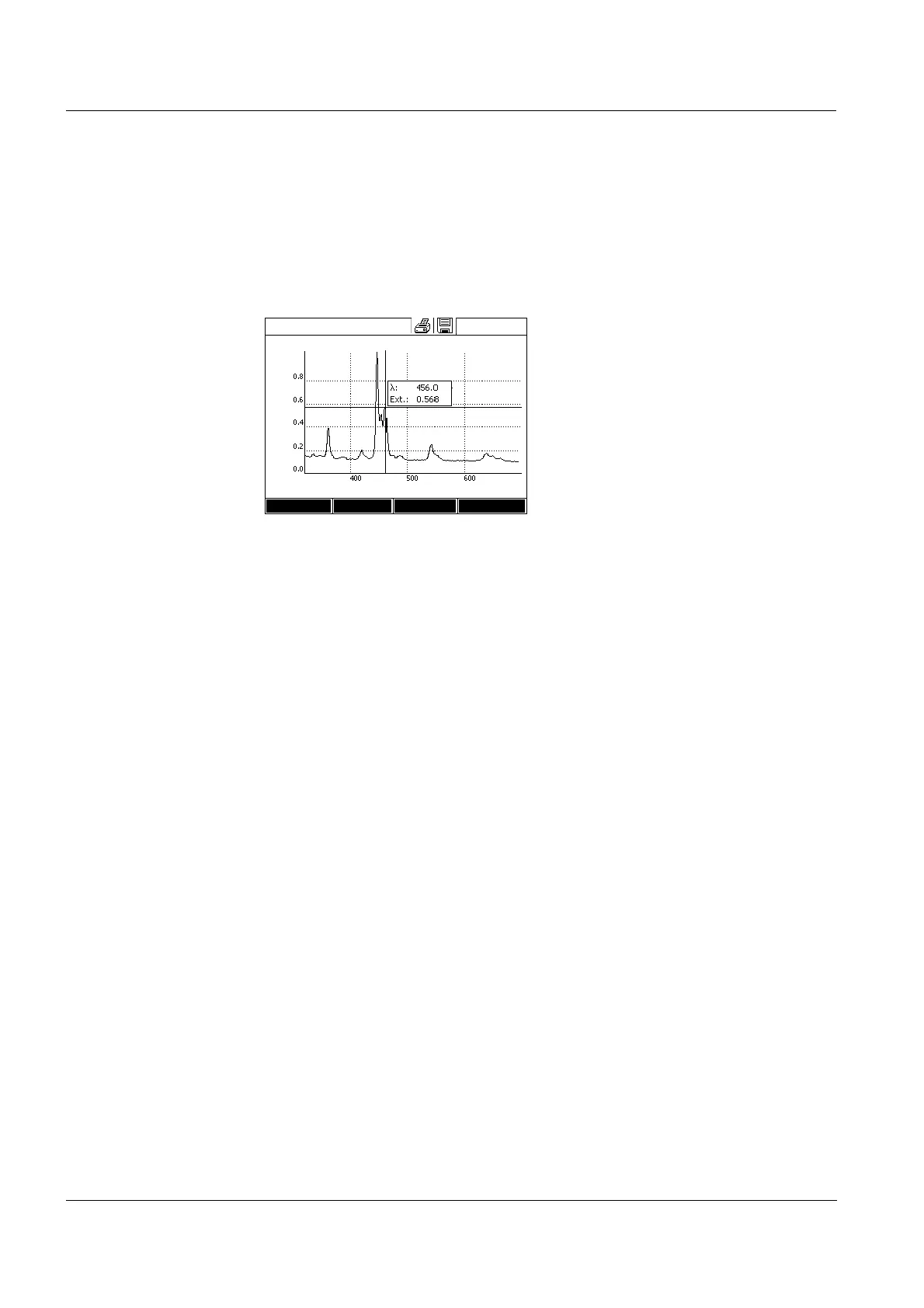
4.8.4 Saving / exporting a spectrum
The saving of a spectrum saves both the edited and the original spectrum.
Consequently, the original spectrum can be restored from each stored spec-
trum.
Saving
Export to a PC Export a stored spectrum to a PC: see section 4.12.3
1 Record a spectrum (see section
4.8.2)
or
Load a stored spectrum (see sec-
tion 4.8.3).
2 If necessary, connect a USB
memory device to the USB-A
interface.
3 Open the save dialog with
<STORE>.
4 If necessary, change the storage
location with [Location]:
Internal DataB folder:
Exchange folder in the instrument
or
USB memory:
USB memory device connected at
the USB-A connection.
5 If necessary, change the file
name.
6 Save the file with
<START ENTER>.
Spectrum
16.04.07 9:52
Wavelength [nm]
Setup Edit Zoom Open



 To Next Page