Commissioning Spectroquant
®
Pharo 300
42
ba75703e07 04/2014
3.3.5 Setting the date and time
During the initial commissioning, the instrument automatically guides you to
the setting of the time and date after the setting of the language.
After the initial commissioning, you can change the date and time in the Gen-
eral setup / Date/Time menu at any time (see section 4.2.4).
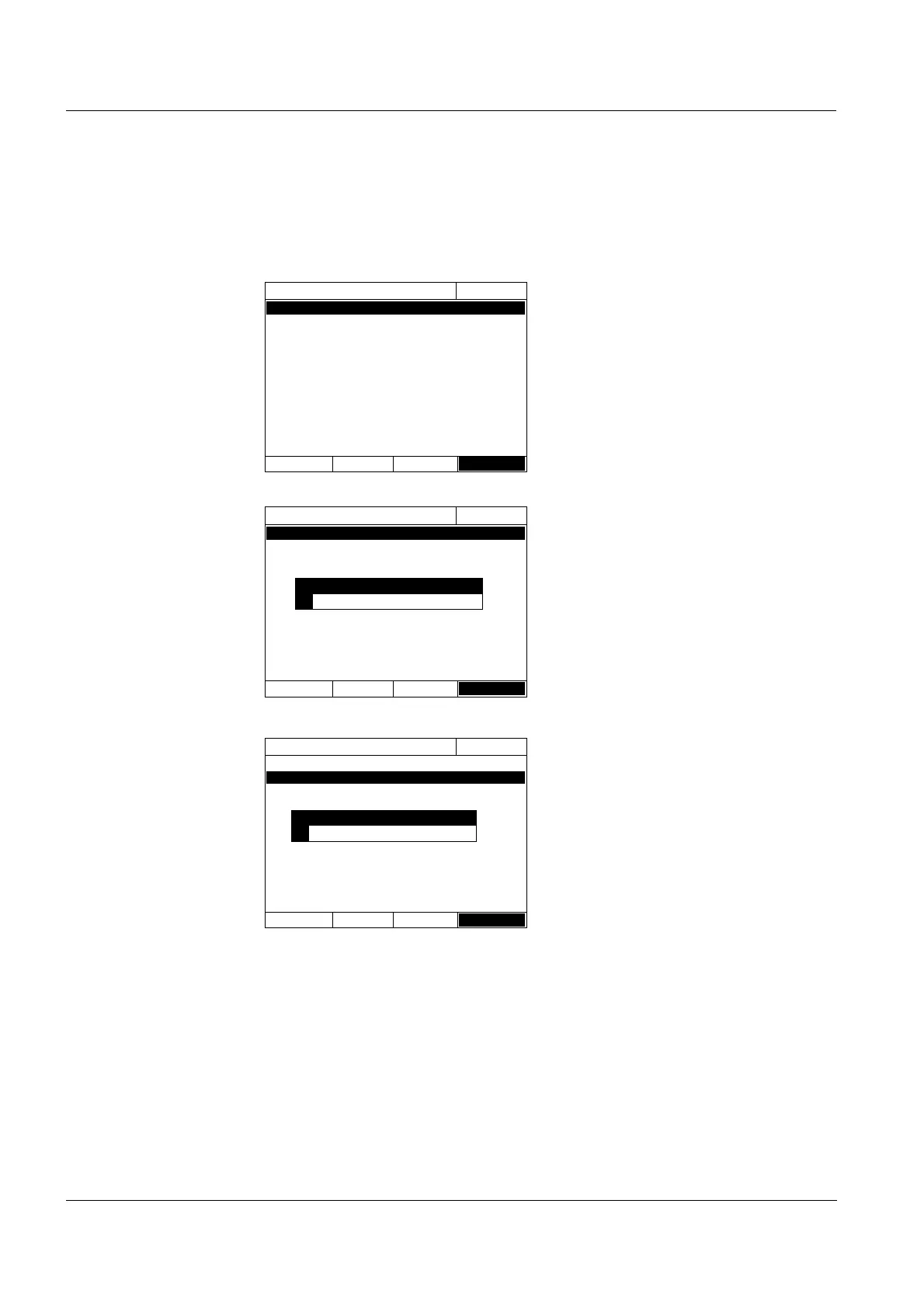
The Date/Time menu is open.
Using <▲><▼>, select a menu
item and
confirm or open it with
<START ENTER>
.
1 Select and confirm Date.
The input field for the current date
pops up.
2 Enter the current date with <0...9>
and confirm.
The input field closes.
The date is accepted.
3 Select and confirm Time.
The input field for the current time
pops up.
4 Enter the current time with <0...9>
and confirm.
The input field closes.
The time is accepted.
Date/Time
16.04.07 9:52
Date 16.04.2007
Time 9:52:09
OK
Date/Time
16.04.07 9:52
Date 16.04.2007
Time 9:52:09
OK
Date
23 .10.2006
Date/Time
16.04.07 9:52
Date 16.04.2007
Time 9:52:09
OK
Time
10
:22:09



 To Next Page