Operation Spectroquant
®
Pharo 300
150
ba75703d07 04/2014
4.11.9 Erasing stored measurement datasets
If you no longer need any stored measurement datasets, you can erase them
individually or altogether.
Erasure functions The following erasure functions are available.
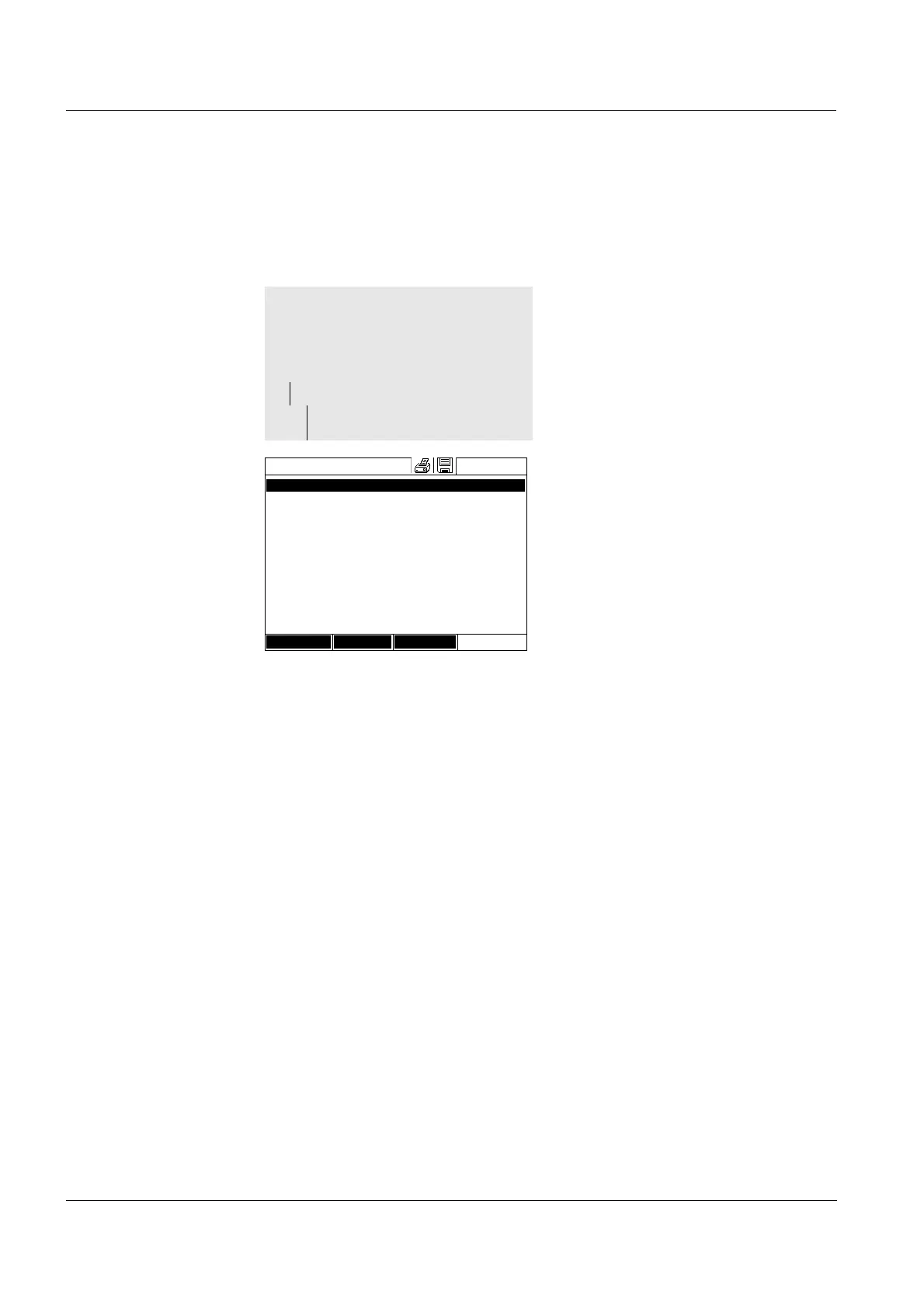
The Measurement data memory
list is displayed.
The filter settings used last are
active.
<HOME>
Concentration,
Absorbance / % Transmission, or
Special / Multi wavelengths
– [Setup]
– Measurement data
memory
Measurement data memory
16.04.07 9:52
27.03.07 14:00 3.50 mg/l Ni Administrator
AutoStore
27.03.07 14:05 3.64 mg/l Ni Administrator
AutoStore
27.03.07 14:10 3.69 mg/l Ni Administrator
AutoStore
27.03.07 14:15 3.72 mg/l Ni Administrator
AutoStore
27.03.07 14:20 3.72 mg/l Ni Administrator
AutoStore
27.03.07 14:25 3.75 mg/l Ni Administrator
AutoStore
27.03.07 14:30 3.73 mg/l Ni Administrator
AutoStore
27.03.07 14:35 3.80 mg/l Ni Administrator
AutoStore
27.03.07 14:40 3.78 mg/l Ni Administrator
AutoStore
Filter ✓
Memory space usage: 9/
Setup Single value Delete
Erasing an individual measure-
ment dataset
1 Highlight a measurement dataset.
2 Remove the highlighted measure-
ment dataset with [Delete].
Erasing all measurement datasets
of the displayed list
1 Open the setting menu with
[Setup].
2 Select and confirm Delete mem-
ory (selected values only).
All measurement datasets corre-
sponding to the current filter crite-
ria are erased.
or
Erasing all measurement datasets Select and confirm Delete mem-
ory (all values).
All measurement datasets are
erased.



 To Next Page